The one difference that decides the bill
Notion and Airtable are often compared as overlapping “workspace databases,” but their pricing rests on mirror-image seat models, and this one structural difference matters more than any feature list:
- Notion charges per member; guests are free (10 on Free, unlimited on paid). Everyone invited inside a free workspace joins as a workspace owner — and the second owner is what triggers the block cap.
- Airtable charges per editor; viewers, commenters, and form submitters are free. A base maintained by 3 people and used by 300 costs 3 seats.
Translate that into your own team: count the people who write and edit. If that number is small but the audience is large, Airtable’s editor-only model wins outright. If everyone on the team actively produces pages and docs, Notion’s unlimited free-guest allowance doesn’t help — they all need member seats — but its solo free tier is effectively unlimited.
This page is a terms comparison built from both official pricing pages, captured in USD on 2026-09-09, plus Notion’s official block-usage help article. No account was created on either product; the Airtable signup itself was unreachable to our automated probes (documented below).
Pricing side by side
| Notion | Airtable | |
|---|---|---|
| Free | $0 | $0 |
| Mid plan | Plus: $10/member/mo yearly · $12 monthly | Team: $20/seat/mo yearly · $24 monthly |
| Top self-serve | Business: $20 yearly · $24 monthly | Business: $45 yearly · $54 monthly |
| Enterprise | Custom | Custom (Enterprise Scale) |
| Who is billed | Every member | Editors only |
| Free collaborators | 10 external guests | 50 commenters; unlimited viewers/form submitters |
| How yearly is displayed | “$10/member/month” — yearly total not printed | “$20/seat/month billed annually” — monthly rate printed alongside |
Notion’s entry paid tier is half the price of Airtable’s per seat, but the comparison is only valid person-by-person: Notion counts a 20-person documentation team as 20 seats even if half only read; Airtable counts that same team as seats only for the ones editing records.
Free plans: two completely different walls
| Notion Free | Airtable Free | |
|---|---|---|
| Core unit | Blocks (content created) | Records (rows per base) |
| Solo usage | Unlimited (1 owner) | Capped: 1,000 records per base |
| Team trigger | 2nd owner → 1,000 blocks/workspace, lifetime | Up to 5 editors regardless |
| Counter behavior | Never resets — deleting blocks doesn’t reduce it | Live capacity within each base |
| Automations | Basic, buttons-only | 100 runs/month, 2-week history |
| File storage | 5 MB per upload | 1 GB per base |
| History | 7 days | 2 weeks |
| AI | Limited trial (all tiers) | 500 AI credits/editor/month |
| Bases / pages | Unlimited published pages; 1 notion.site domain | Unlimited bases; 1 workspace |
| API | Public API included | 1,000 API calls/month |
The walls have different personalities. Airtable’s is predictable and per-base: split a base before row 1,001, watch your 100 automation runs, and you can stay free indefinitely on small workflows. Notion’s is behavior-triggered and cumulative: nothing is capped while you work alone, the cap arrives with the act of inviting a colleague, and the 1,000-block count is a lifetime total that deletion cannot undo (with a three-day grace period documented in Notion’s help center). Inviting a second owner into an already mature solo workspace can push it straight toward the limit.
What each tool is actually for
The overlap is real for lightweight use — trackers, CRMs, wikis, content calendars — but the centers of gravity differ:
Choose Notion when the primary artifact is documents and knowledge: wikis, meeting notes, project docs with embedded databases, public sites, and AI-assisted writing. Databases are one block type among many. Notion Agent and AI Meeting Notes are included starting at Business ($20/member/mo yearly); custom agents are metered at $10 per 1,000 credits on every plan.
Choose Airtable when the primary artifact is structured data at workflow scale: relational bases, forms feeding tables, interfaces on top of records, and automations that move data between systems. The upgrade gradients are steep but explicit — records go 1,000 → 50,000 → 125,000 → 500,000 per base, and automation runs 100 → 25,000 → 100,000 → 500,000 per month. Gantt/timeline views, extensions, and sync integrations start at Team; two-way sync and SAML at Business.
Where teams end up using both: Notion as the internal handbook and meeting layer, Airtable as the operational system of record. The budget question then isn’t either/or — it’s keeping Airtable editor seats narrow while the company lives in Notion member seats.
Signup reality: one form reached, one walled off
Our 2026-09-09 probes found an asymmetry worth recording:
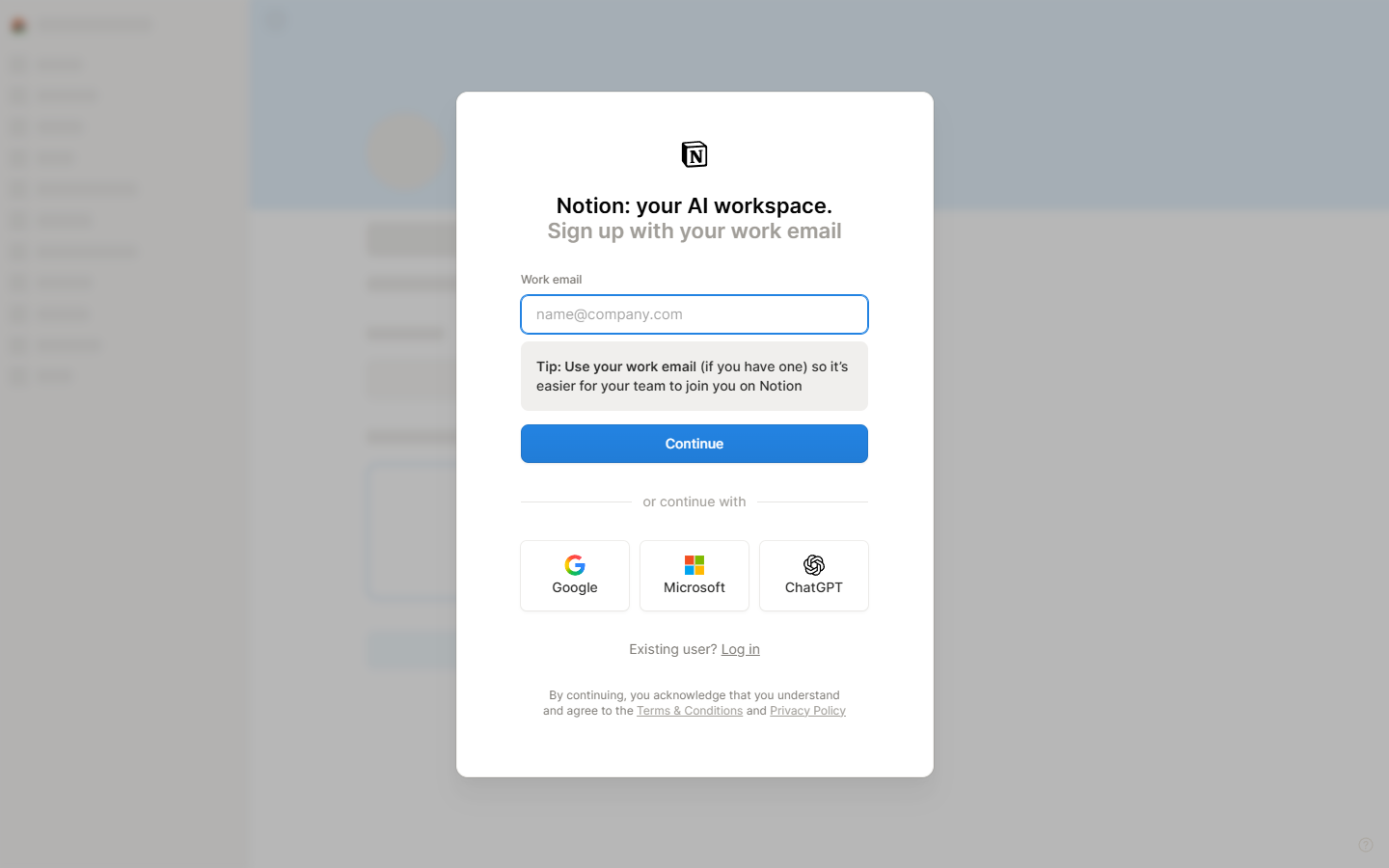
- Notion: the signup modal at app.notion.com rendered in a genuine Chrome session — a single work-email field, Continue CTA, and SSO options (Google/Microsoft/ChatGPT) behind an invisible hCaptcha; no credit-card field on the first screen. (Default headless Chromium is rejected outright as an “unsupported browser.”)
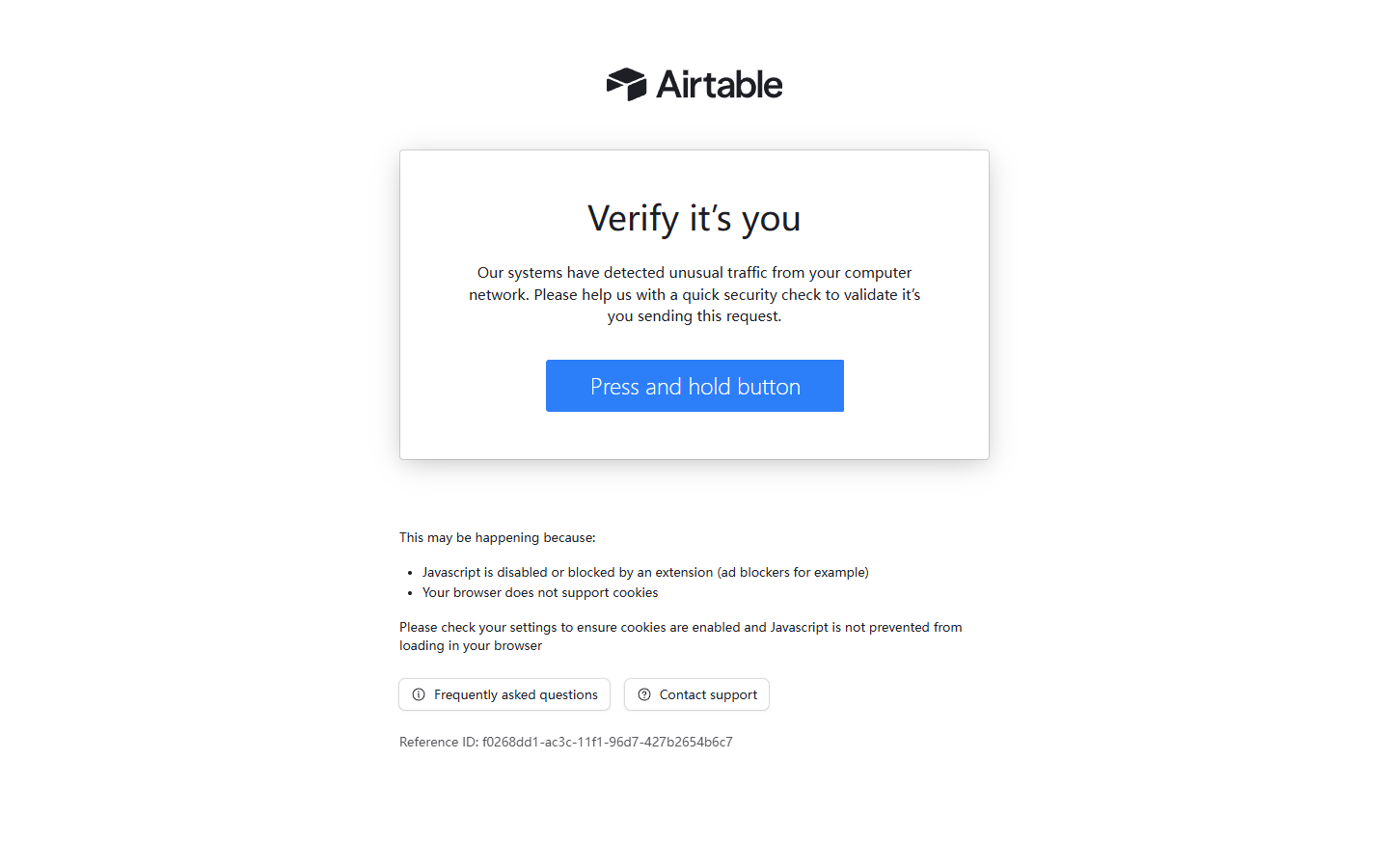
- Airtable: two independent attempts at airtable.com/signup, minutes apart in fresh contexts, both returned a full-page server block — “Verify it’s you… unusual traffic from your computer network” with distinct reference IDs — before any form rendered. A normal residential-browser signup typically won’t meet that wall; our evidence simply does not extend to Airtable’s form, card requirements, or email policy.
Open questions neither pricing page answers
- Neither page prints the one-time annual charge; both show monthly-equivalent rates. “$10 × 12” and “$20 × 12” are arithmetic, confirmed only at checkout.
- Airtable’s Portals add-on is quoted twice on its own page — $120/month (Team card) and $150/month (Business card) for 15 guests, with a footnote citing $127.50 on Business annual. Don’t budget from the marketing card.
- Notion’s education discount and disposable-email acceptance did not surface in verifiable official form during this check; third-party claims aren’t used as fact here.
Bottom line
If the free plan is your starting point: go Airtable for a small team running a bounded, data-driven workflow with many passive users; go Notion for a solo operator or a documents-first team ready to pay per active member. If you’re paying: Notion Plus undercuts Airtable Team per seat, but only the editor count makes the two prices comparable at all.
Both pricing pages captured in USD on 2026-09-09; Notion block rules from its official help center the same day. This comparison is page-verified, not hands-on — see the individual Notion and Airtable terms checks, and our testing methodology.