Hands-on test here; for plan math see Tally pricing 2026 — this page covers the three-week run, that one covers the two tiers, the $290-vs-$288 arithmetic and the fair-use triggers.
Test setup
We tested Tally on August 30, 2026, on Windows 11 with a Chromium browser driven by Playwright automation, plus a human-assisted Google sign-in for the account side (Tally’s signup only accepts Google or Apple — more on that below). The test account stayed on the free plan for the entire run; we did not purchase or trial any paid tier. Every claim in this review is backed by a timestamped screenshot or a downloaded file in the evidence index.
What we tested
F1 — Signup and first run (partial pass)
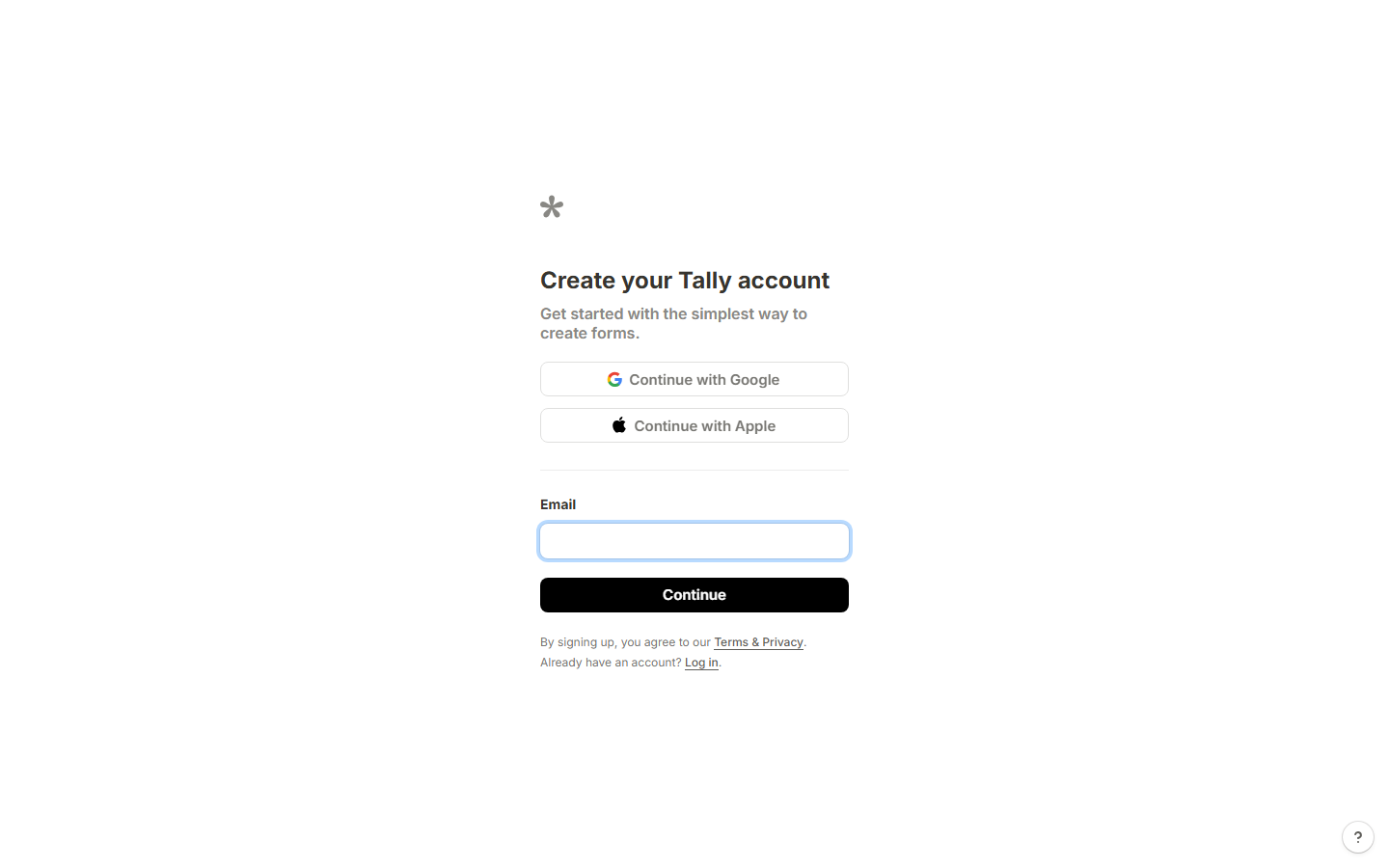
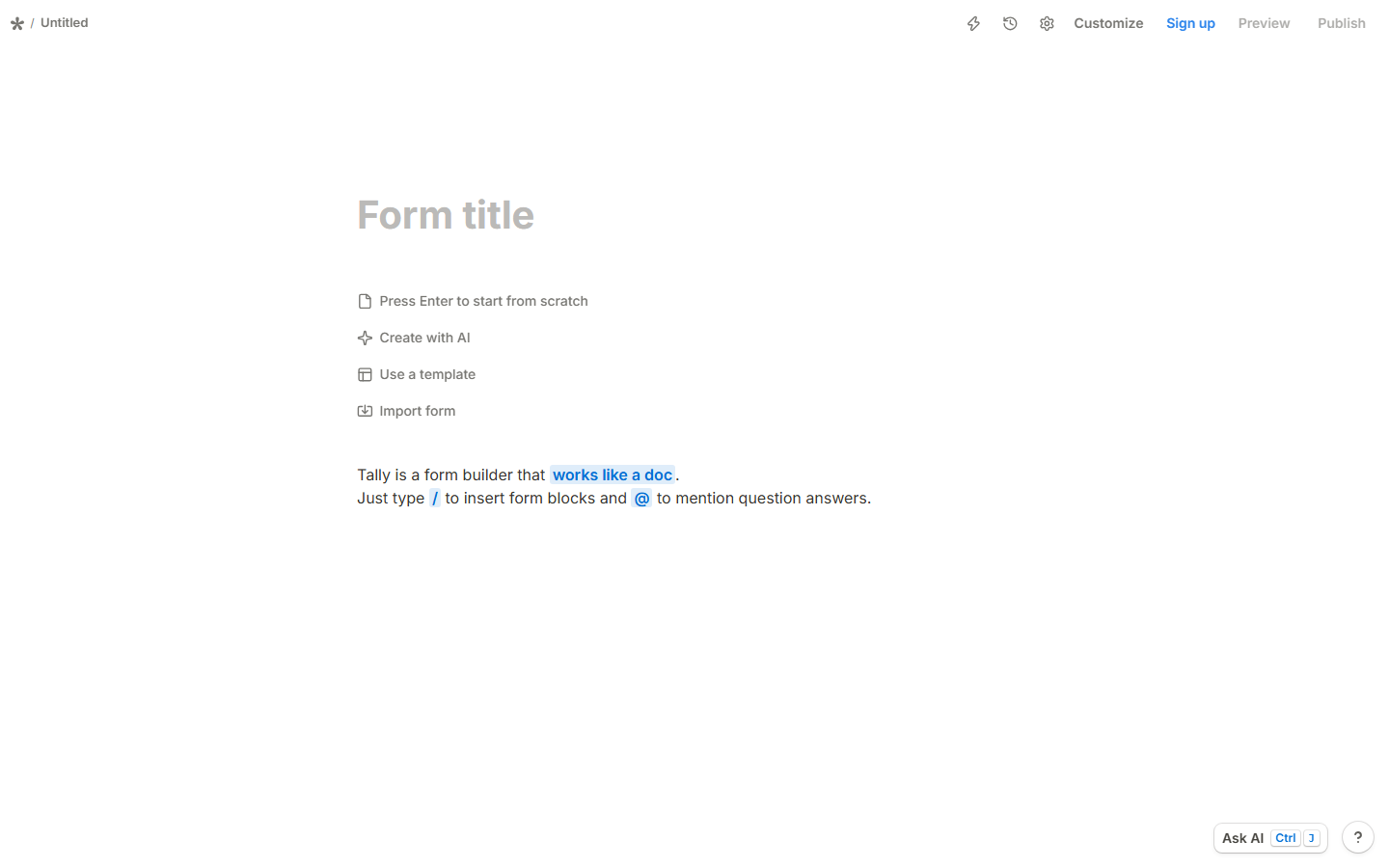
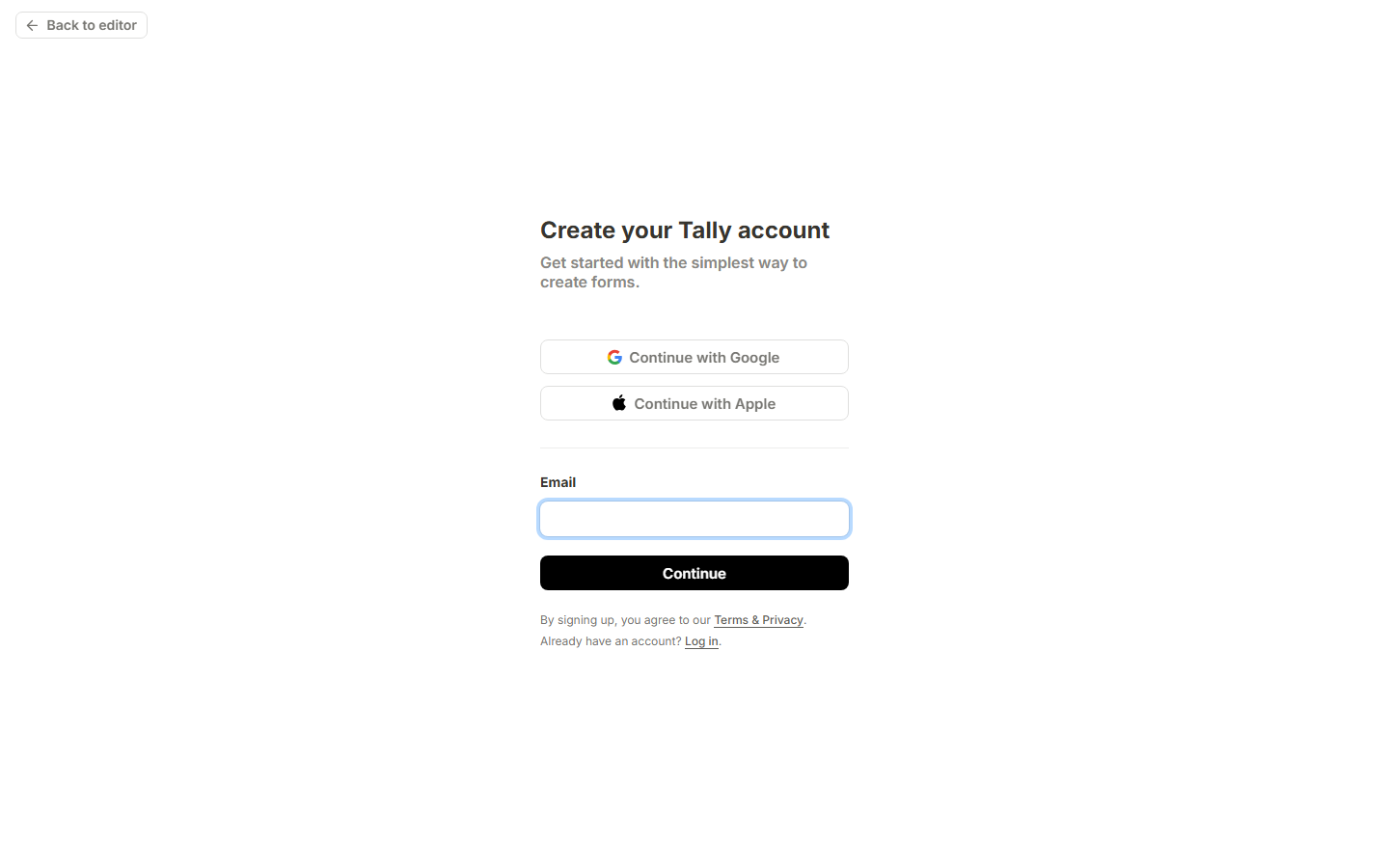
The homepage promises “No signup required,” and that is true for creation: tally.so/create drops you straight into the editor with no account. But the signup page is a different story. Tally offers only Google and Apple OAuth — there is no email+password registration channel. (A login page does accept email+password, but only after an account exists.) We completed signup with a Google account; the whole flow took under a minute after the OAuth hop.
F2 — Building a form (pass, with one real gotcha)
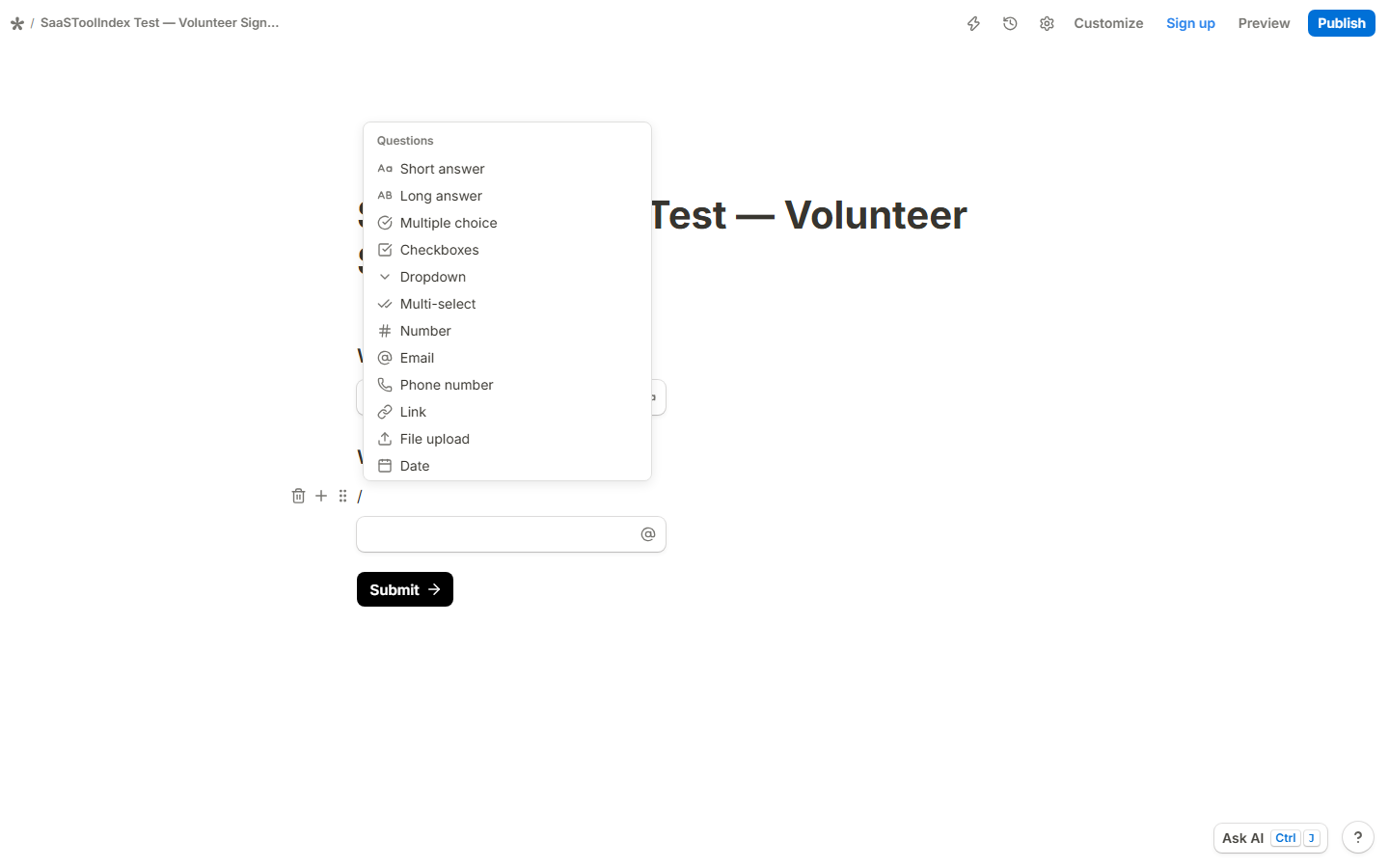
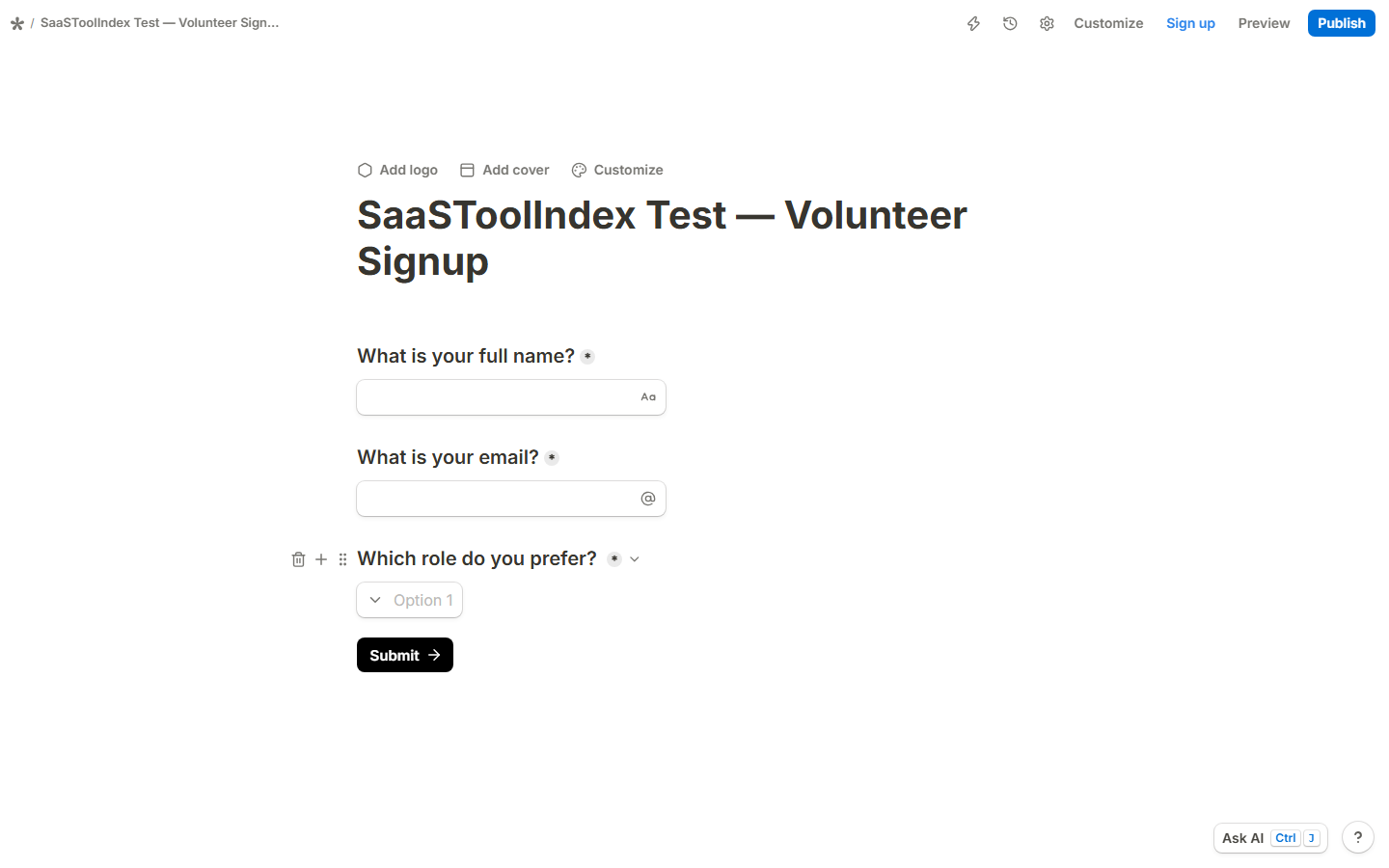
From the empty editor we built a three-field form — short answer, email, dropdown — in 14 seconds (0.24 min, timed from first click to finished form, no tutorial consulted). The doc-like editor is genuinely fast.
The gotcha, which Tally does not surface in the UI: pressing Enter and typing a question creates a text block, not an input field. A first-time user who types questions line by line ends up with a form that displays questions as dead text and submits empty. You must insert fields with slash commands (/short, /email, /dropdown). We verified the difference by reading the block types in the DOM: slash-built fields render as INPUT_TEXT/DROPDOWN_OPTION blocks, typed lines render as TEXT blocks. This is worth knowing before you trust a hand-built Tally form.
F3 — Publishing and visitor view (pass, with a wall)
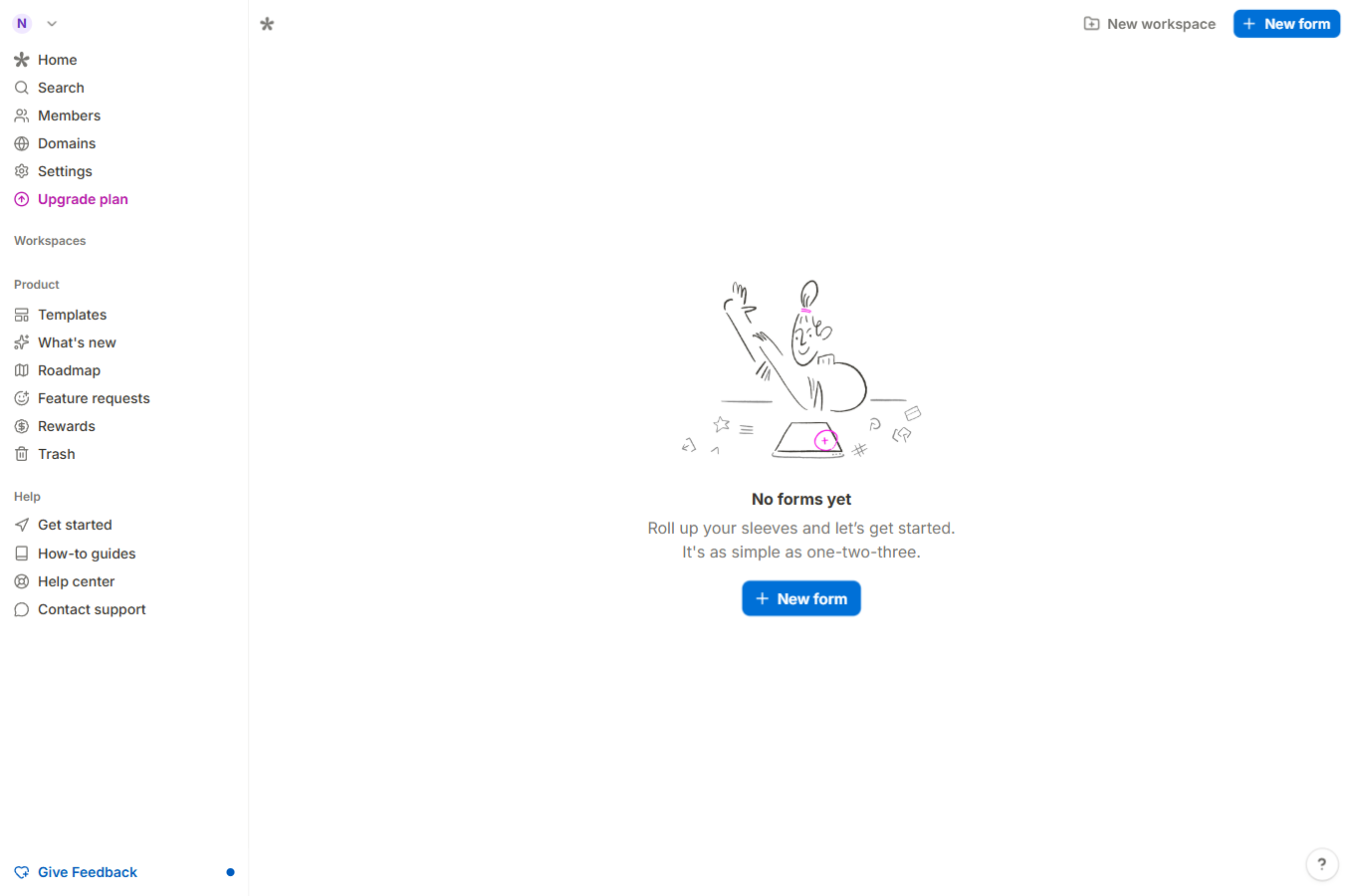
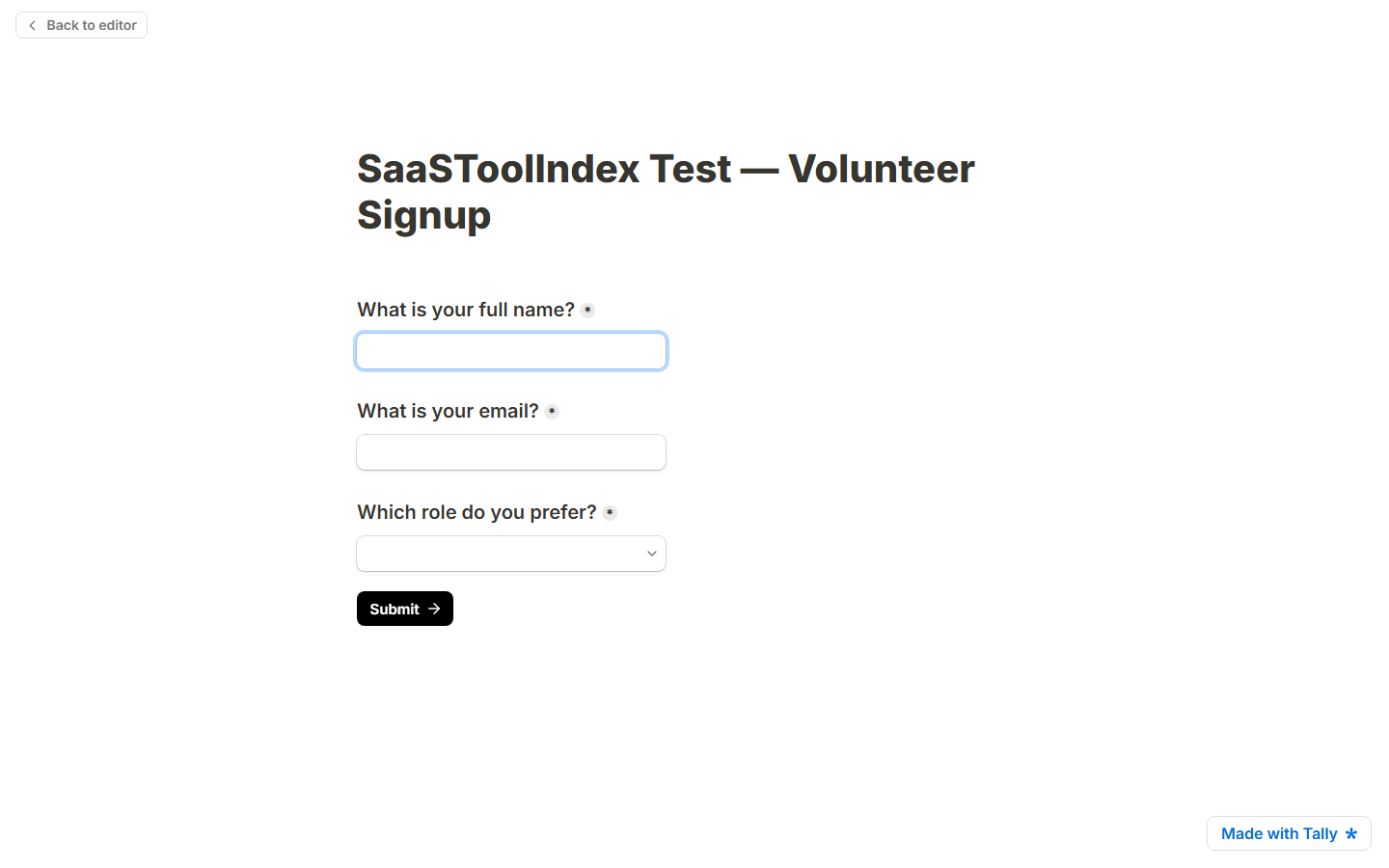
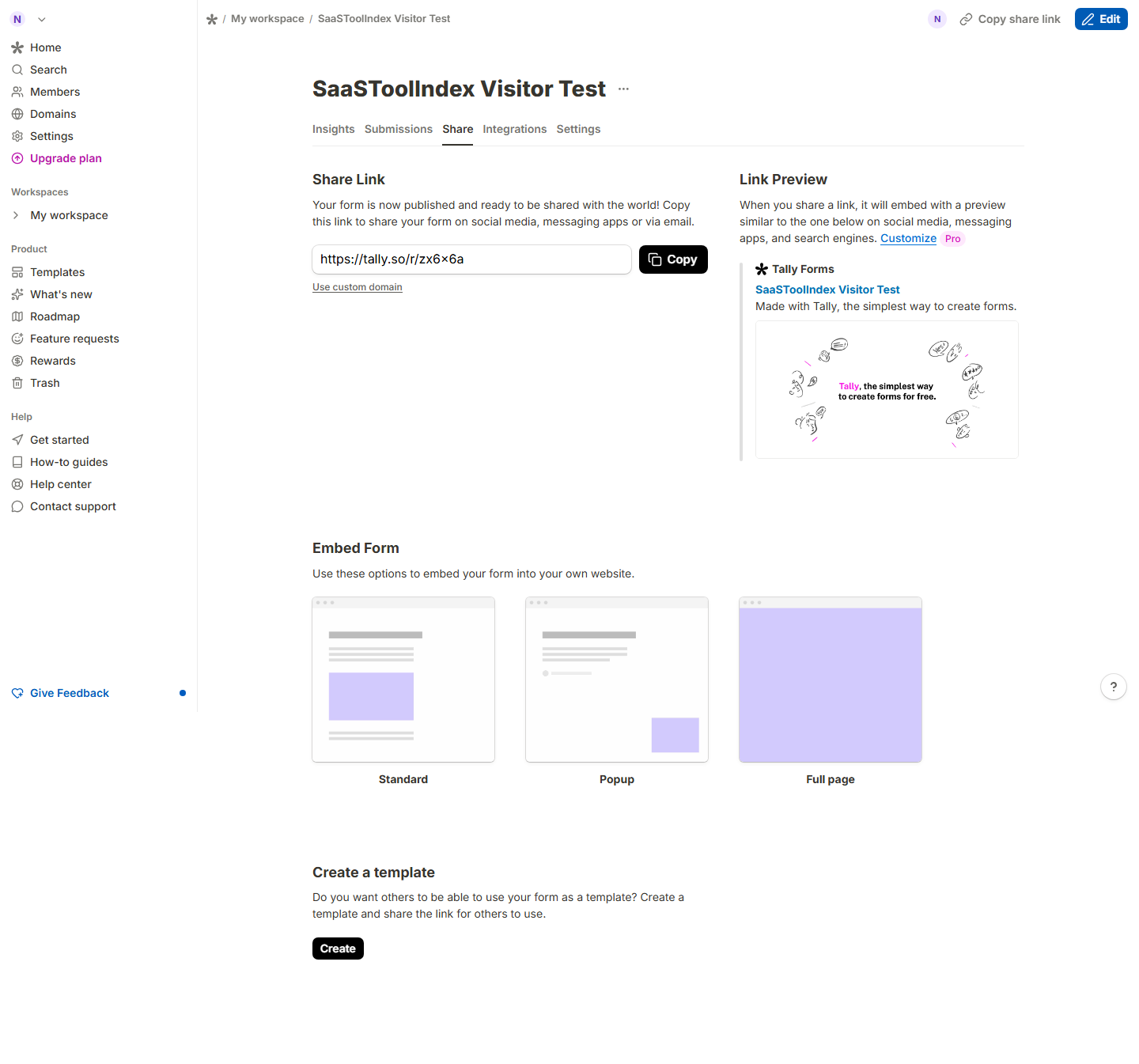
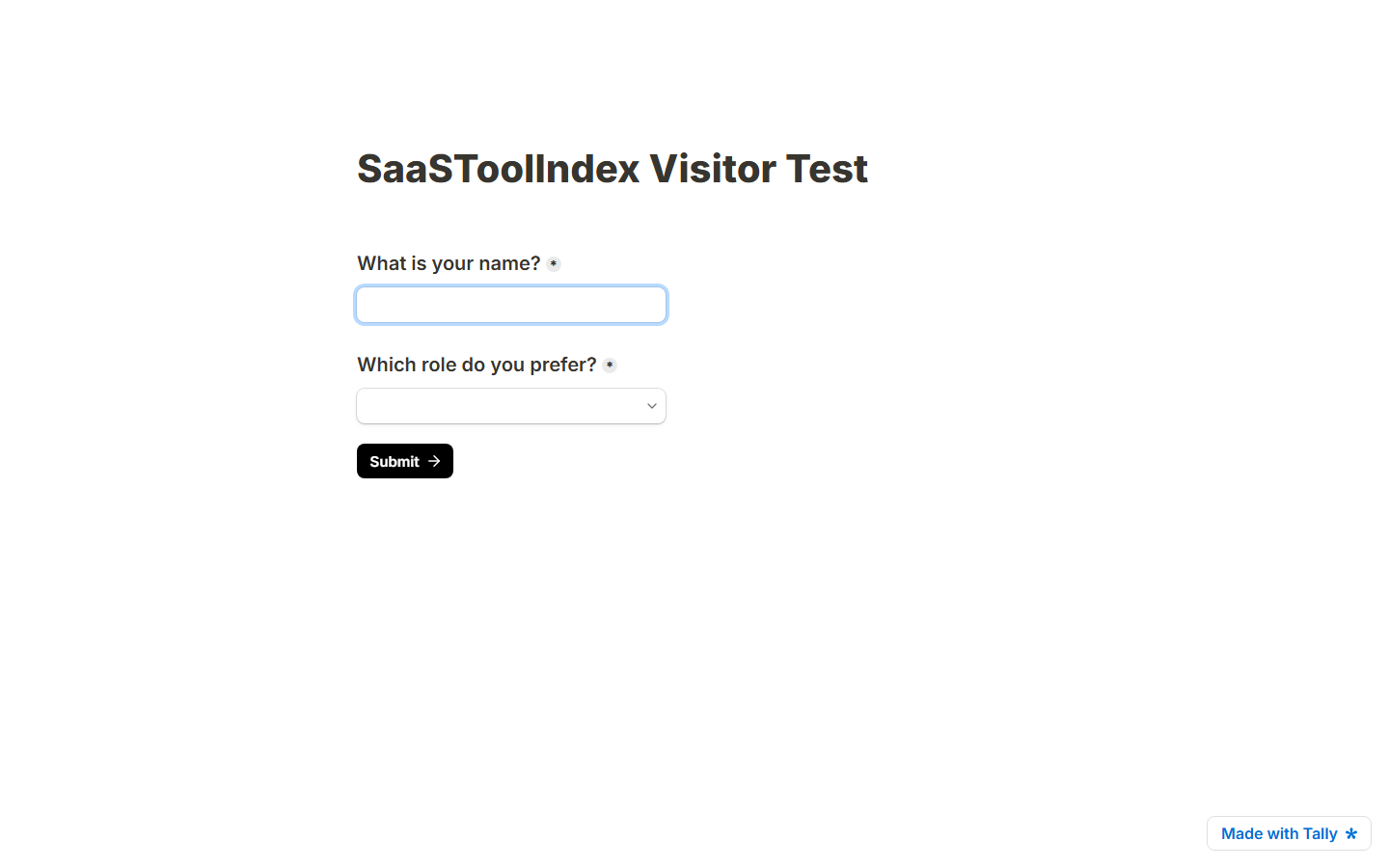
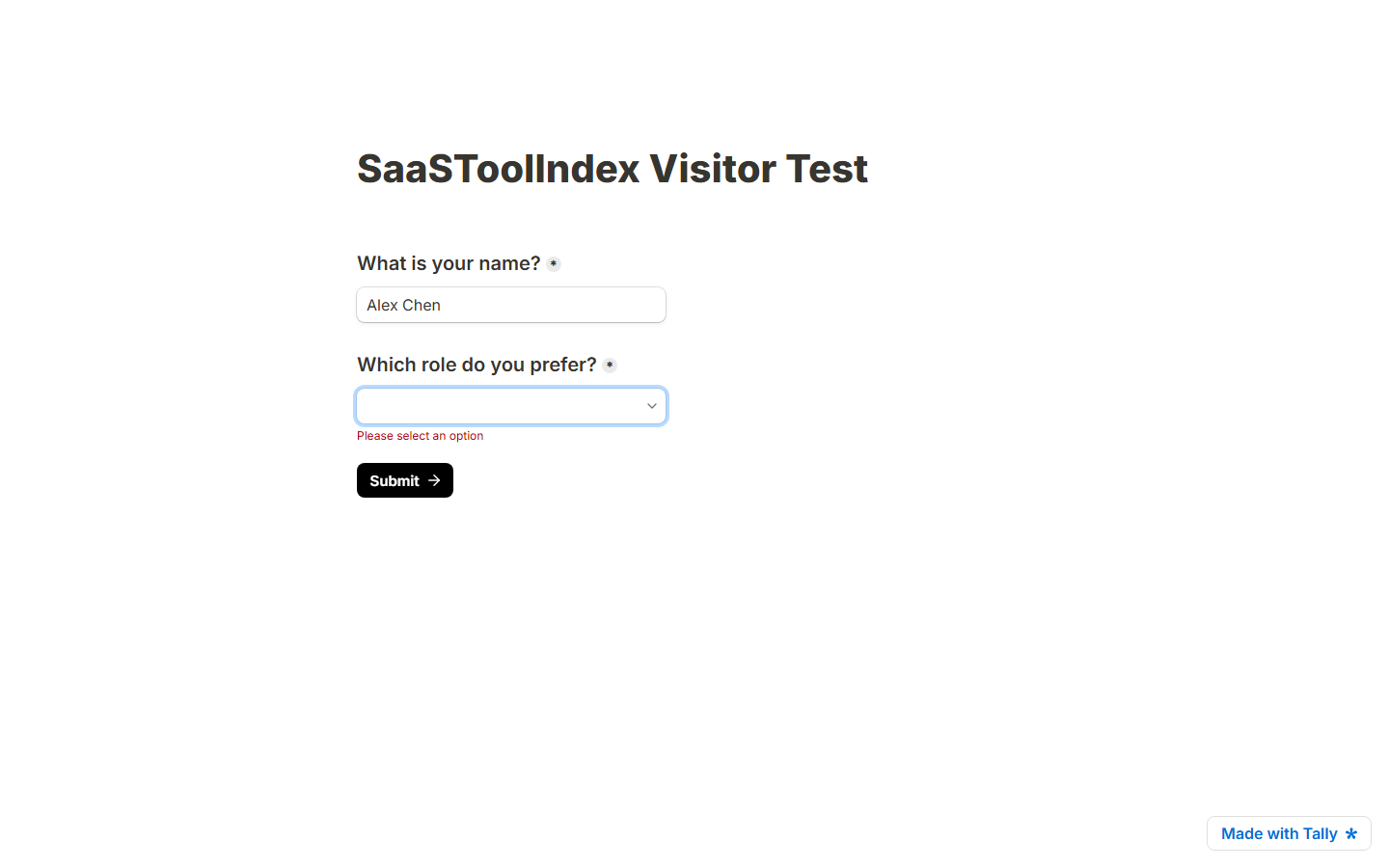
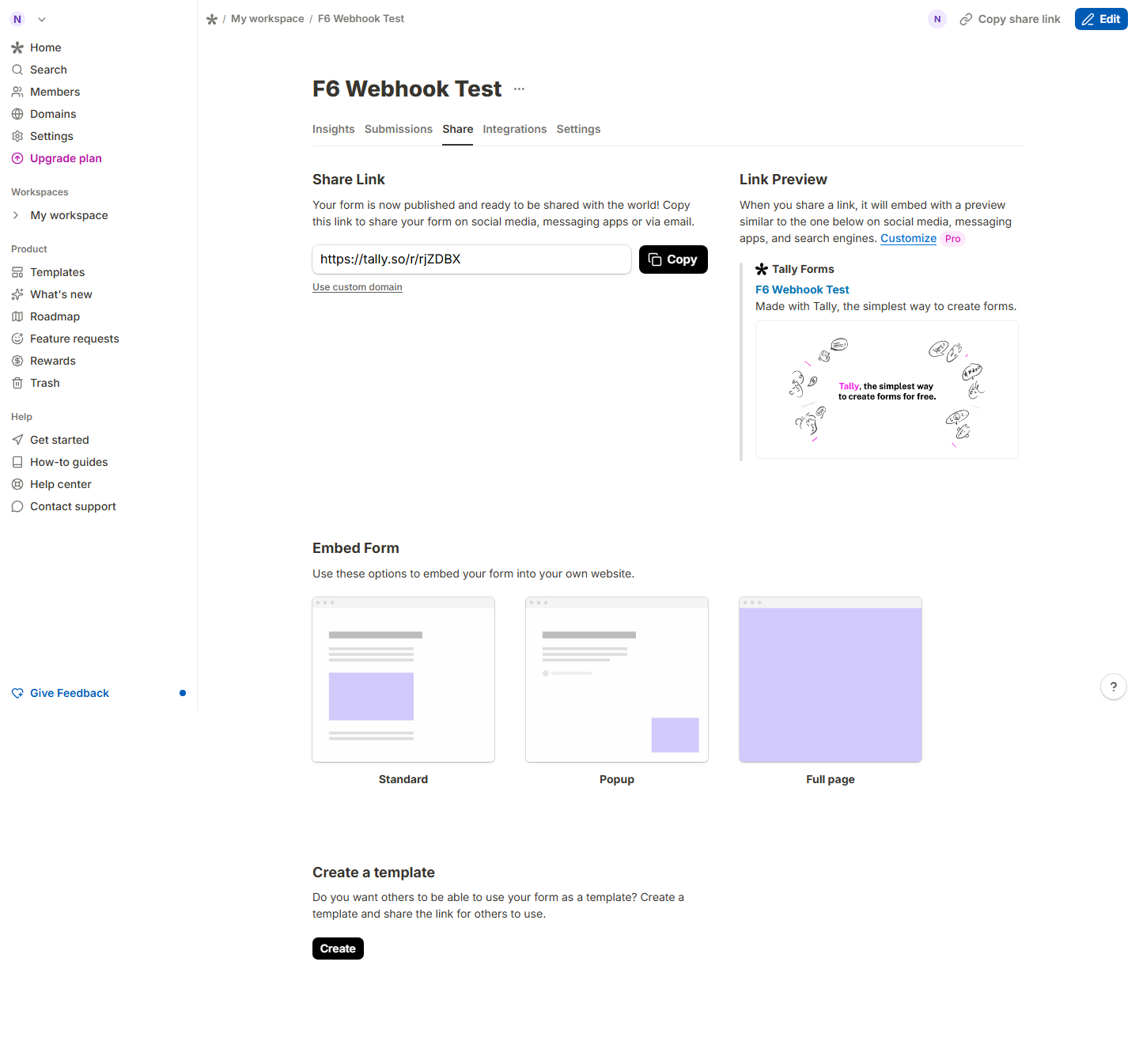
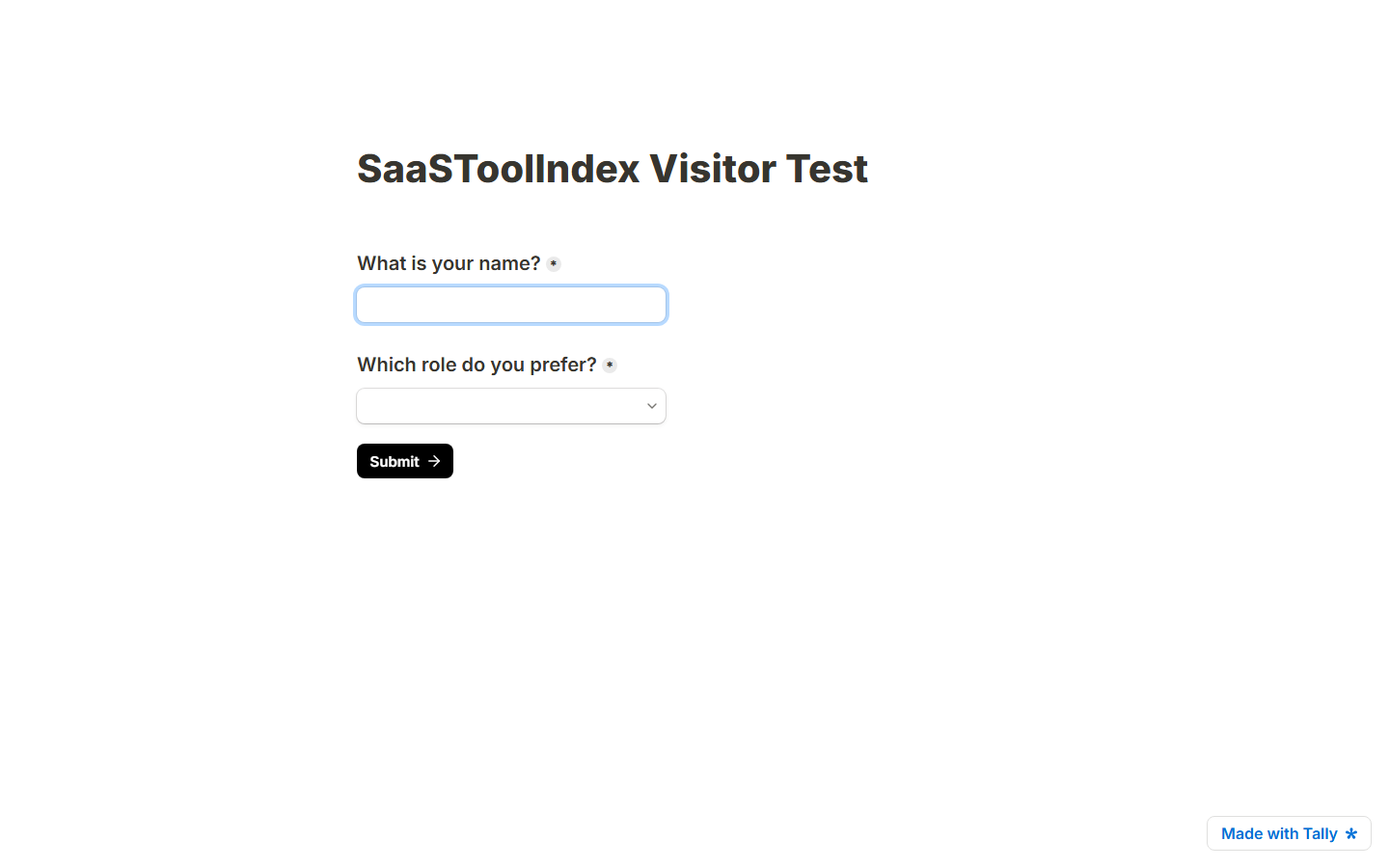
Clicking Publish without an account triggers an account-creation modal — the “no signup required” promise stops exactly at the publish step. Logged in, publishing is one click and hands you a tally.so/r/XXXXXX share link. We opened the published link in a fresh, logged-out browser context: fields render, and required-field validation genuinely works (submitting an unanswered dropdown returned “1 question needs your attention”).
F4 — Response readback and CSV export (pass)
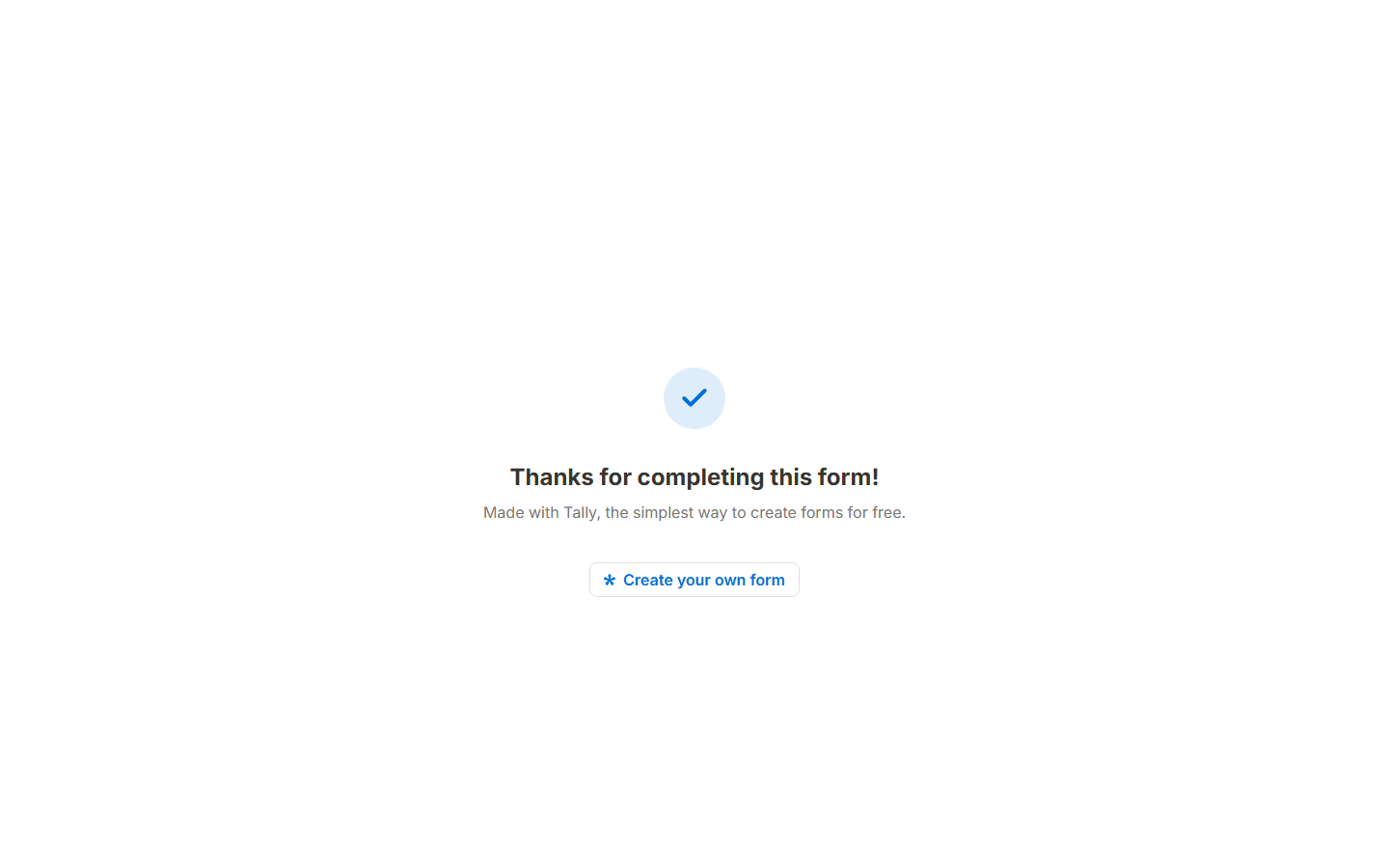
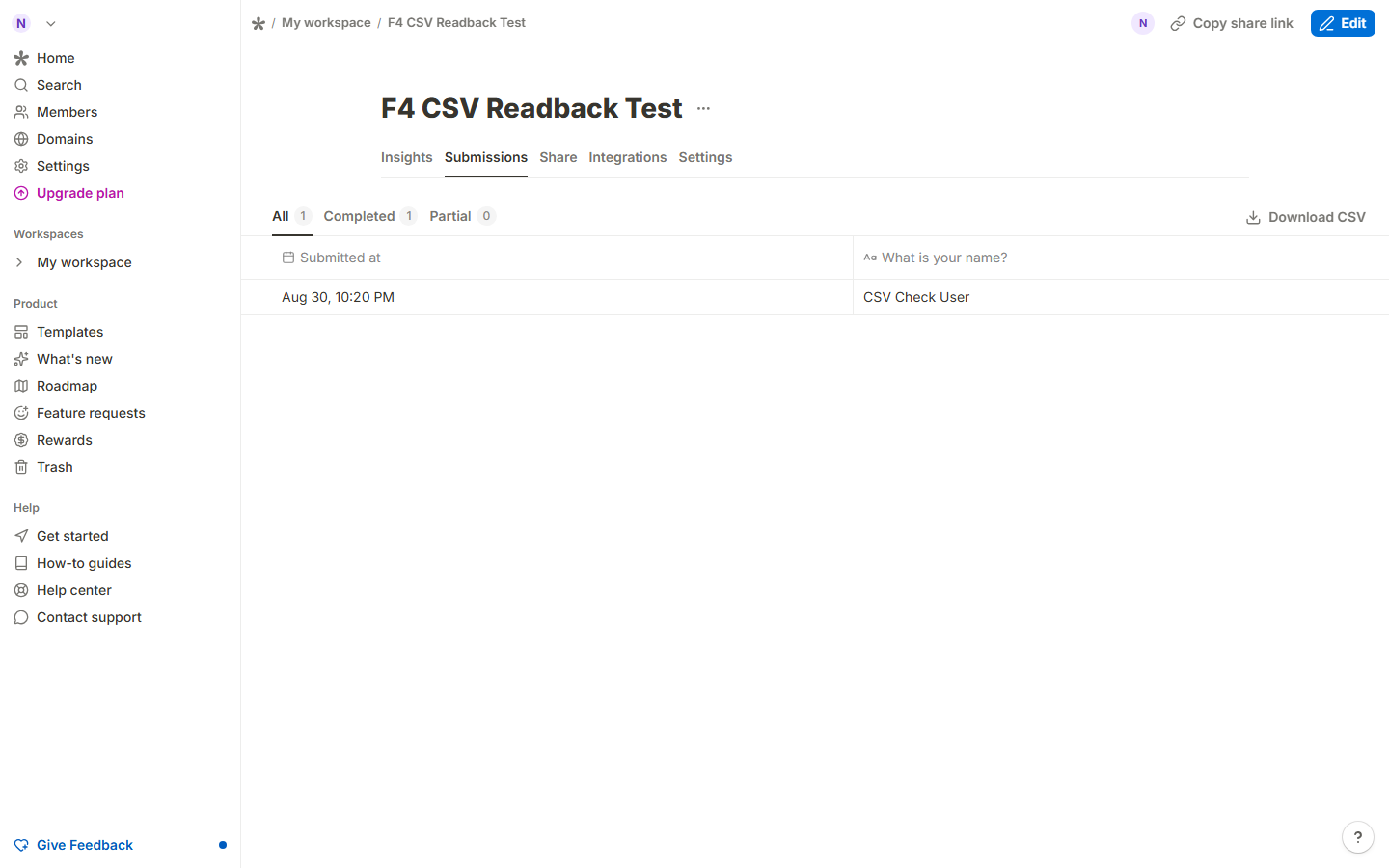
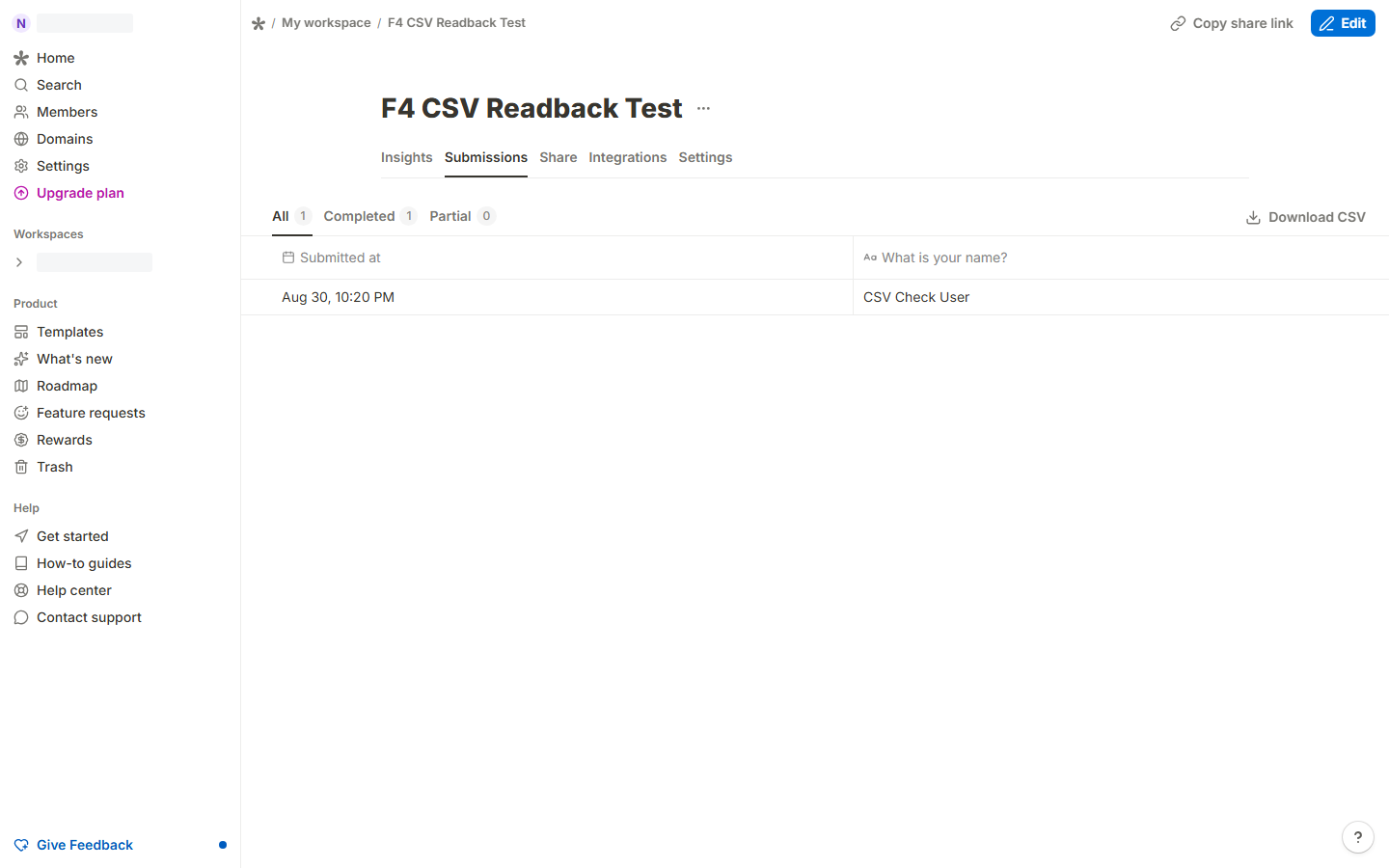
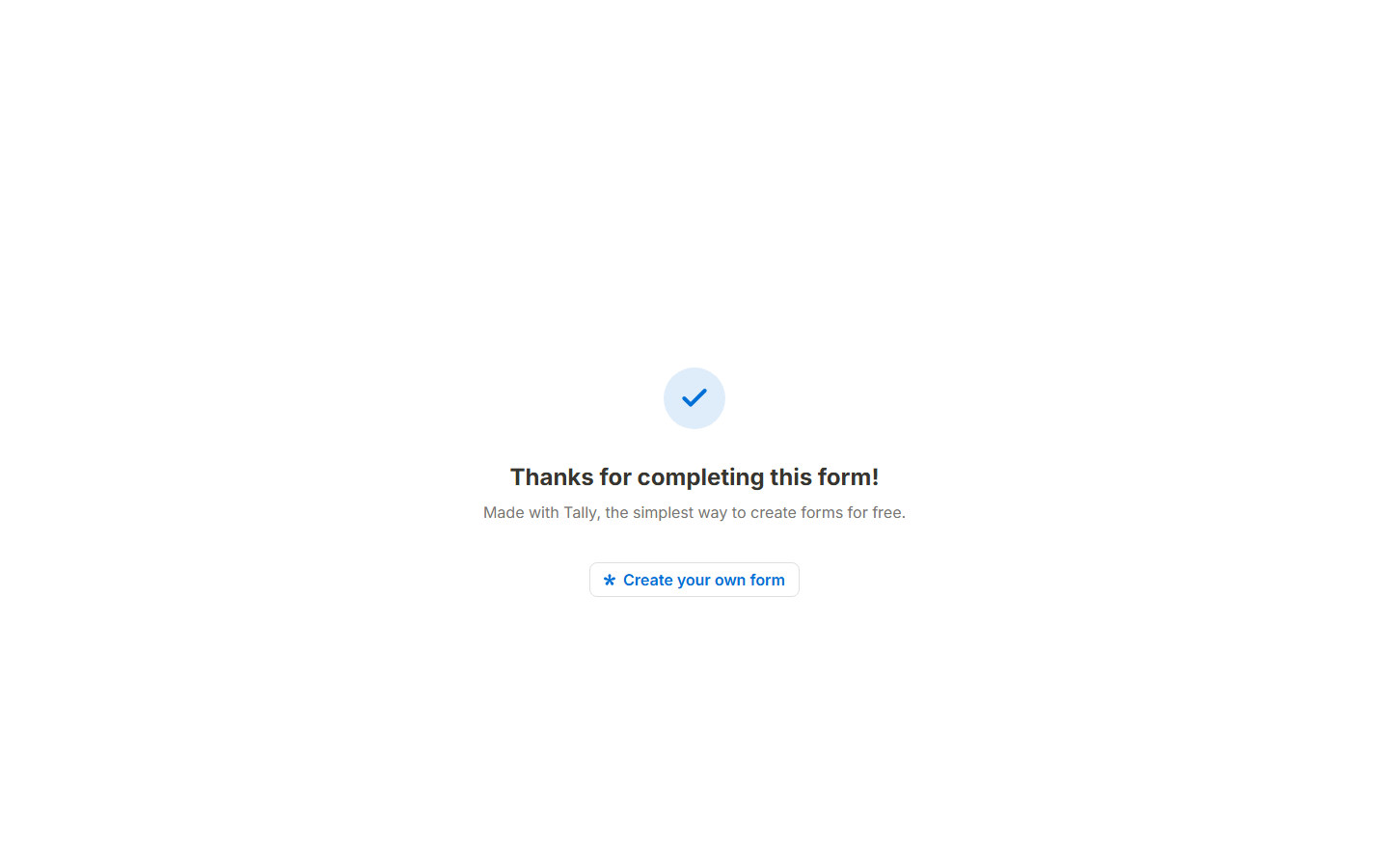
A visitor submission (“CSV Check User”) appeared in the Submissions tab within seconds: All 1 / Completed 1. The Download CSV link exported a file we kept as evidence; its contents match the submission verbatim, including submission ID, respondent ID, and timestamp columns. No data loss between submit and export.
F5 — Free-plan boundaries (pass)
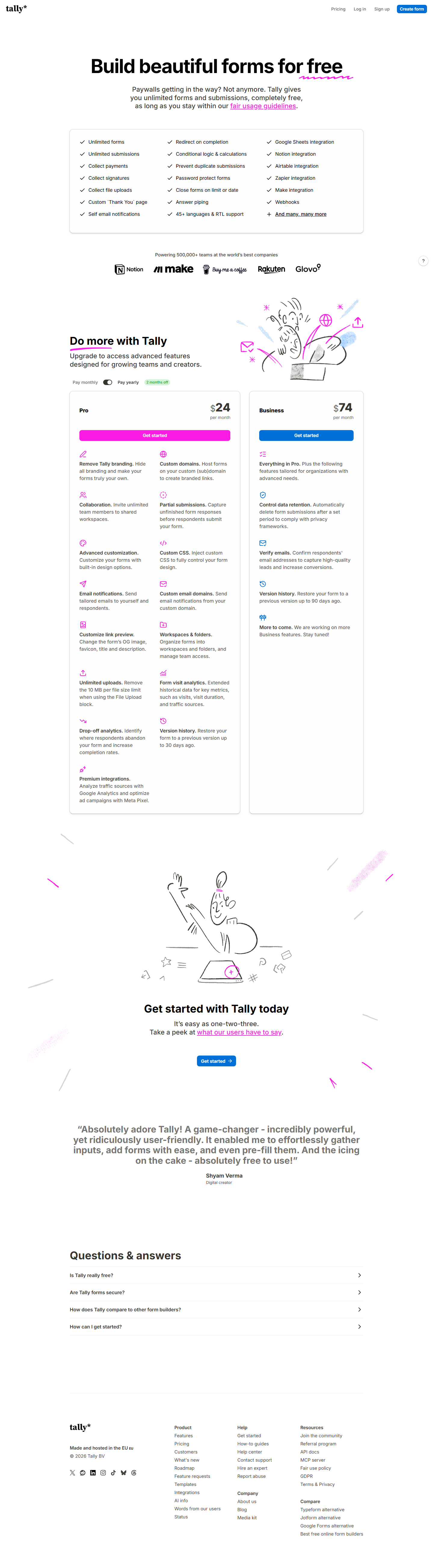
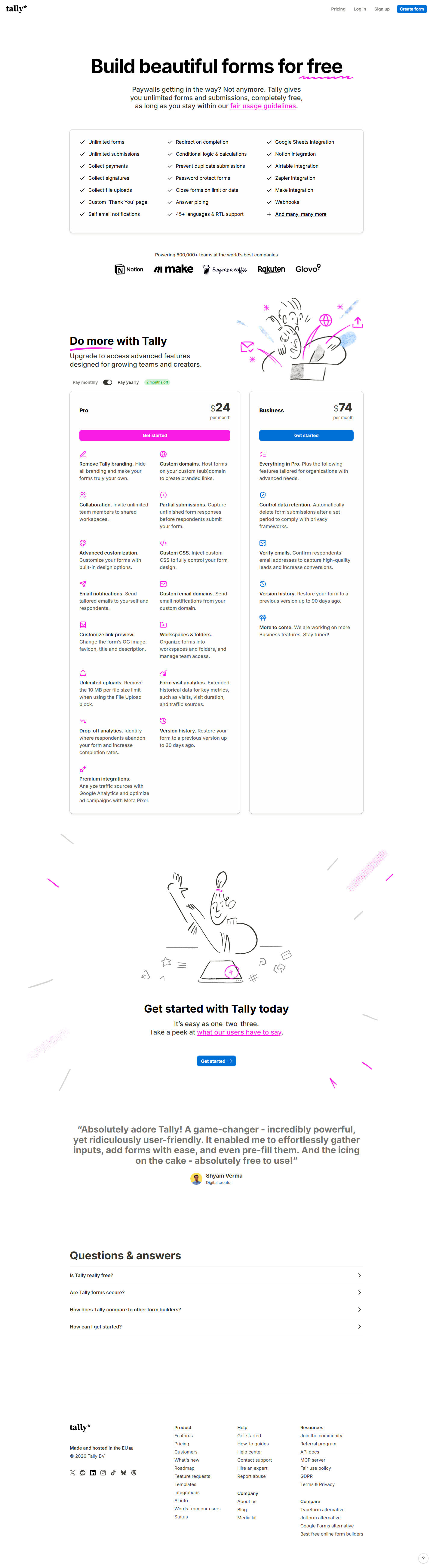
The live pricing page states the free plan includes unlimited forms and unlimited submissions (within fair use), payments, signatures, file uploads, a custom thank-you page, conditional logic and calculations, duplicate prevention, password protection, answer piping, 45+ languages with RTL support, and integrations with Google Sheets, Notion, Airtable, Zapier, Make and webhooks. Pro ($24/mo displayed on the yearly toggle — $290/yr charged up front; $29/mo billed monthly, per the official pricing page we captured 2026-08-30) adds branding removal, custom domains, team collaboration (“invite unlimited team members to shared workspaces”), and partial-submission capture. One dead end: /help/plans-and-features returns a 404, so the canonical feature-comparison doc is unreachable from the pricing page (tally.so/help/plans-and-pricing is the working equivalent).
F6 — Webhook integration (pass)
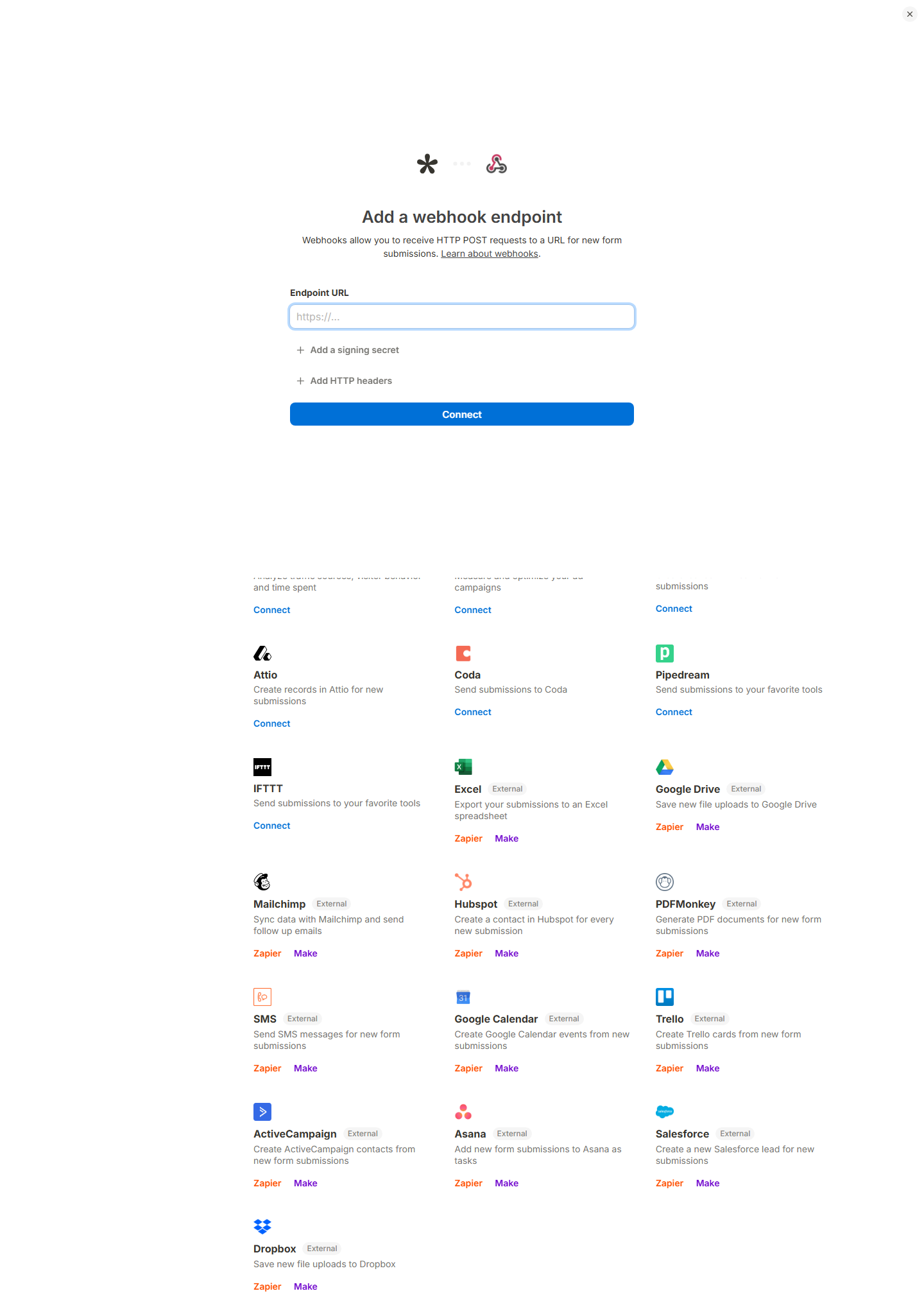
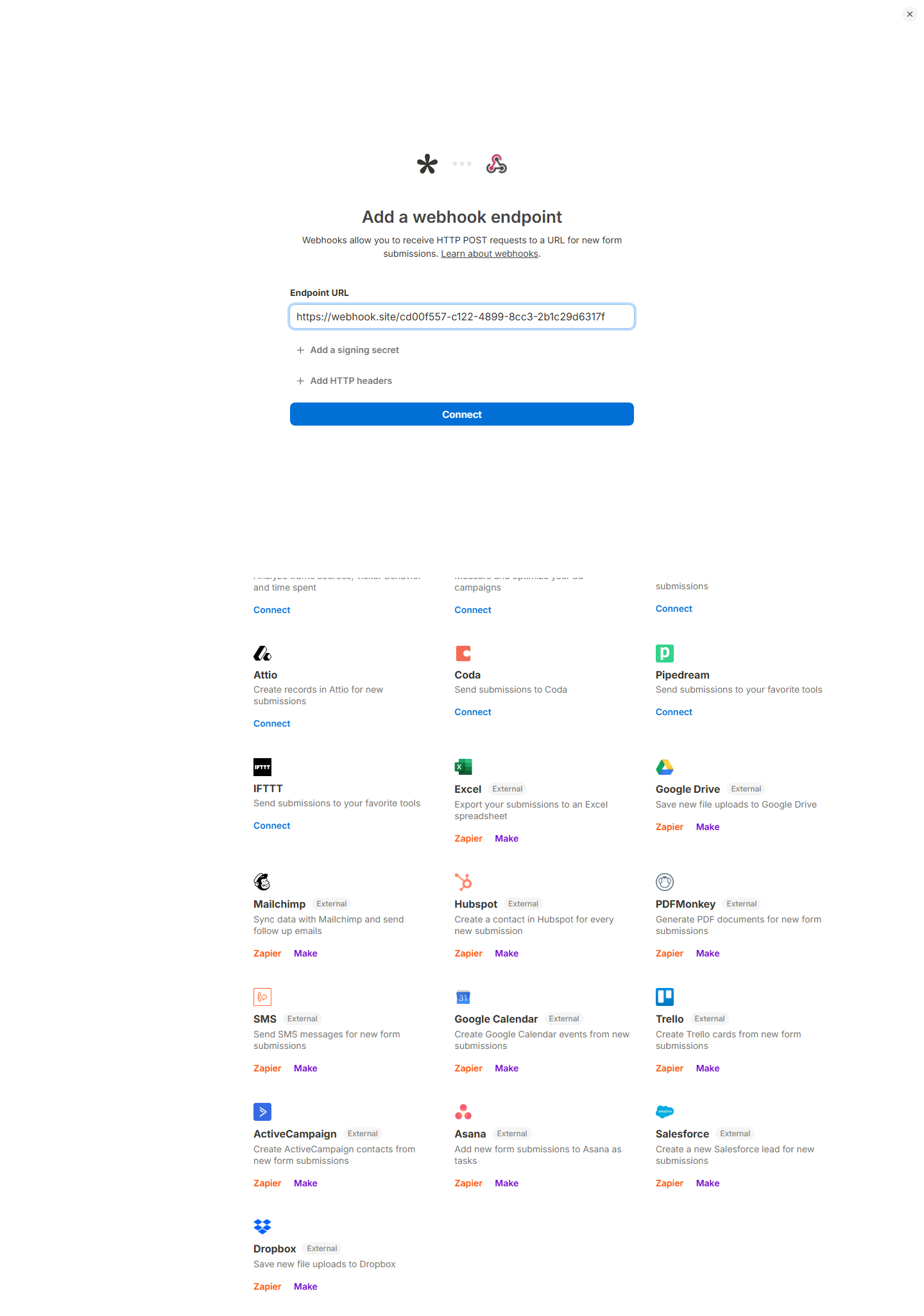
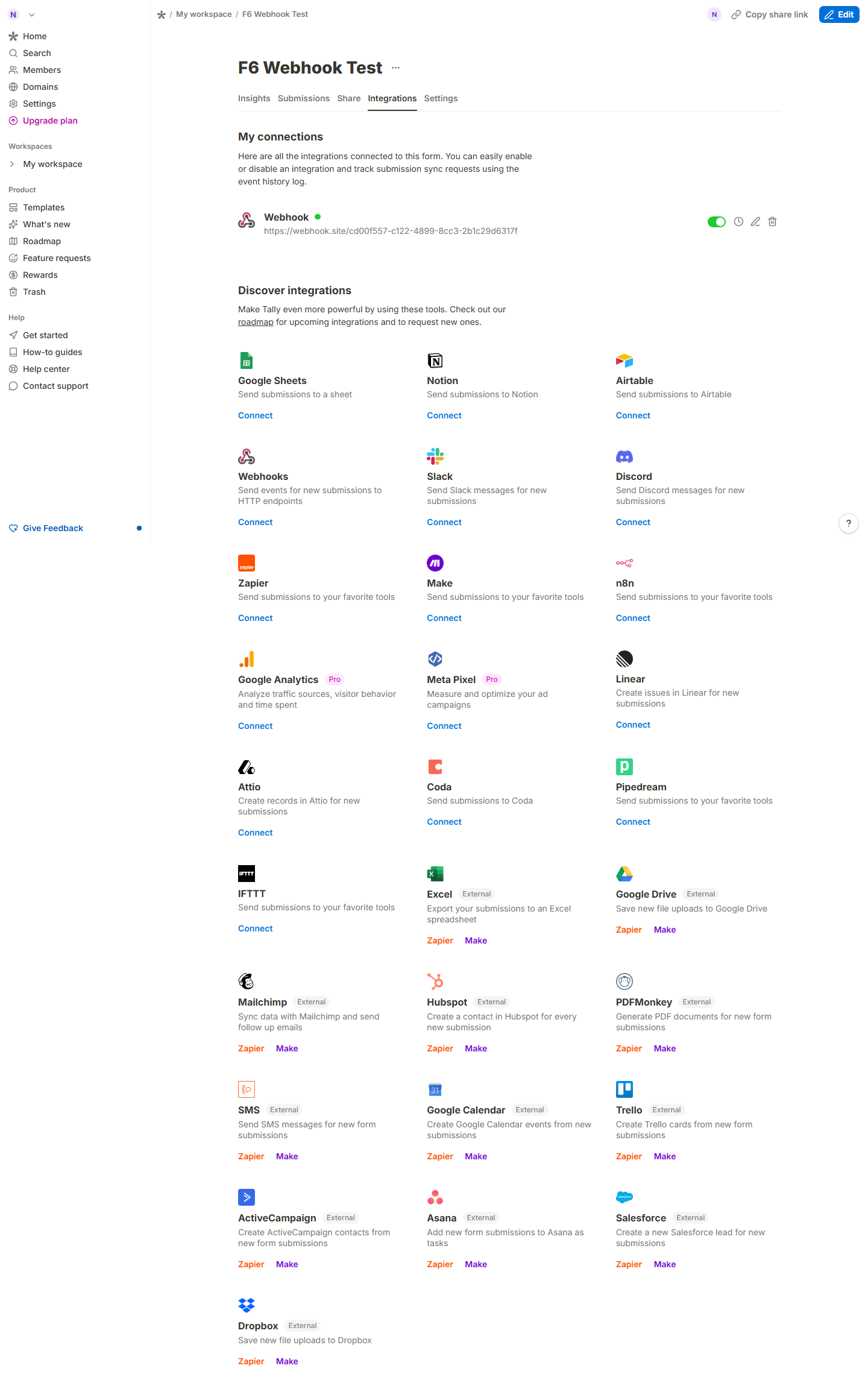
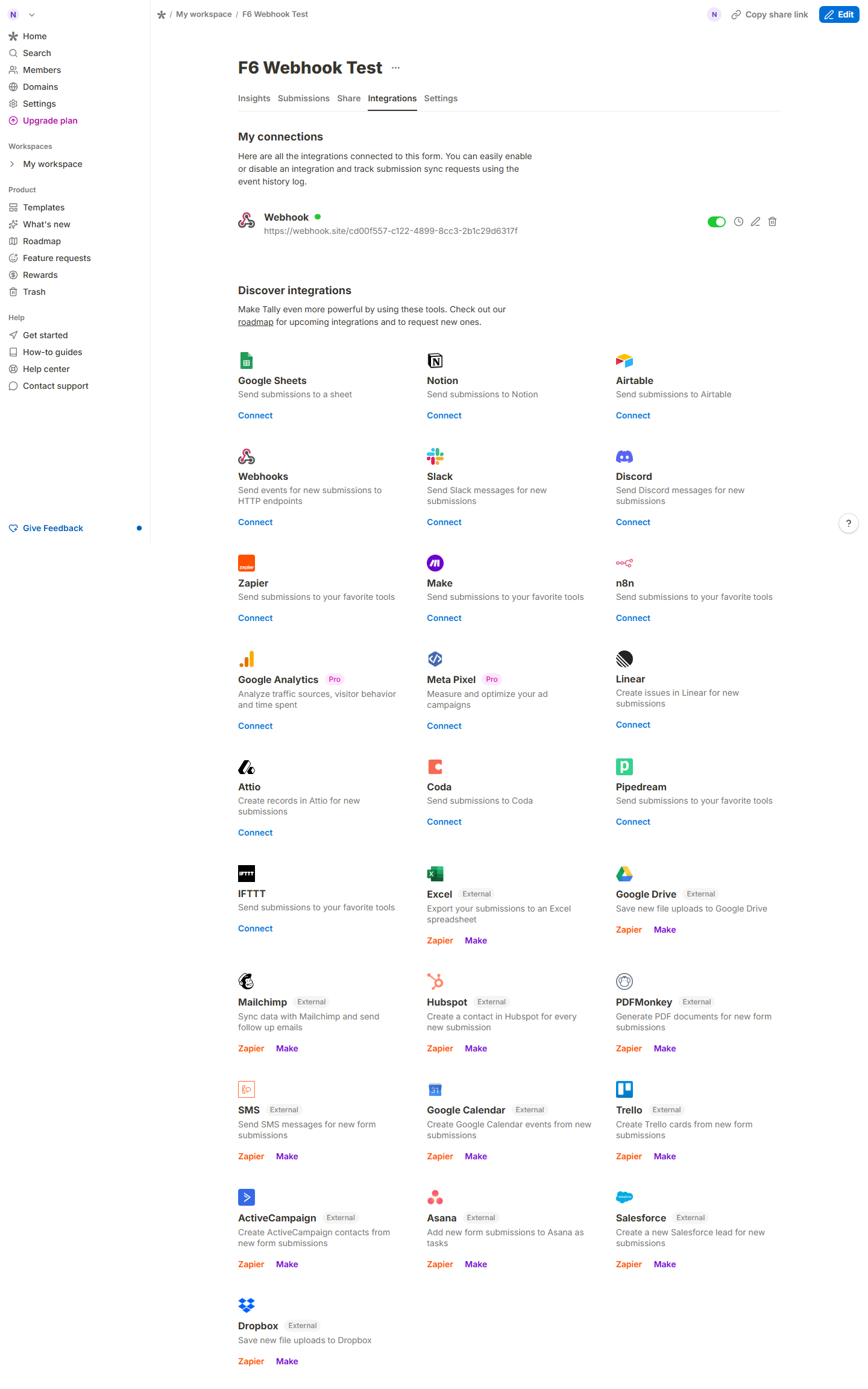
Webhooks are free and live under each form’s Integrations tab: connect the “Webhooks” row, paste an endpoint URL, save. We pointed it at a throwaway webhook.site endpoint, submitted the form as a visitor, and the endpoint received one POST with eventType: FORM_RESPONSE including responseId, respondentId, formId, and a submission PDF link. The payload arrived within seconds.
F7 — Stability and speed (pass)
Four core pages (homepage, editor, pricing, published form) all loaded in 654–1,209 ms with zero console errors, zero page errors, and zero failed network requests across the entire automation run.
Scoring notes
The six-dimension scores and their evidence citations are listed in the panel above; each is anchored to the files in the evidence index.
Issues we found
- No email+password signup. Users without Google or Apple accounts have no registration route. (Medium)
- “No signup required” oversells it. Creation is signup-free, but publishing requires an account — a wall you hit only at the end of the flow. (Medium)
- Enter+type silently builds non-input text blocks. The mistake costs nothing to make and is easy to ship by accident. (Low)
- Broken help link.
/help/plans-and-features404s from the pricing page. (Low)
Coverage limits
This review covers the free plan only. Pro ($24/mo displayed on the yearly view, $290/yr charged) and Business ($89/mo) features — branding removal, custom domains, partial submissions, team workspaces — were verified as claims on the pricing page, not tested. The “unlimited” free plan is bounded by Tally’s fair-use policy (captured 2026-08-31), which publishes soft trigger examples — around 50,000 submissions/month sustained across 3-4 months, or 100 GB/month file transfer — rather than a hard cap; our single-form test is nowhere near those, but one test cannot probe the boundary precisely. We tested one webhook consumer (webhook.site); delivery under load, retries, and failure behavior were not measured.
Tally vs Google Forms
Google Forms remains free with unlimited forms inside a Google account (official page, captured 2026-08-30), but its signup requires a Google account end to end — Tally’s creation step genuinely does not. On integrations, our test confirmed webhooks on Tally’s free plan; Google Forms needs Apps Script or a third-party bridge for equivalent push delivery. Where Google Forms wins on price is paid tiers: Tally’s Pro ($290/yr billed yearly) buys you what Google Workspace bundles for teams that already pay for Workspace anyway.
Bottom line: the free plan is genuinely sufficient for most individuals and small projects — the account wall only shows up at the publish step, and it is one Google or Apple sign-in away.
Related guides
More of our Tally guides: