How we compared these two
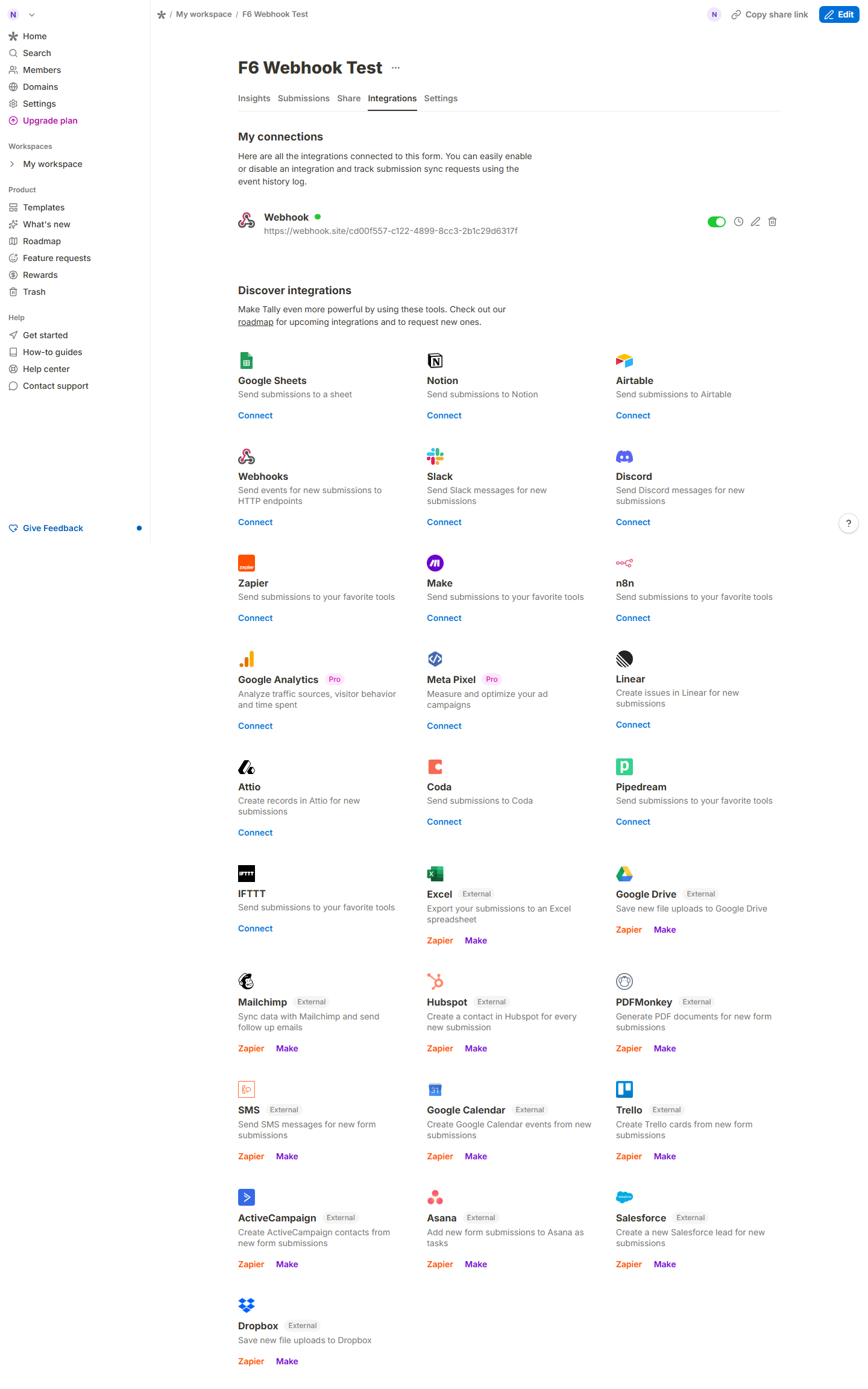
One side of this table is tested, the other is documented. We ran a full hands-on test of Tally’s free plan — built forms, published them, submitted as a visitor, exported the CSV, and confirmed webhook delivery with our own endpoints. Google Forms we covered through its official product page and Workspace edition comparisons (captured 2026-08-30, screenshots in the panel); we did not create a Google account for this test, so Forms rows are labeled as documentation, not first-hand.
Tally vs Google Forms at $0
| Tally free (tested) | Google Forms free (documented) | |
|---|---|---|
| Cost | $0, unlimited forms & submissions | $0 with any Google account |
| Account to create | None — /create opens the editor directly | Google account required from step one |
| Account to publish | Google/Apple sign-in required (tested) | Already signed in |
| Webhooks | ✅ free, tested end-to-end (POST with FORM_RESPONSE received in seconds) |
❌ native webhooks; requires Apps Script |
| Payments collection | ✅ built in, free plan | ❌ not a Forms feature |
| Doc-style editor | ✅ type questions, slash commands | ❌ classic form-builder UI |
| Conditional logic | ✅ free | ✅ (“go to section” only) |
| File uploads | ✅ (10MB/file per Tally help docs) | ✅ but locked to your Drive |
| Response CSV | ✅ one click, fields verbatim (we diffed it) | ✅ via linked Sheets |
| Offline/spreadsheet-native analysis | via export or Sheets sync | ✅ Sheets is the database |
| Quiz grading, auto-scores | ❌ | ✅ |
| Free-plan UI language | 45+ languages & RTL (page claim) | 90+ languages (Google’s claim) |
What each is actually for
Tally wins when the form has to do something: take a payment, fire a webhook into your stack, look like your brand without CSS fights. Its free plan is unusually generous — the marketing line “no signup required” is only half true (creation is, publishing needs an account), but the feature floor is real and we verified it.
Google Forms wins on gravity. If your org already lives in Workspace, Forms is Sheets-native: responses land in a spreadsheet you and your team already know, quotas and compliance are inherited from your existing contract, and nobody has to adopt a new vendor. Quizzes with auto-grading remain a Forms-only trick.
The honest caveats
- Tally’s “unlimited” is bounded by an unpublished-ceiling fair-use policy (soft trigger examples only, roughly 50,000 submissions/month) we cannot probe from one test.
- We did not test Google Forms hands-on here; if you want that, its account model (mandatory Google login) makes a no-signup side-by-side impossible by design.
- Tally’s free forms carry a “Made with Tally” badge; removing it is Pro ($24/mo displayed on yearly billing, $290/yr charged — see Tally pricing breakdown).
Documentation rows verified against tally.so and Google’s official Forms page on 2026-08-30; tested rows come from evidence-linked runs in our Tally review. Tally’s “unlimited” free plan is subject to its published fair-use trigger examples (roughly 50,000 submissions/month sustained, captured 2026-08-31).