Hands-on test here; for plan math see Cal.com pricing 2026 — this page covers the booking run, that one covers seats, tiers and the limits the cards print.
How we tested: We created a free Cal.com account on August 31, 2026, built a booking link, and ran two real visitor bookings from a separate logged-out browser session. Every claim below links to a dated screenshot in our evidence index. Signup was done with a human-assisted Google sign-in — see the first issue for why.
Test setup
- Account: free plan, created via Google SSO (email signup was unusable — see Issues)
- Browser: Chromium driven by Playwright on Windows 11; visitor sessions in a separate logged-out context
- Total hands-on time: ~30 minutes of automated runs on Aug 31 plus ~25 minutes of cancel-flow retesting on Sep 1–3, and one 2-minute manual login assist
- Test environment note: our automation environment is exactly the scenario Cloudflare’s bot defense targets — several “failures” below are that friction, labeled honestly
What we tested and what happened
F1 — Account creation (partial pass)
Cal.com’s signup offers Google, Microsoft, email, and SAML. The email route looks self-serve, but the form embeds a Cloudflare interactive Turnstile challenge, and in three automated attempts (headless, headful, and headful with automation fingerprints disabled) it never passed — including when a human clicked the checkbox inside the automated window. The failure page shows error code 600010, which Cloudflare explicitly says is not solely a bot verdict. A normal person in a normal browser will not see this.
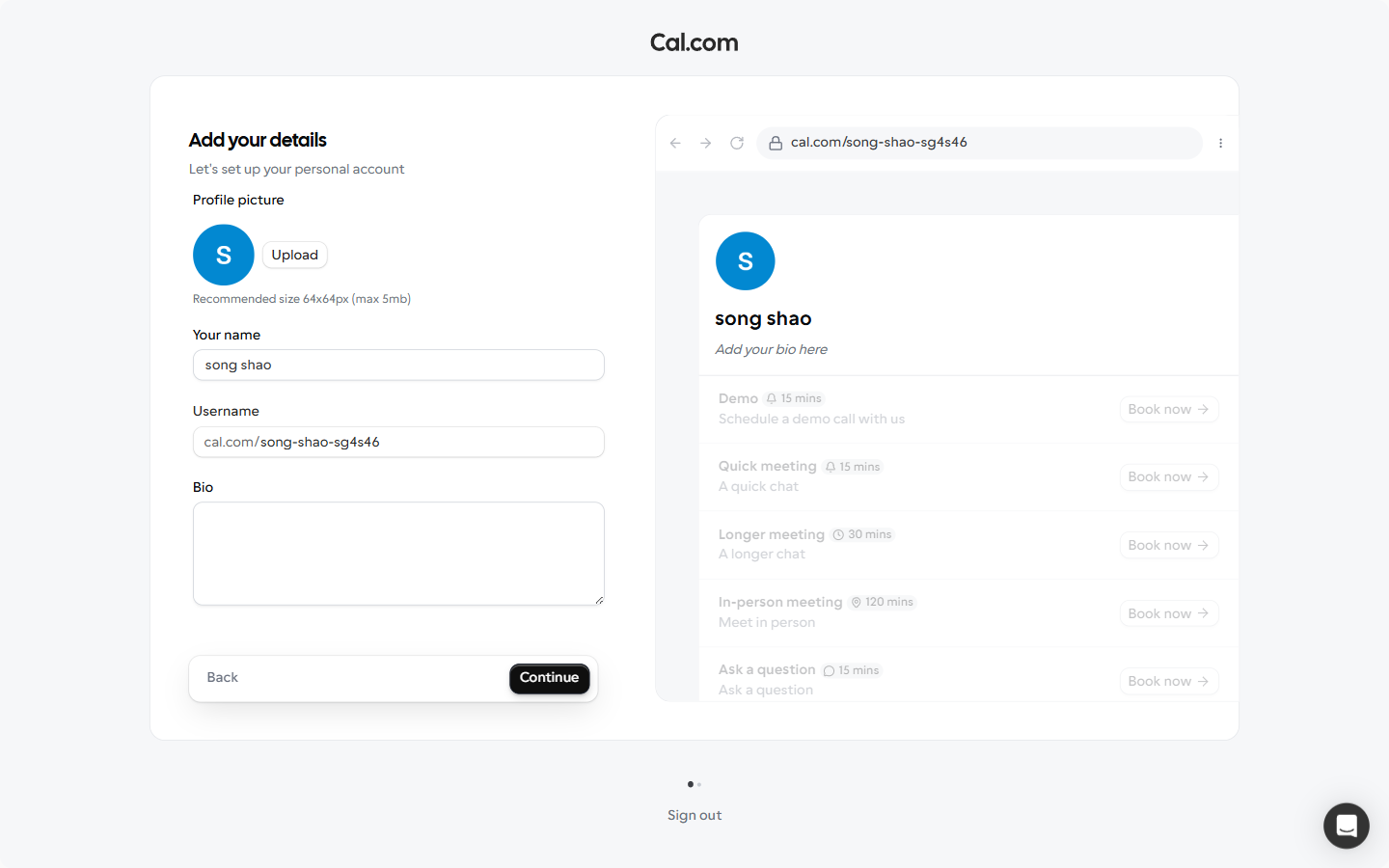
Via Google the flow worked immediately: one OAuth click, and we landed on the onboarding screen with a claimed username (cal.com/<username>) already assigned.
F2 — First booking link in 31 seconds (pass, with a trap)
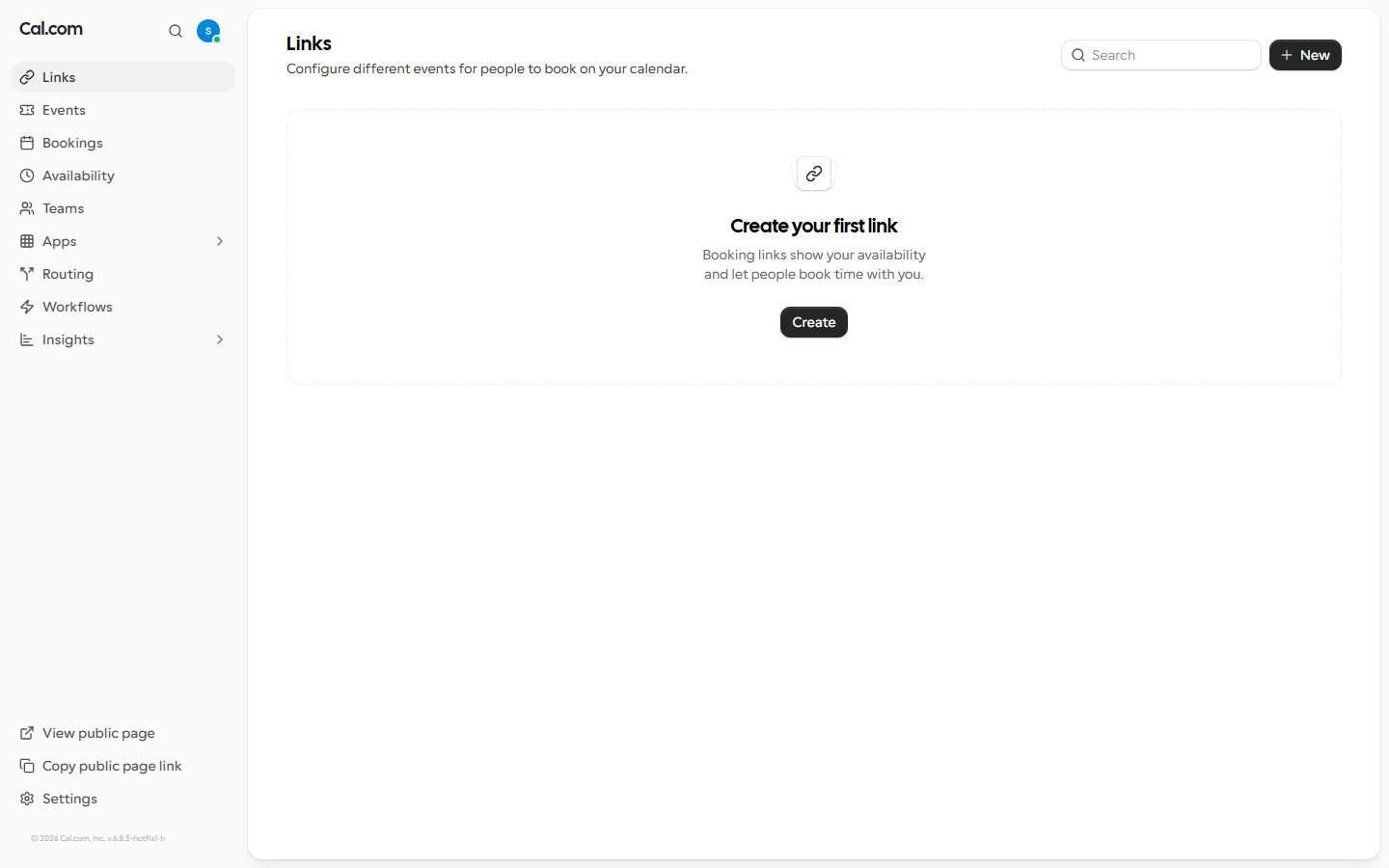
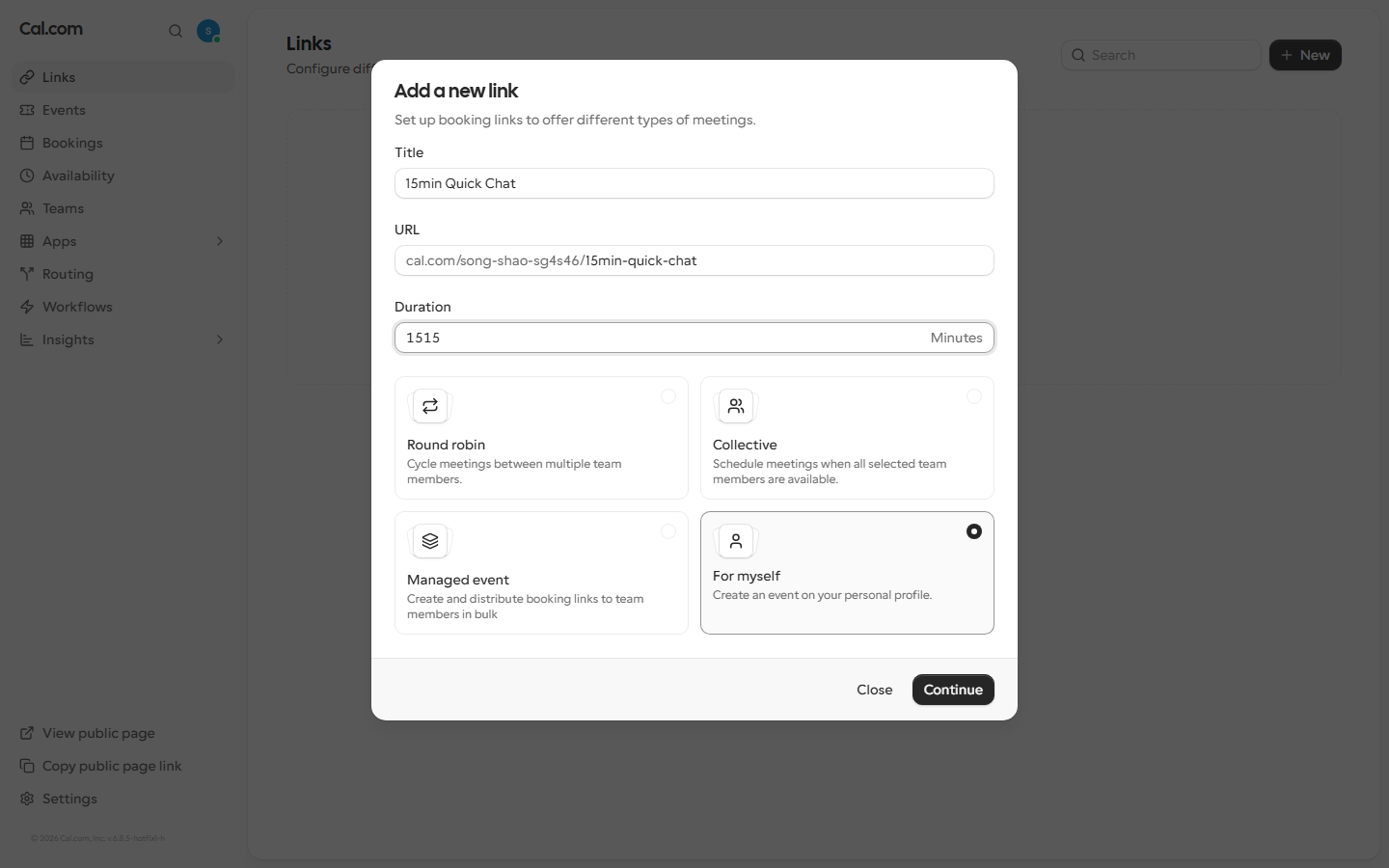
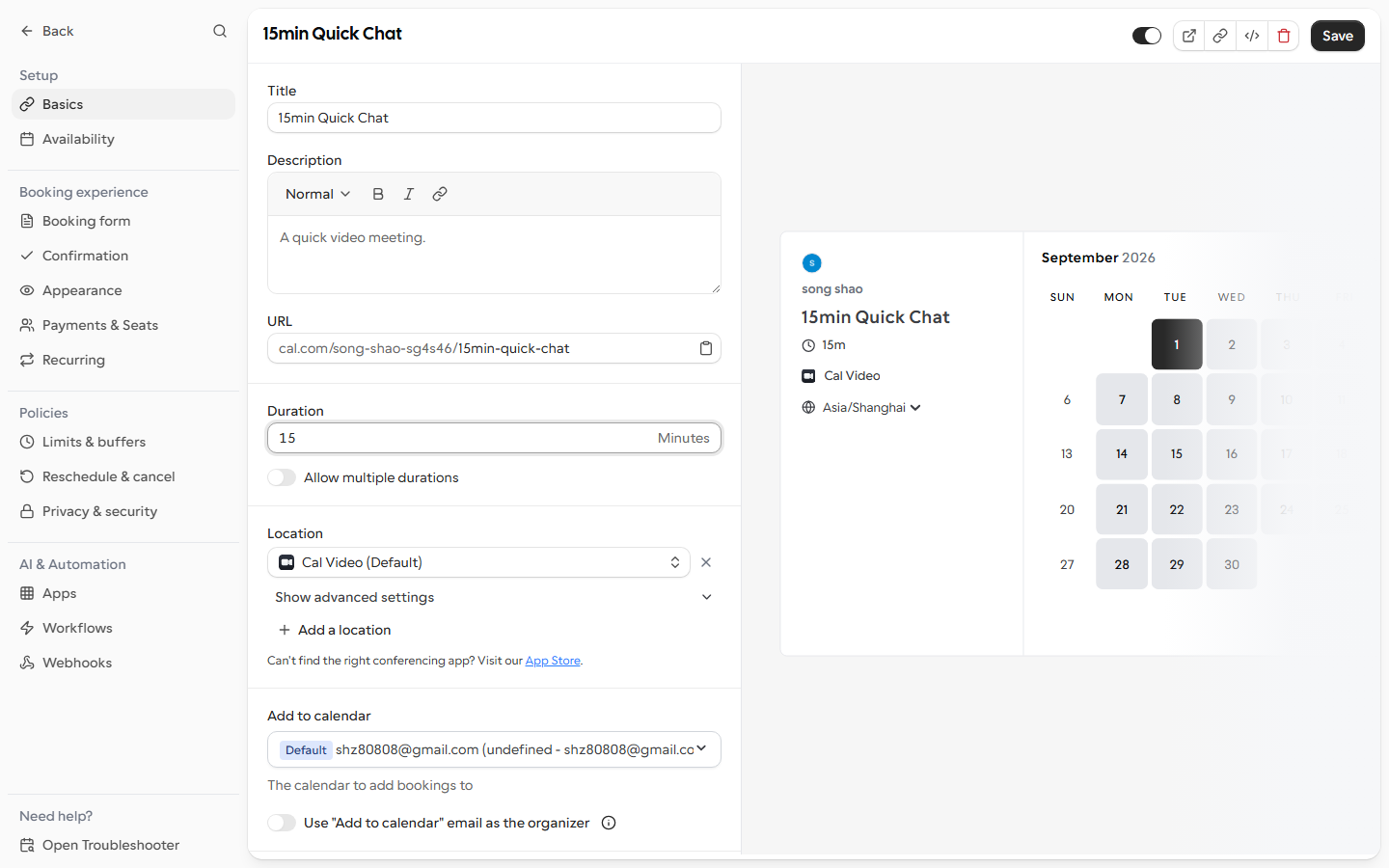
From the Links page, “New” opens a quick dialog: title, URL suffix, duration, and a “For myself” option. Continue, and a public booking URL exists. Time to first value: 0.51 minutes — the fastest setup we have measured on this site so far.
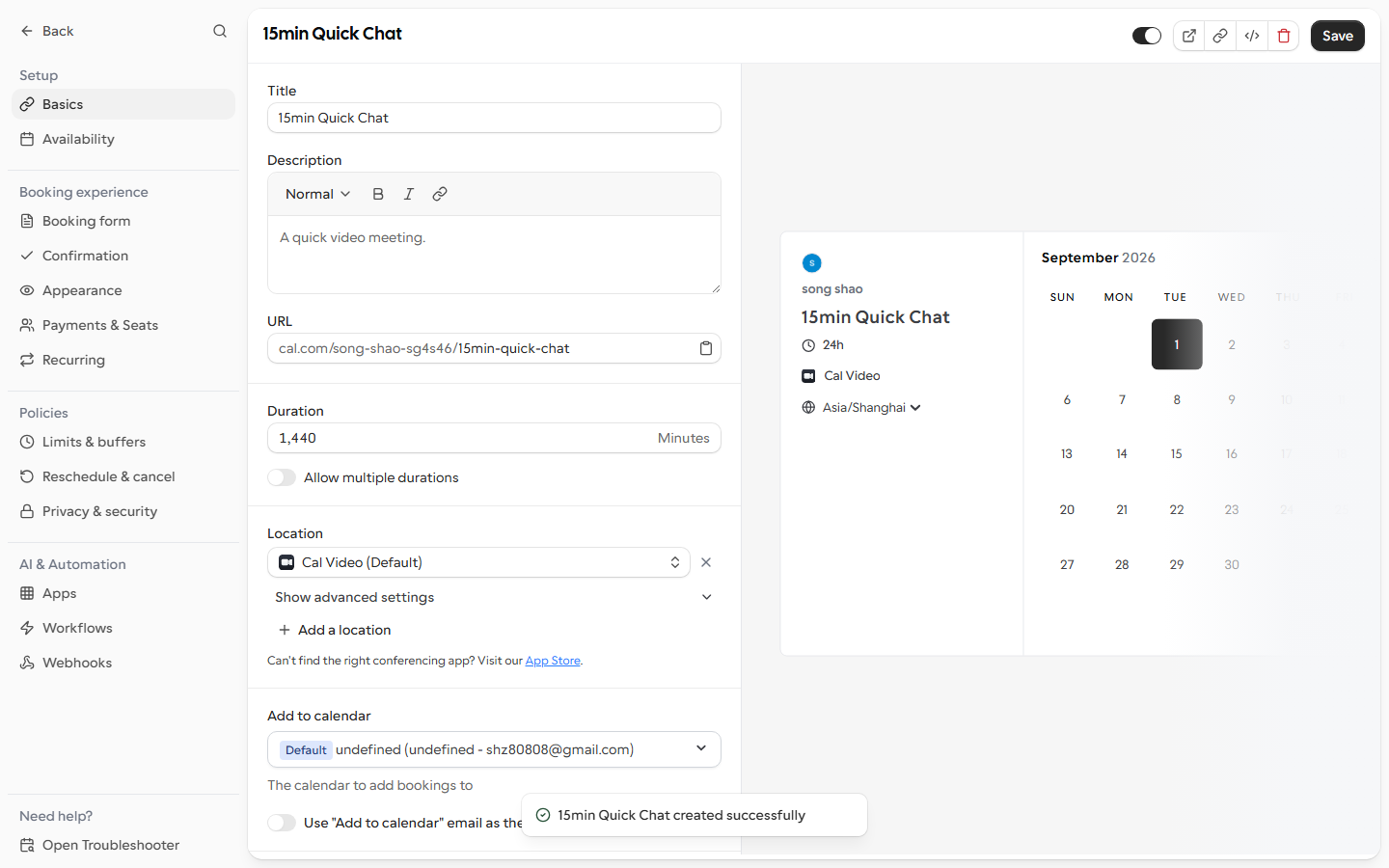
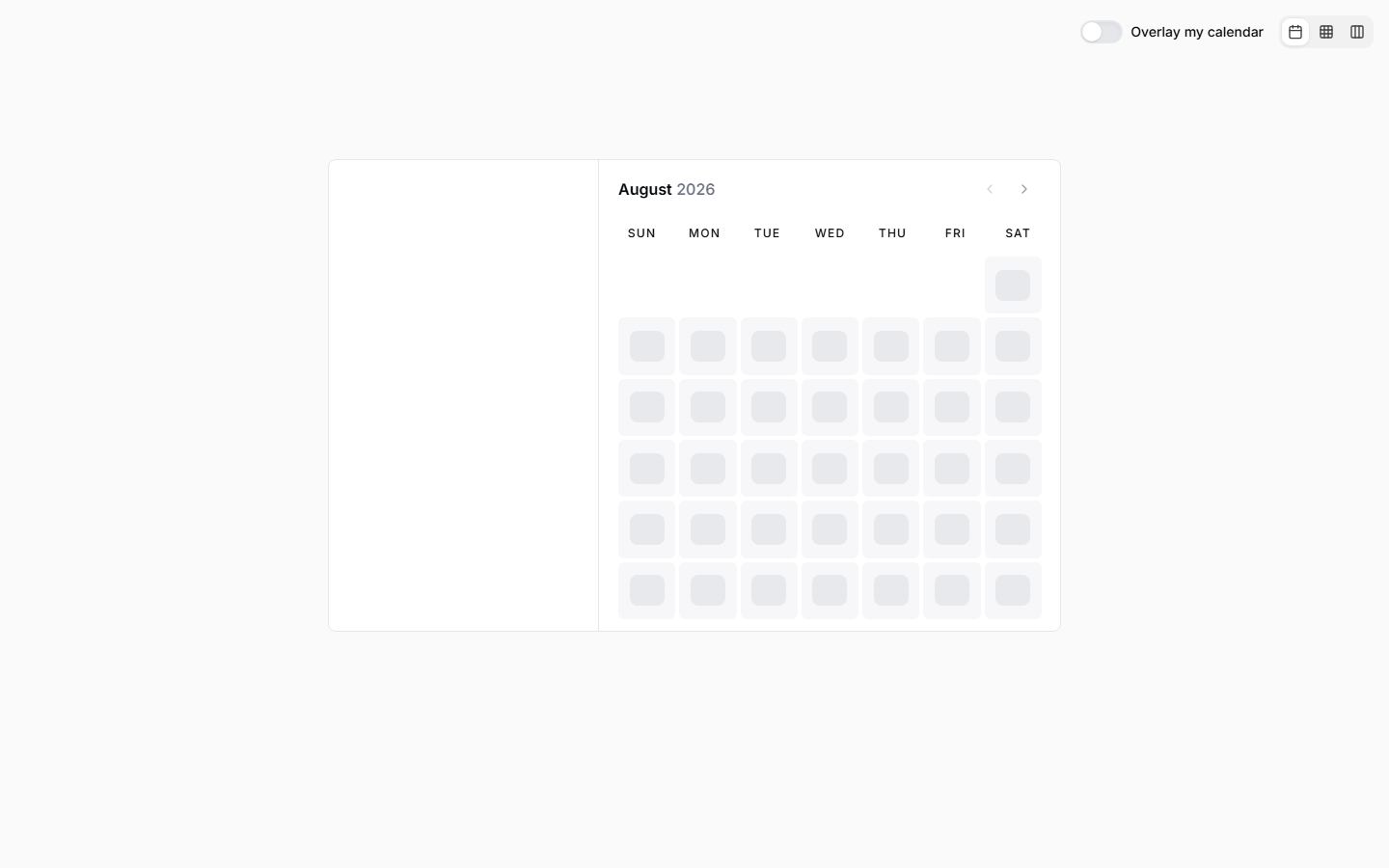
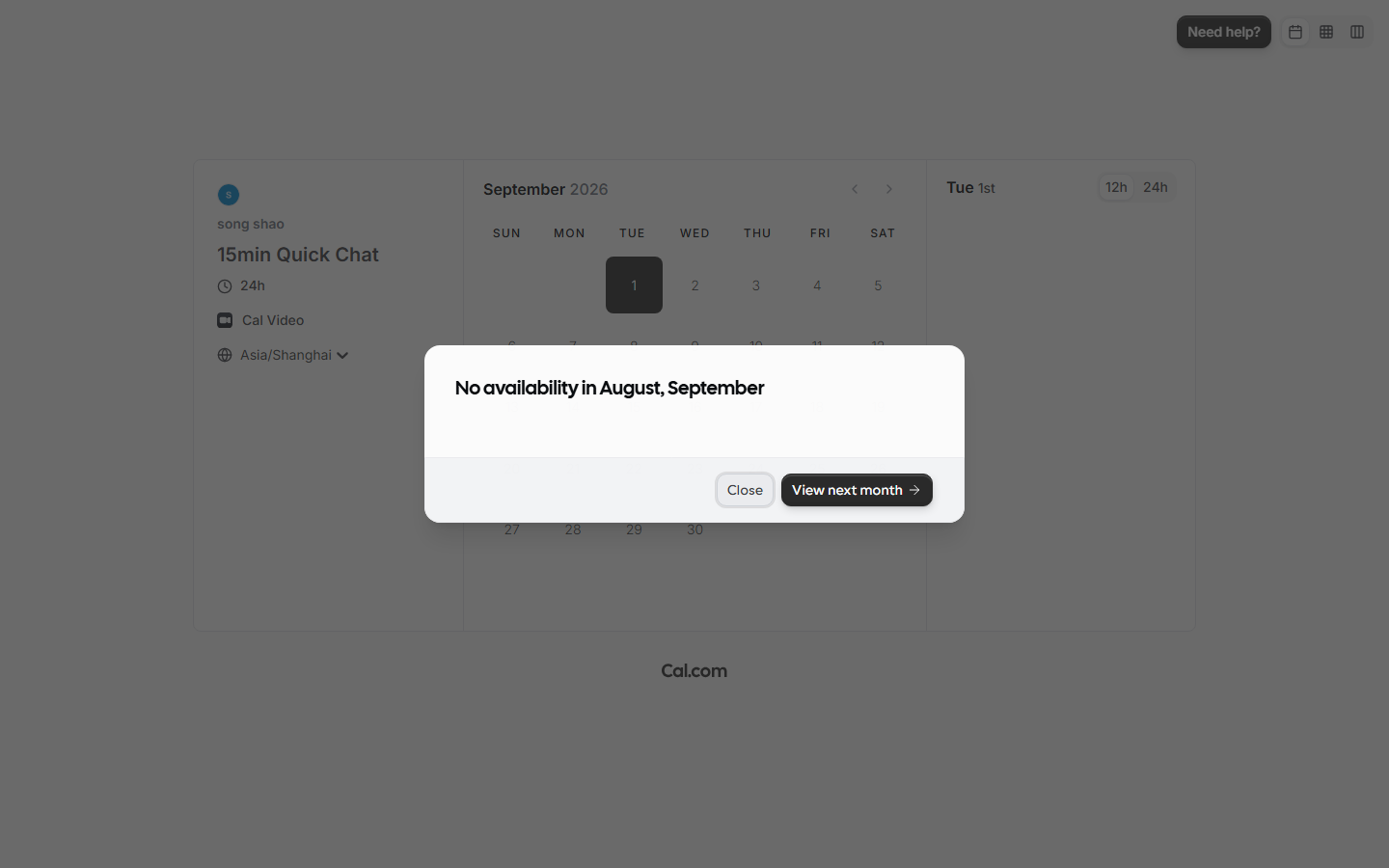
The trap: the dialog’s duration field showed 1,440 (24 hours) even though its placeholder says 15, and typing into that field did not persist. With a 1,440-minute event inside default 9-to-5 working hours, every date on the visitor page is greyed out with “No availability” — silently broken. We only found the real Duration field on the event’s detail page (Setup tab), fixed it to 15, and the slot grid lit up. A first-timer would reasonably think their account is broken.
F3 — A stranger books a meeting (pass)
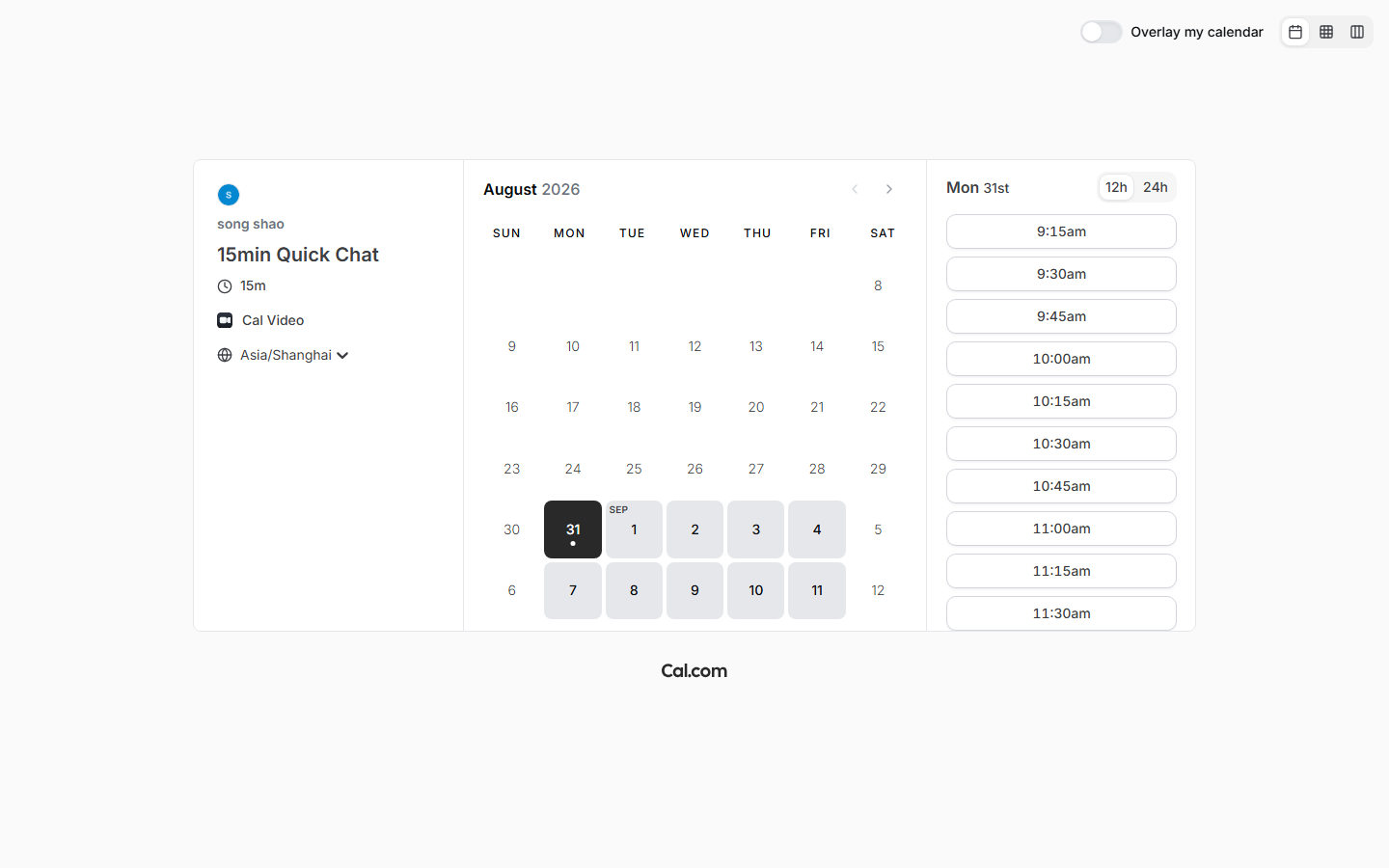
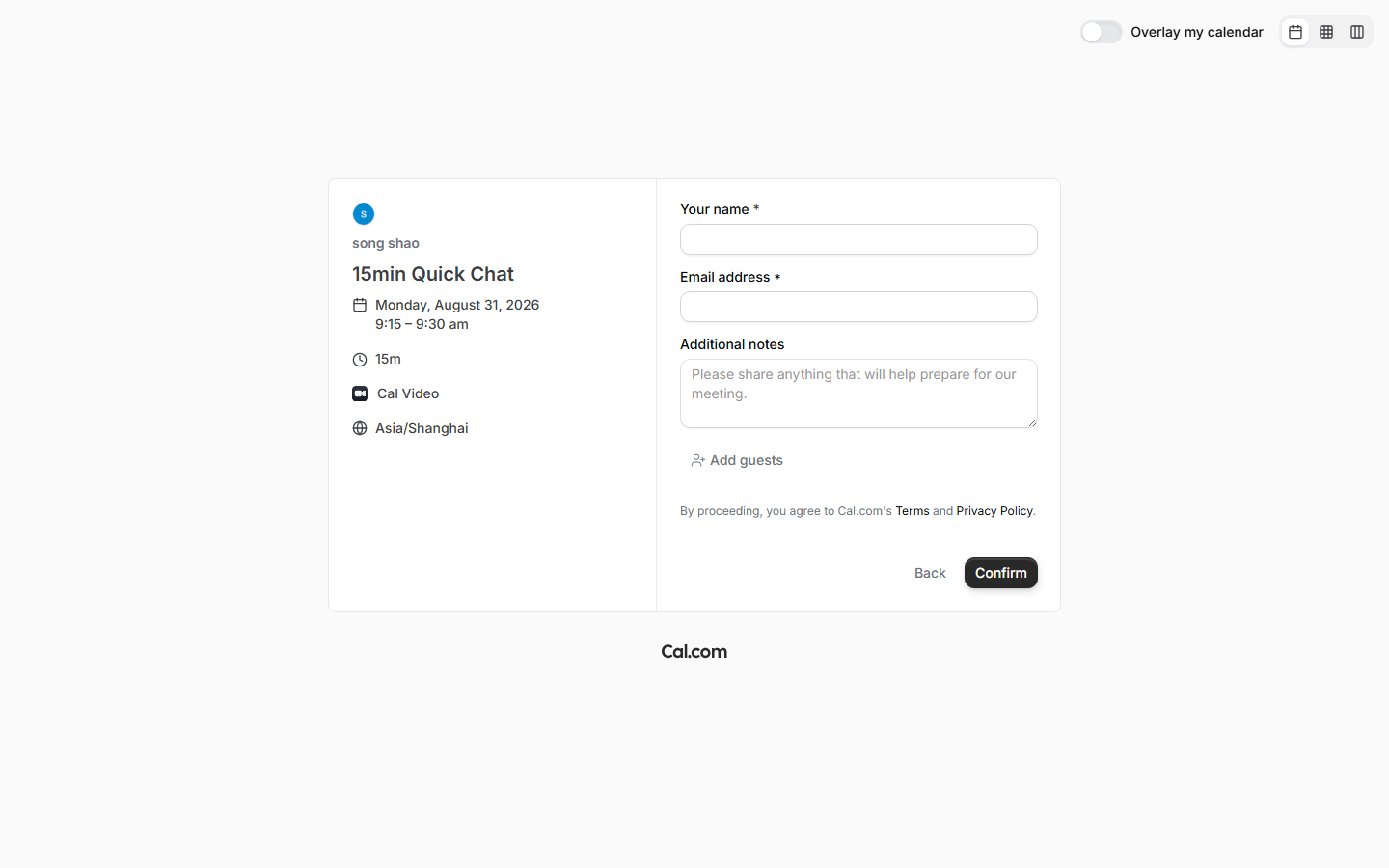
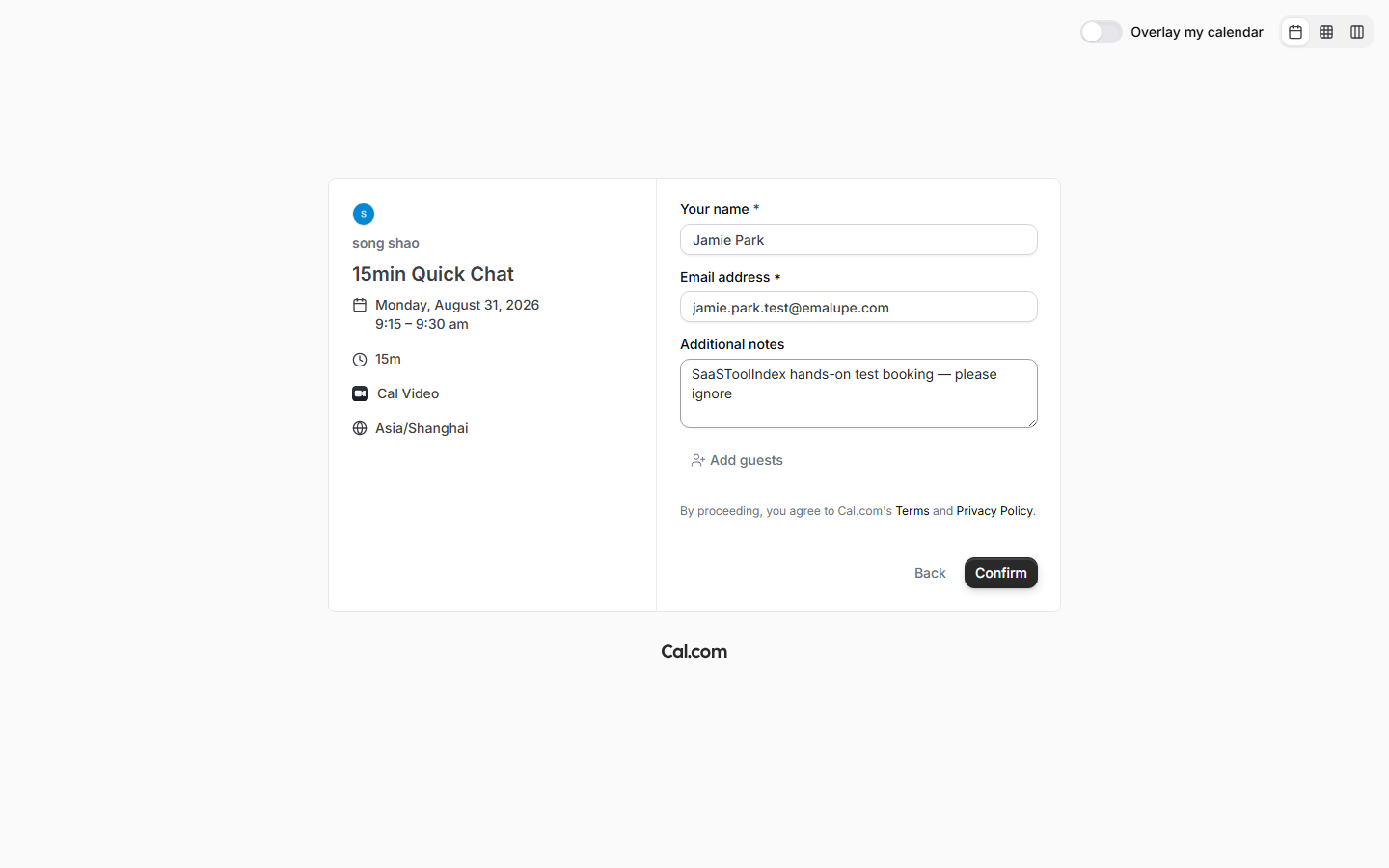
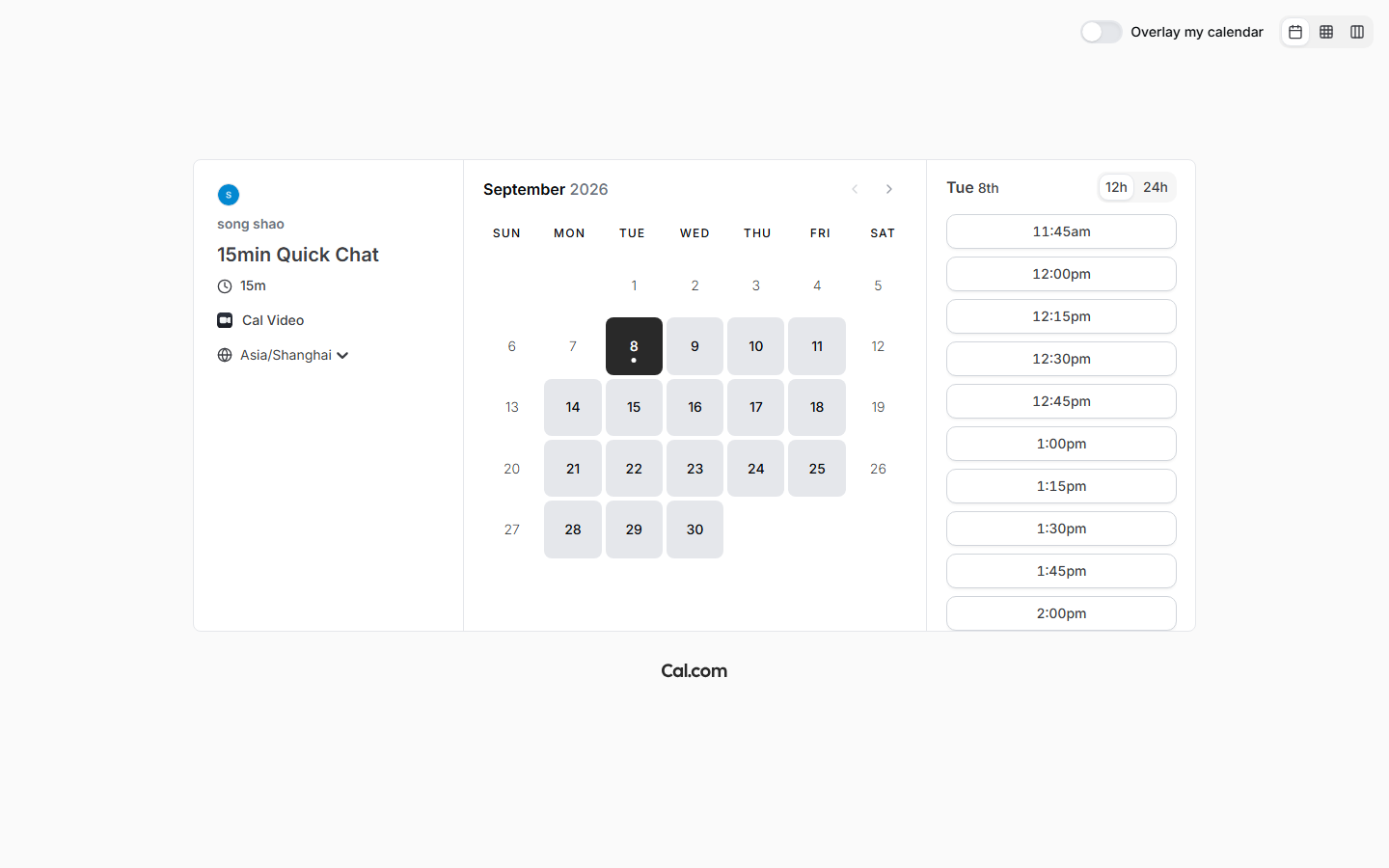
From a logged-out browser we opened the booking page: event title, duration (15m), Cal Video as location, timezone label (Asia/Shanghai), and a live grid of 15-minute slots on Monday morning. We picked 9:15–9:30 am, filled name/email/notes, and confirmed. The visitor was redirected to a success URL (isSuccessBookingPage=true).
Two honesty notes from this run:
- Our first attempt used a made-up email domain and the server refused it: “This email address cannot receive mail. Please use a valid email.” Real validation, correct behavior, easy to miss.
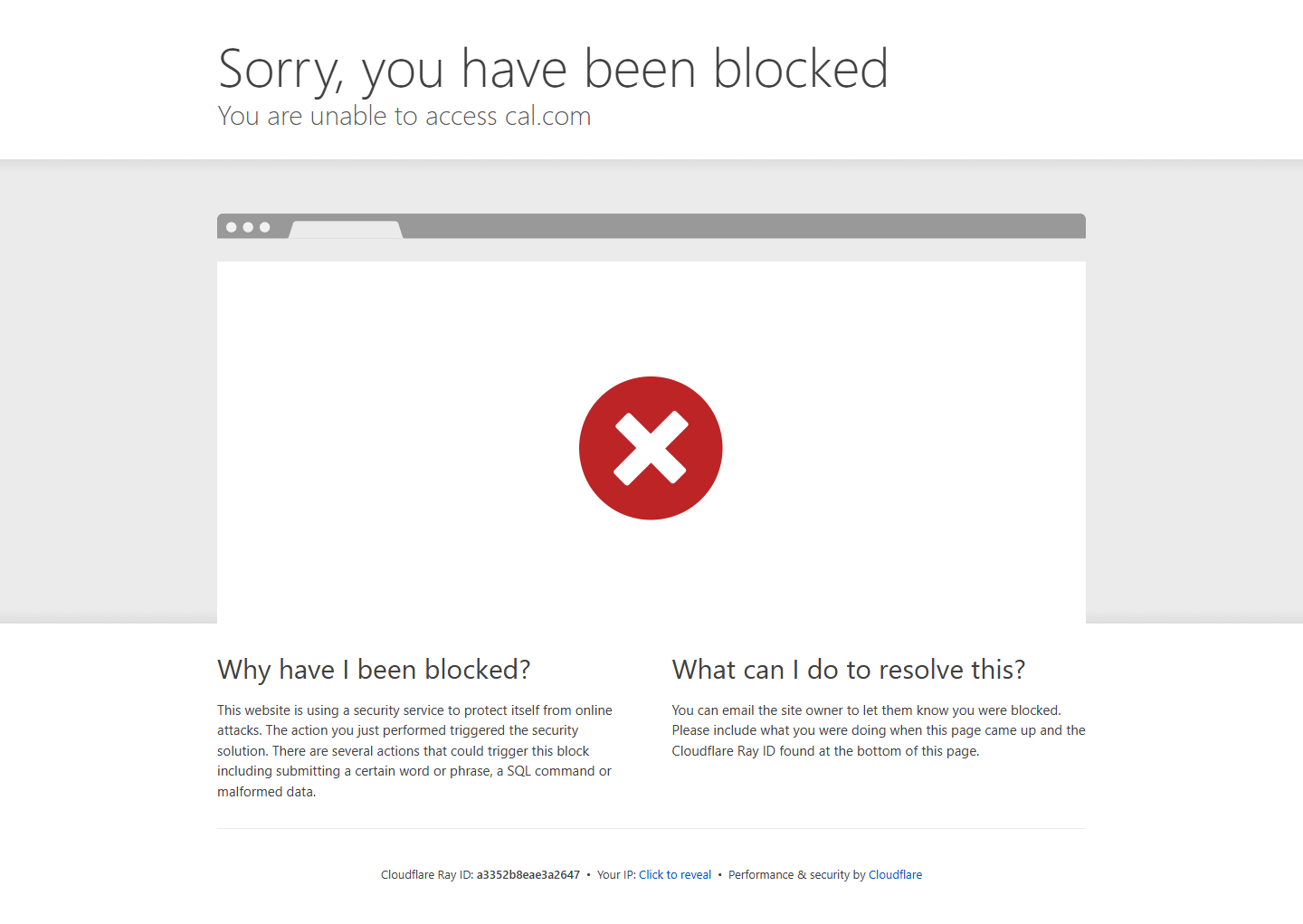
- The confirmation page itself intermittently shows a Cloudflare “Sorry, you have been blocked” interstitial (1 of 2 attempts). The booking was created anyway — the next test proves it — but a visitor who gets that page has no way to know their meeting exists without reloading.
F4 — Did the data actually arrive? And could we cancel it? (pass)
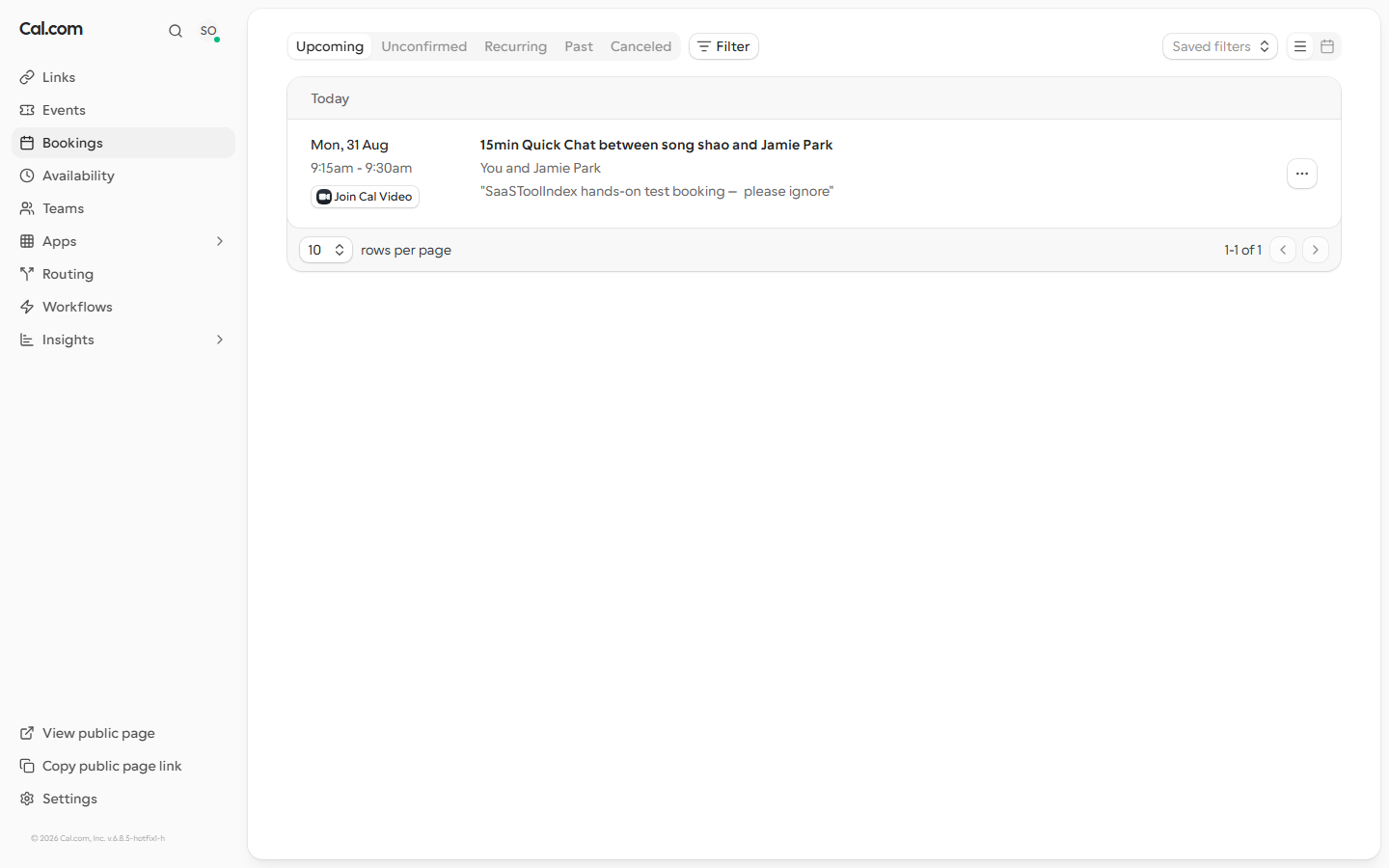
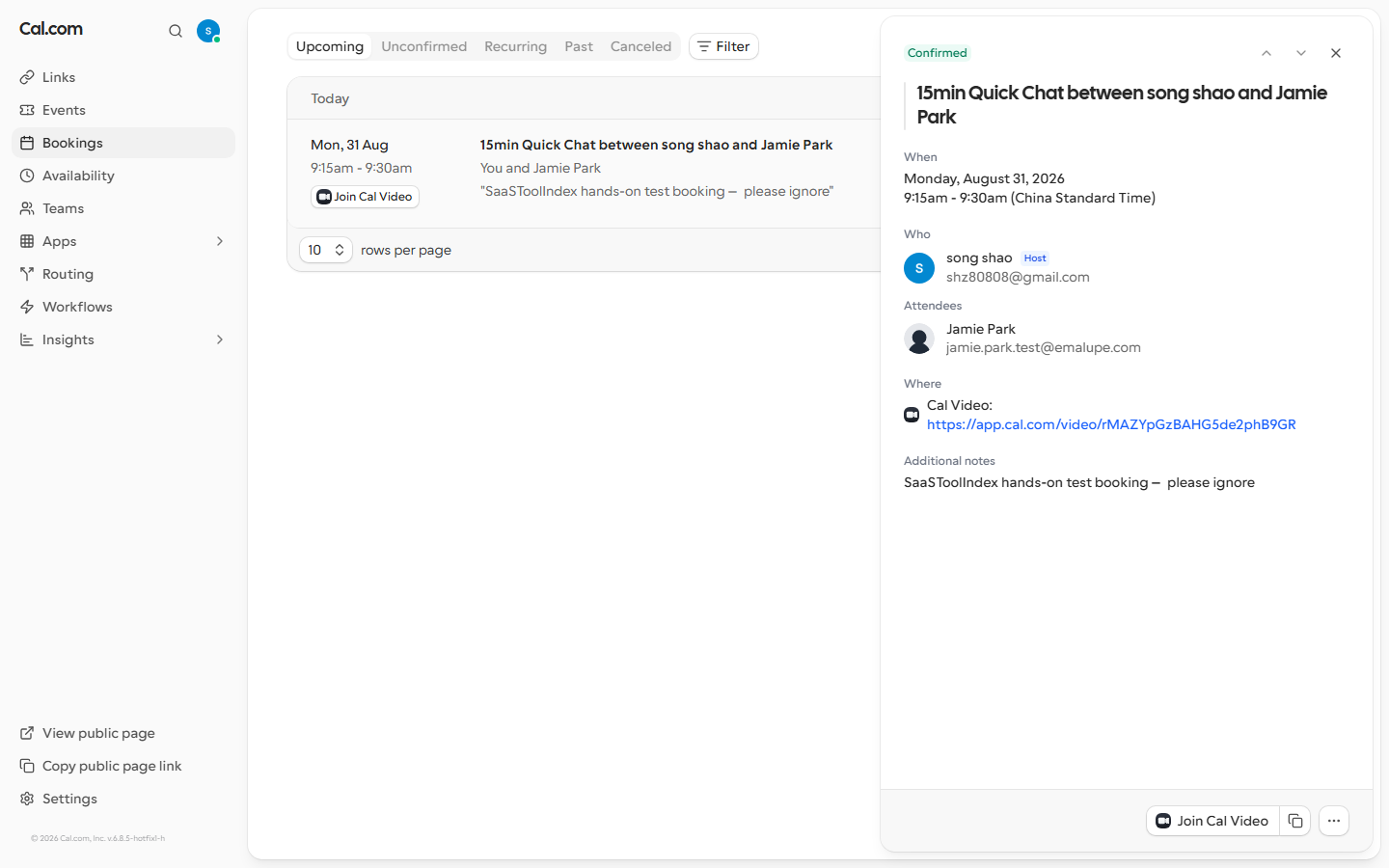
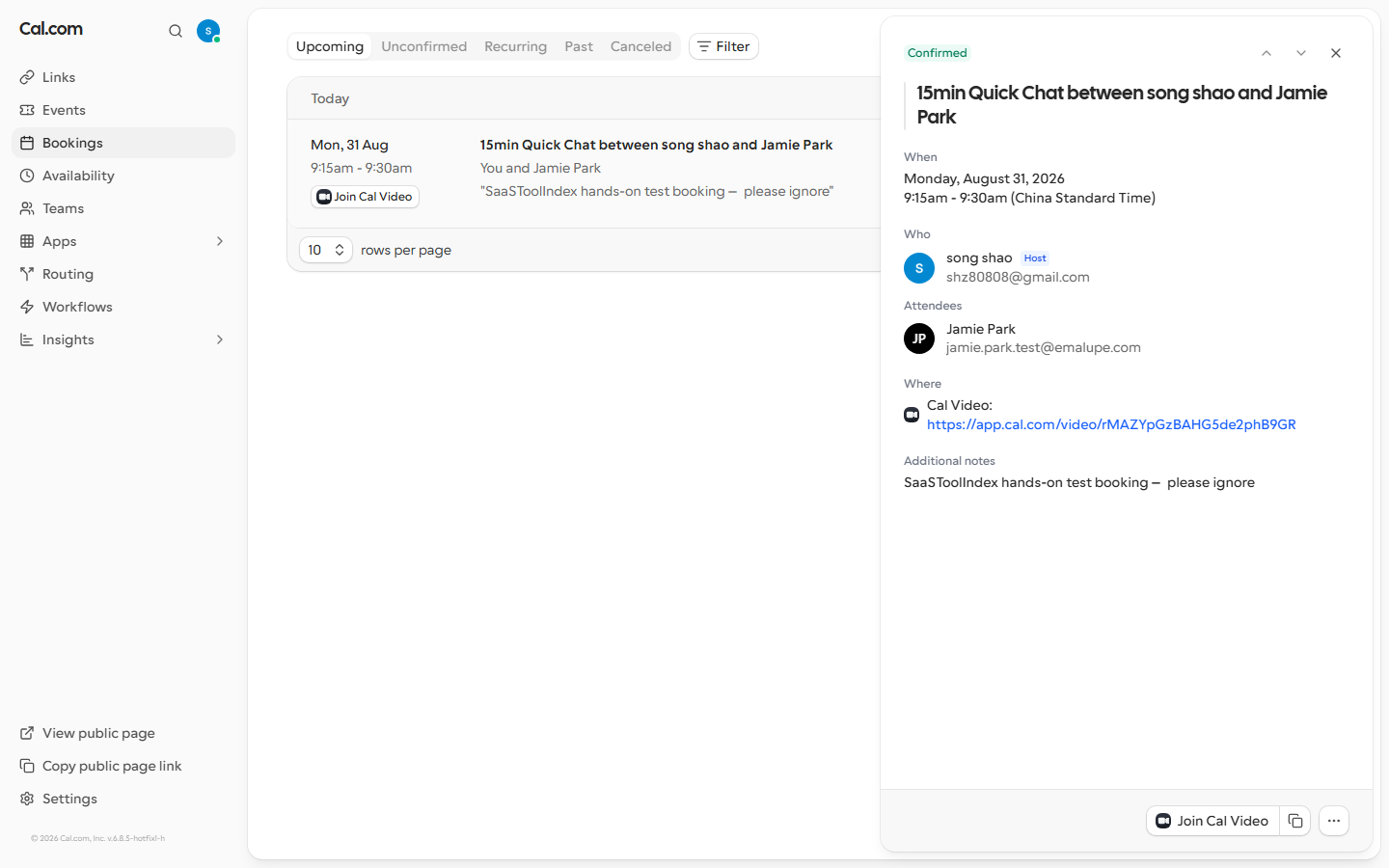
The host’s Bookings → Upcoming view showed the visitor’s booking exactly as submitted: “15min Quick Chat between song shao and Jamie Park — Mon, 31 Aug 9:15am – 9:30am” with the notes text verbatim. Round-trip confirmed.
The first run (Aug 31) could not complete the cancellation flow — the cancel button was not reachable with our selectors in the timebox — so that day’s honest verdict was partial, and the unchanged-list screenshot is still in the evidence index above. We do not silently rewrite results, so both passes are reported.
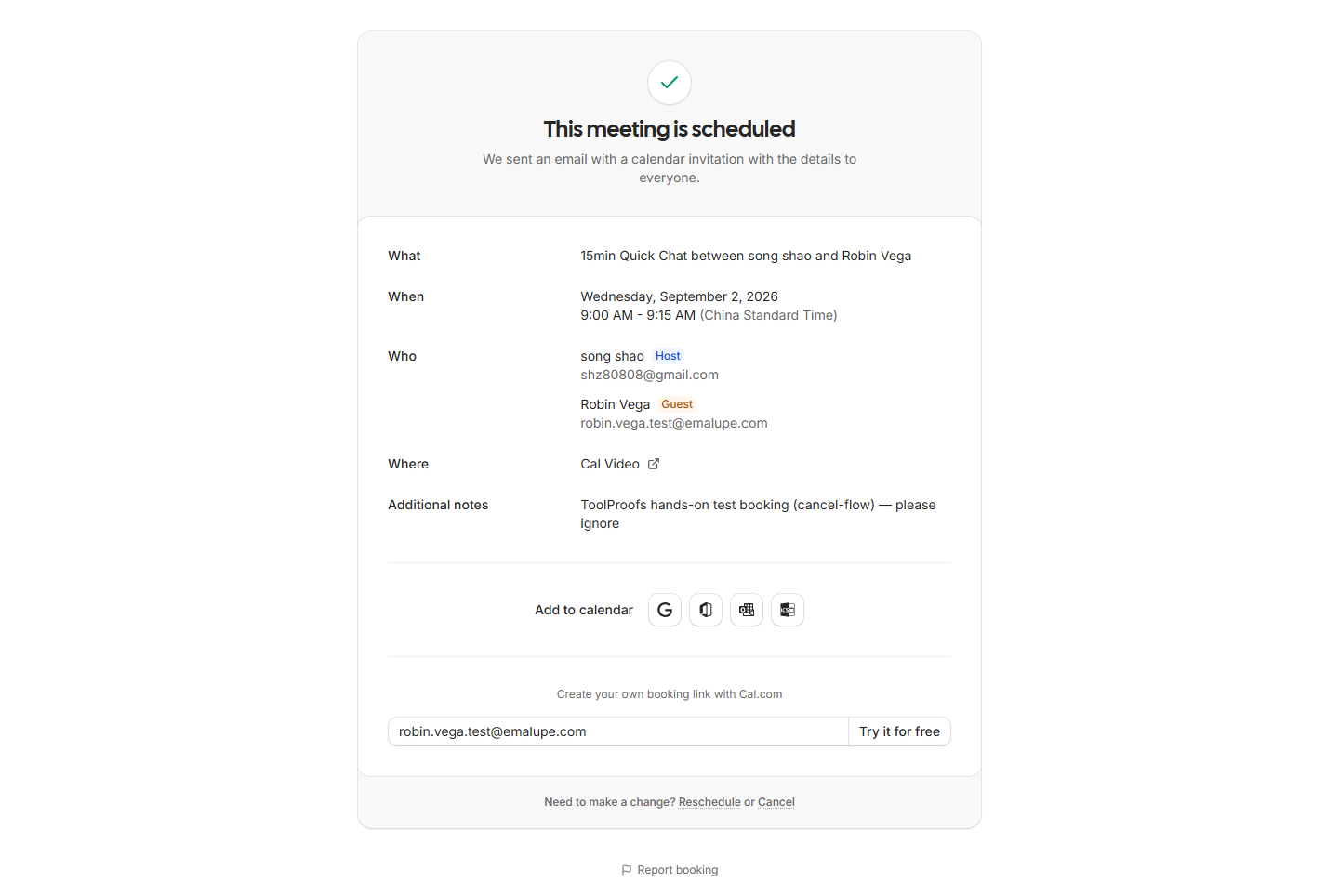
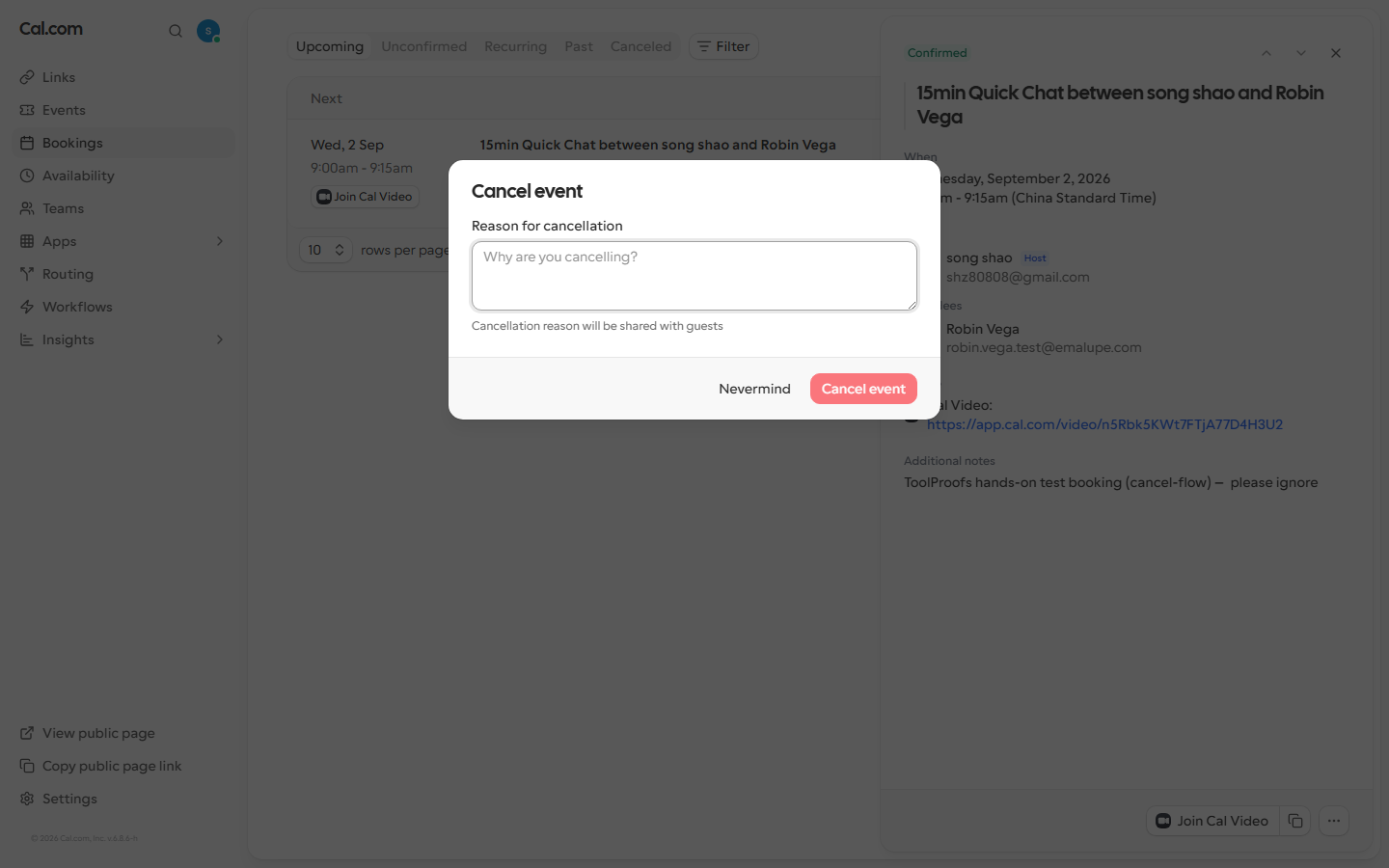
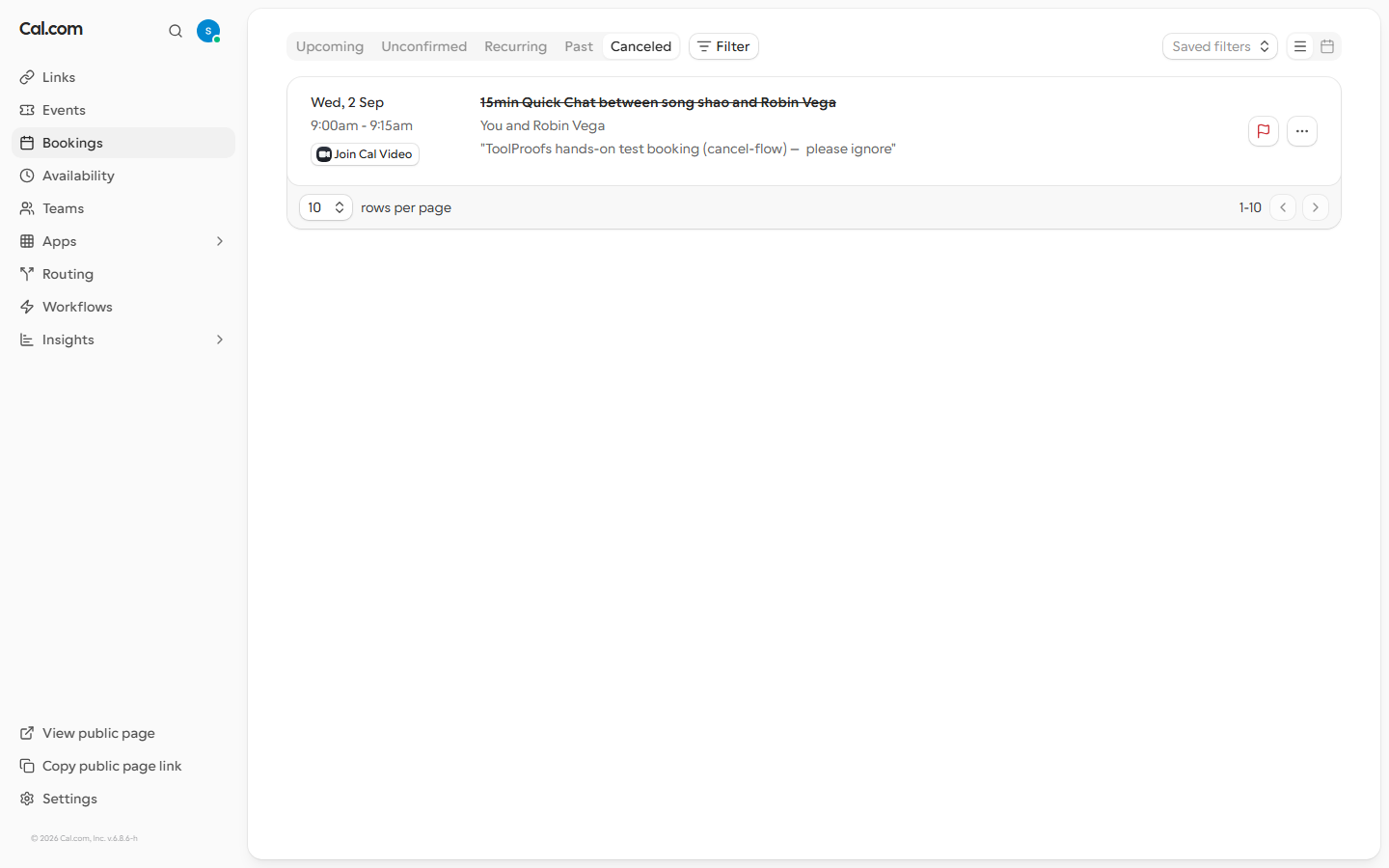
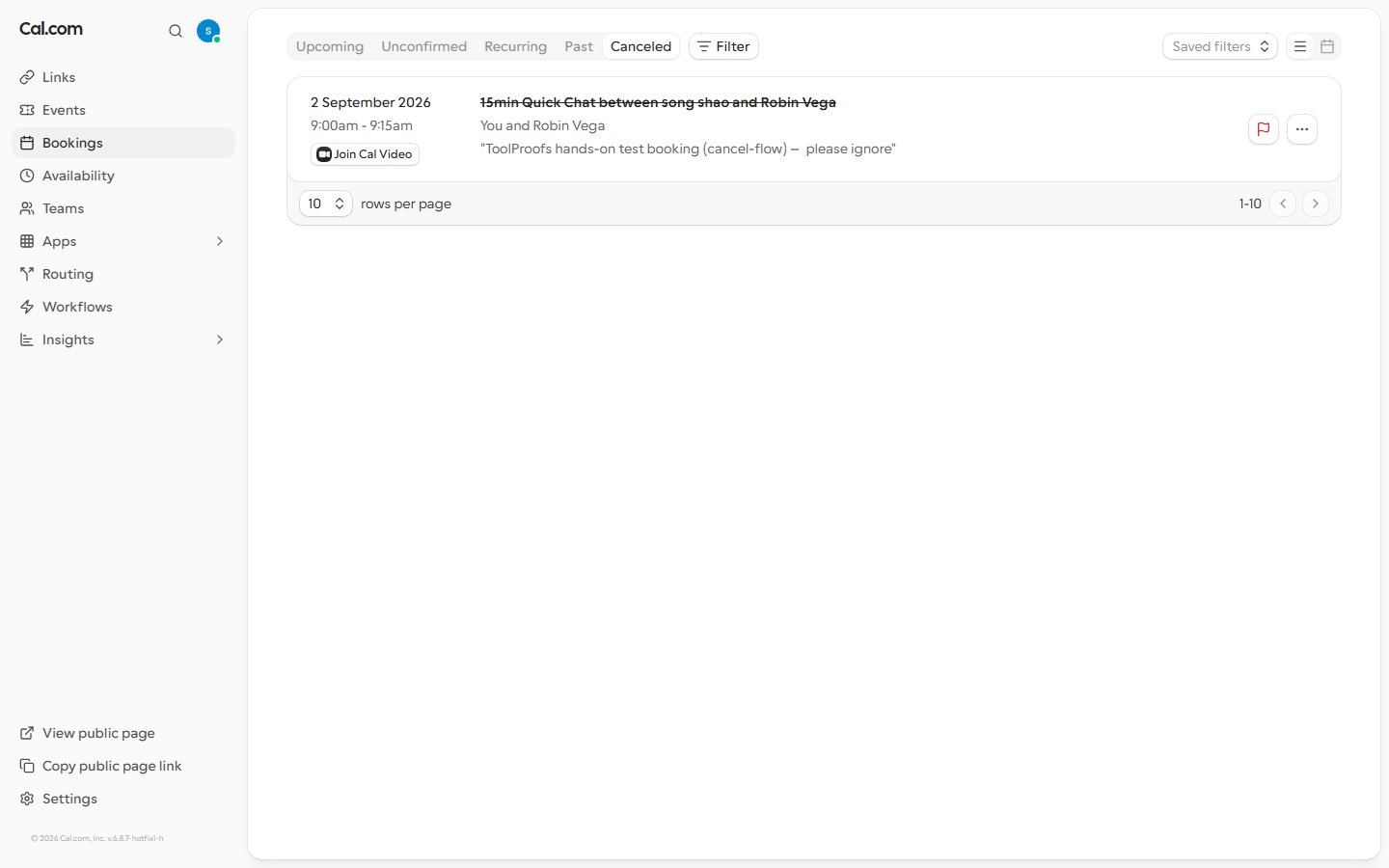
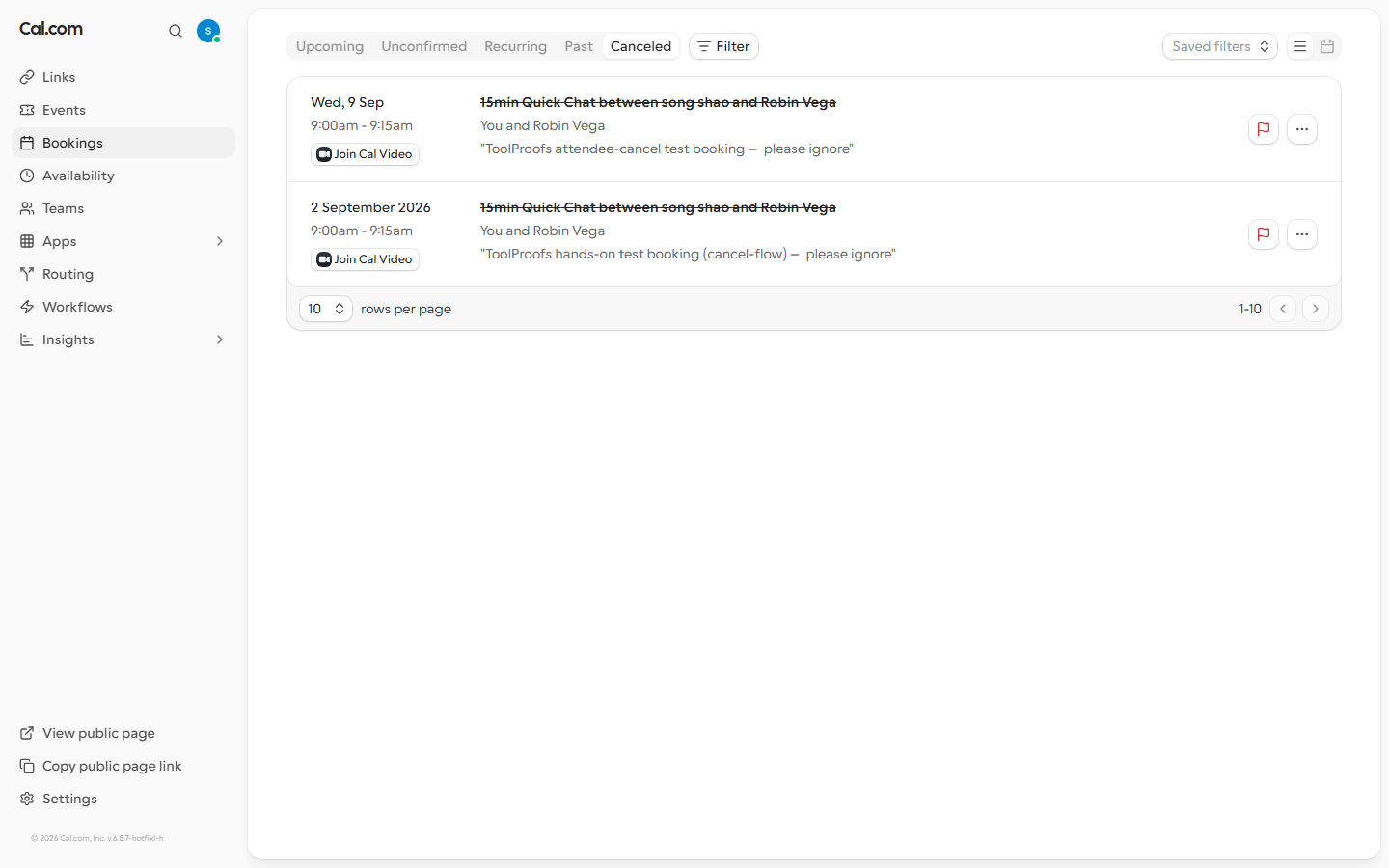
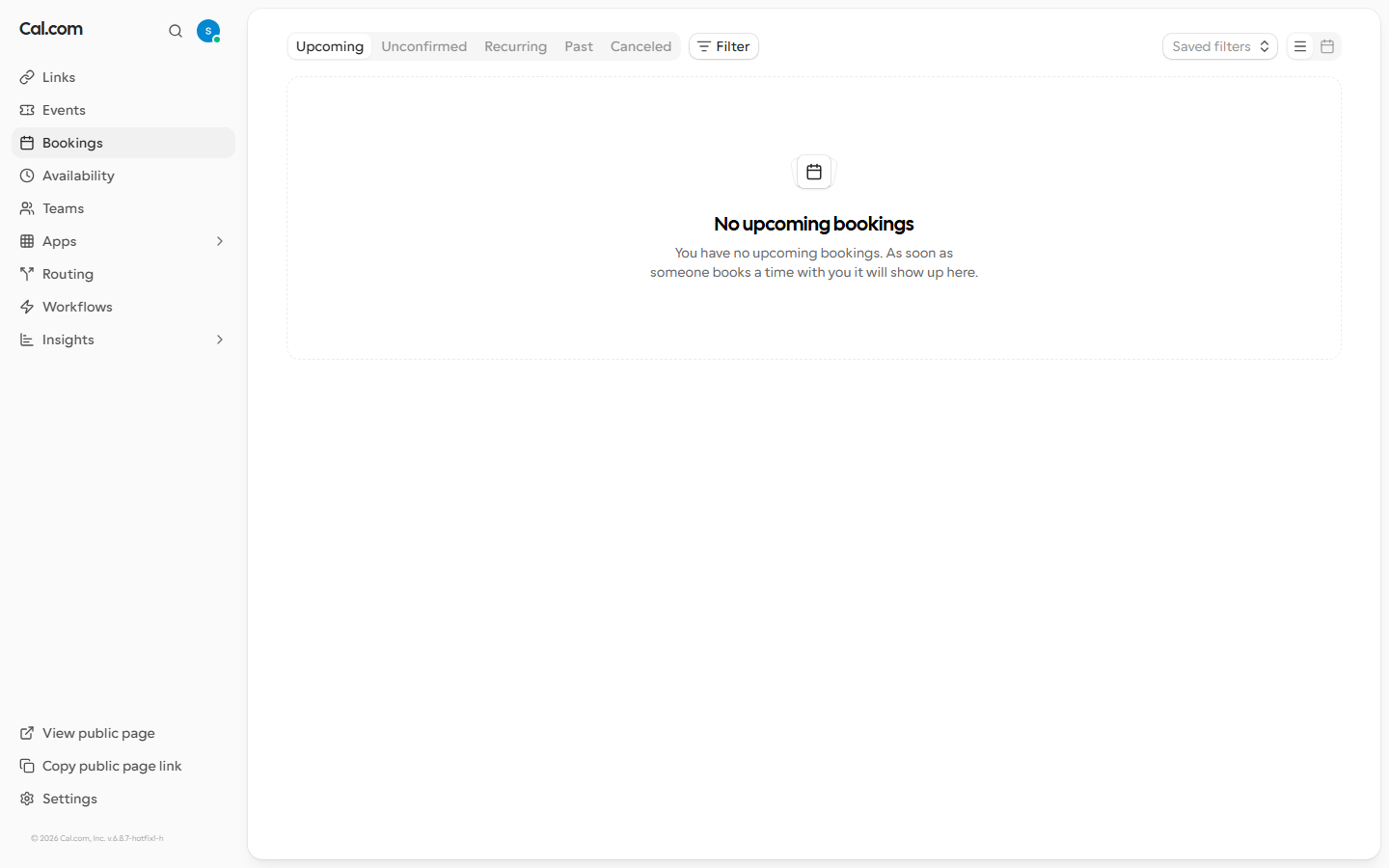
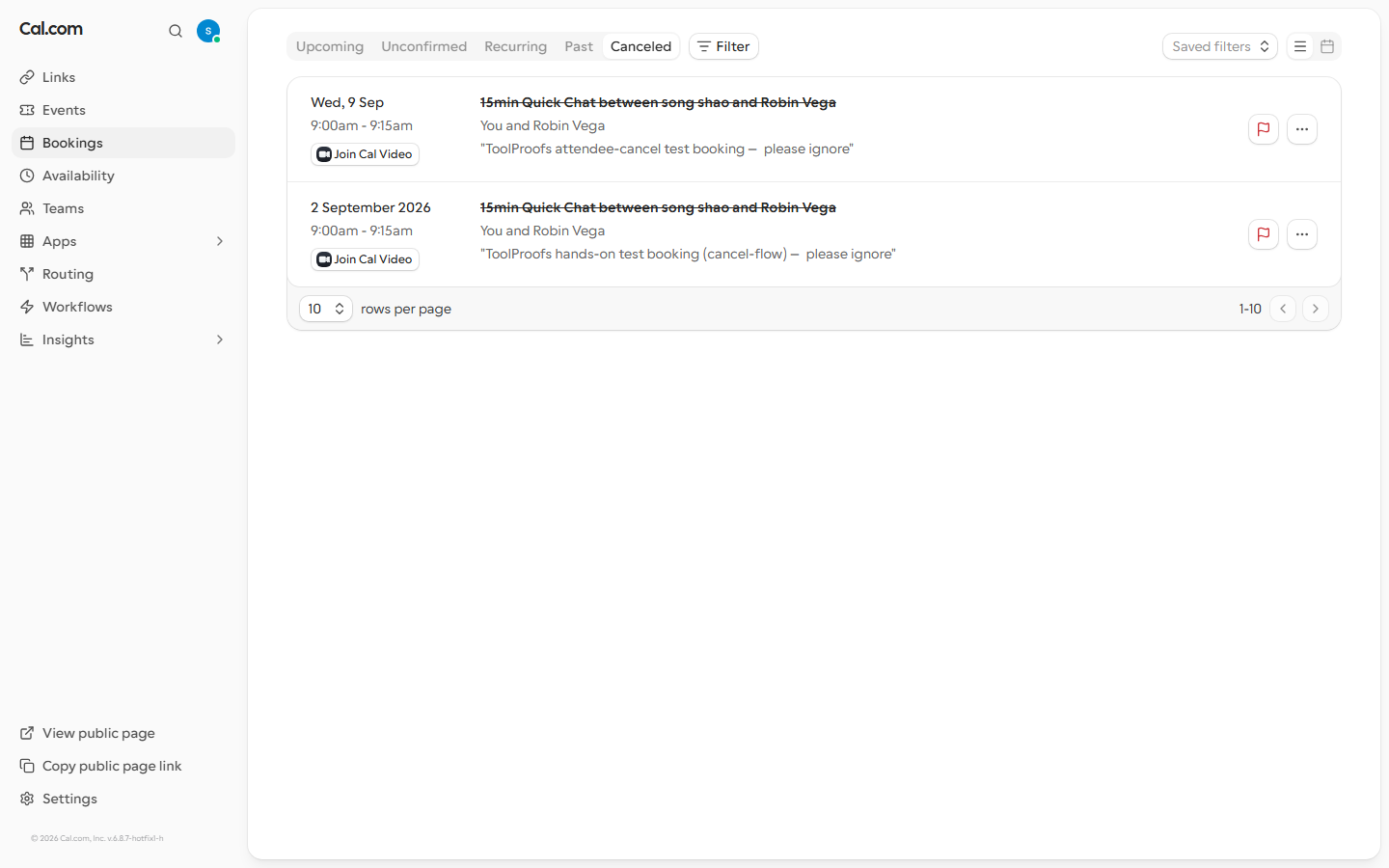
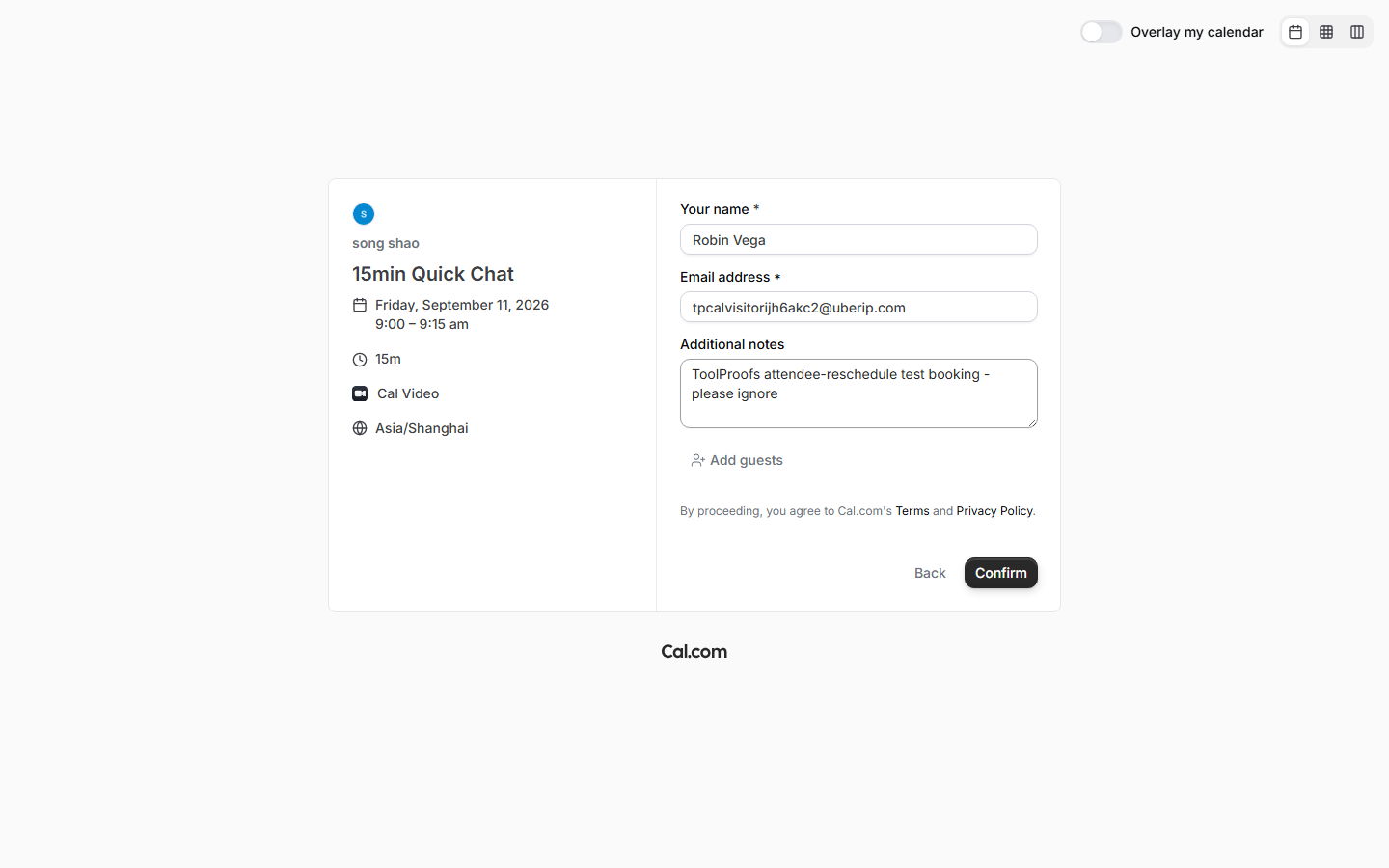
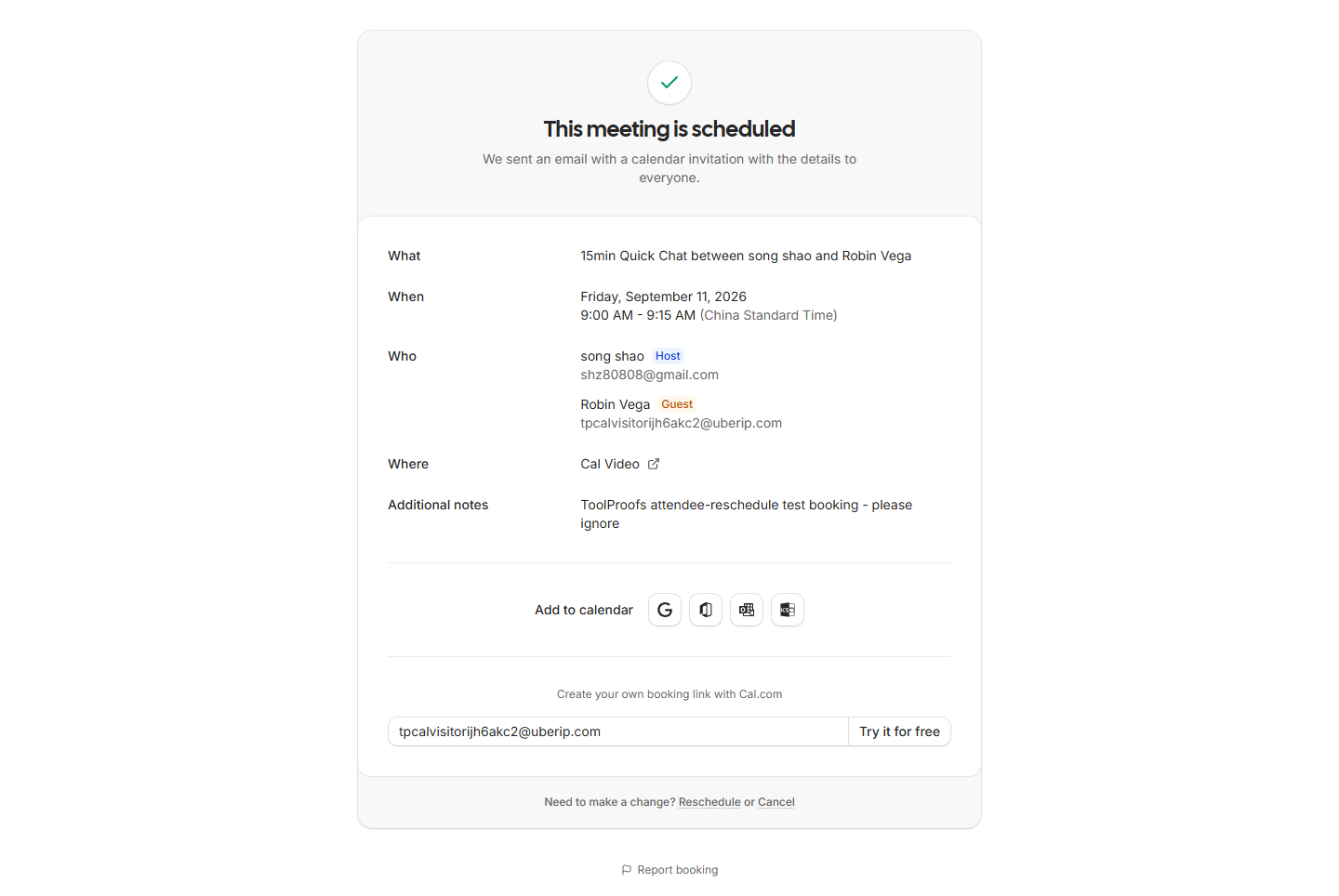
Update, Sep 1 retest (now recorded as pass): we created a fresh visitor booking (Robin Vega, Wed Sep 2 9:00–9:15 am) from a logged-out context and ran the owner-side cancel end to end: Options → Cancel event → reason dialog → submit. The API response we captured reads POST /api/cancel -> 200 {"success":true,"bookingUid":"n5Rbk5KWt7FTjA77D4H3U2"}, the booking disappeared from Upcoming and appeared under the Cancelled tab. A further re-read on Sep 3 confirmed the state held — two days later the booking is still only in Cancelled, so the cancellation is durable server-side state, not a transient UI flip. Full raw captures: eval-ops/runs/2026-09-01-calcom-f4/ and eval-ops/runs/2026-09-03-calcom-f4recheck/.
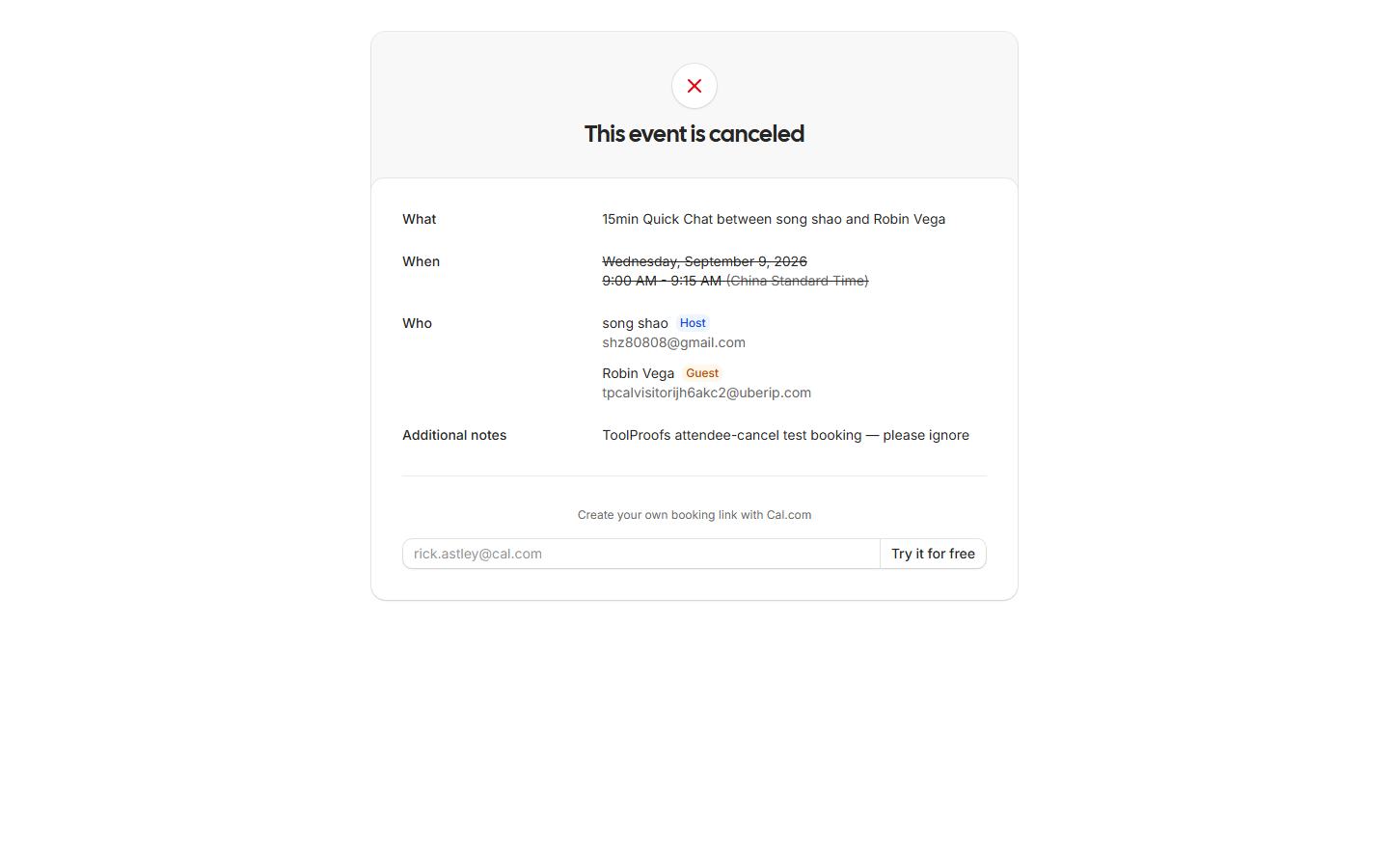
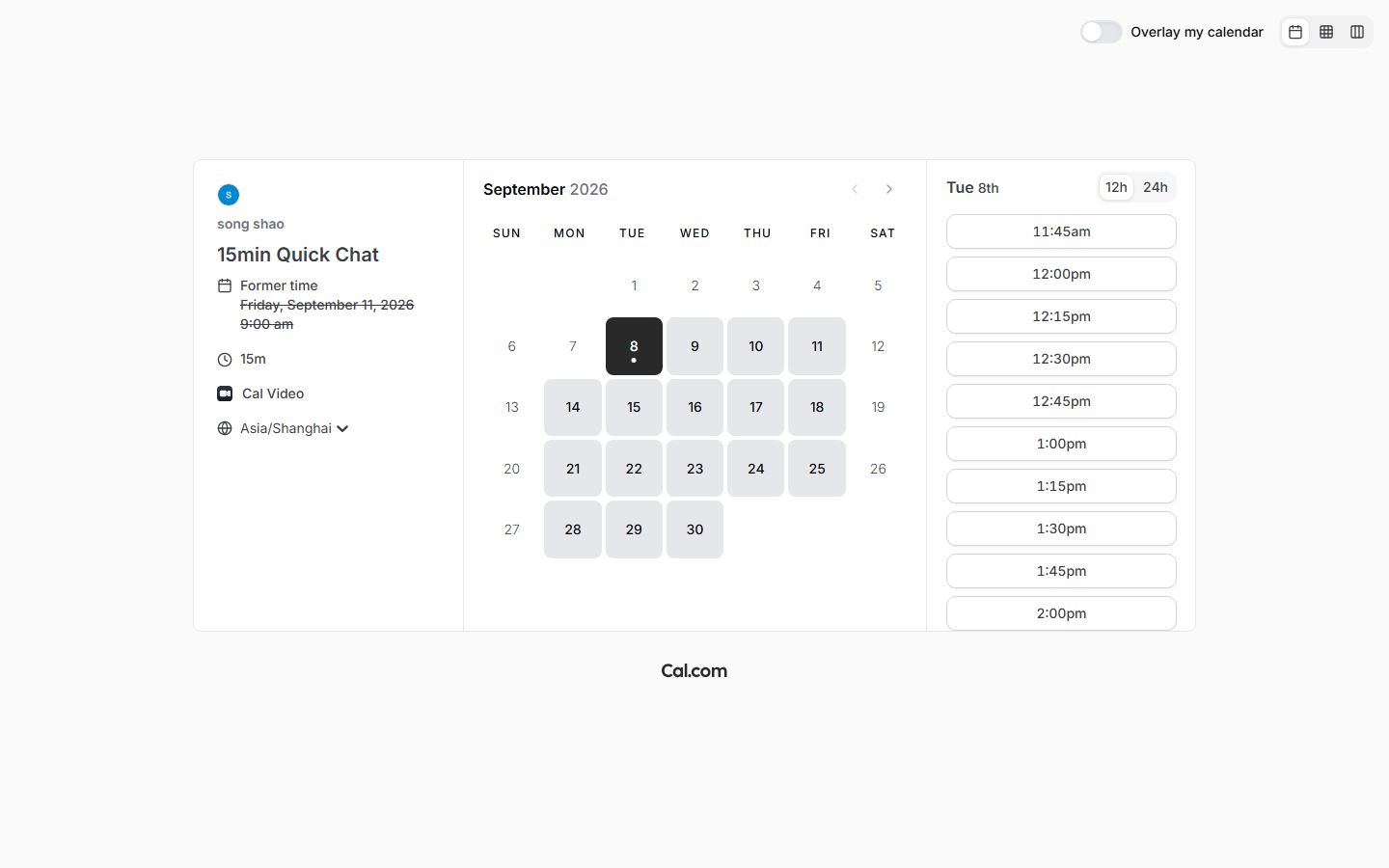
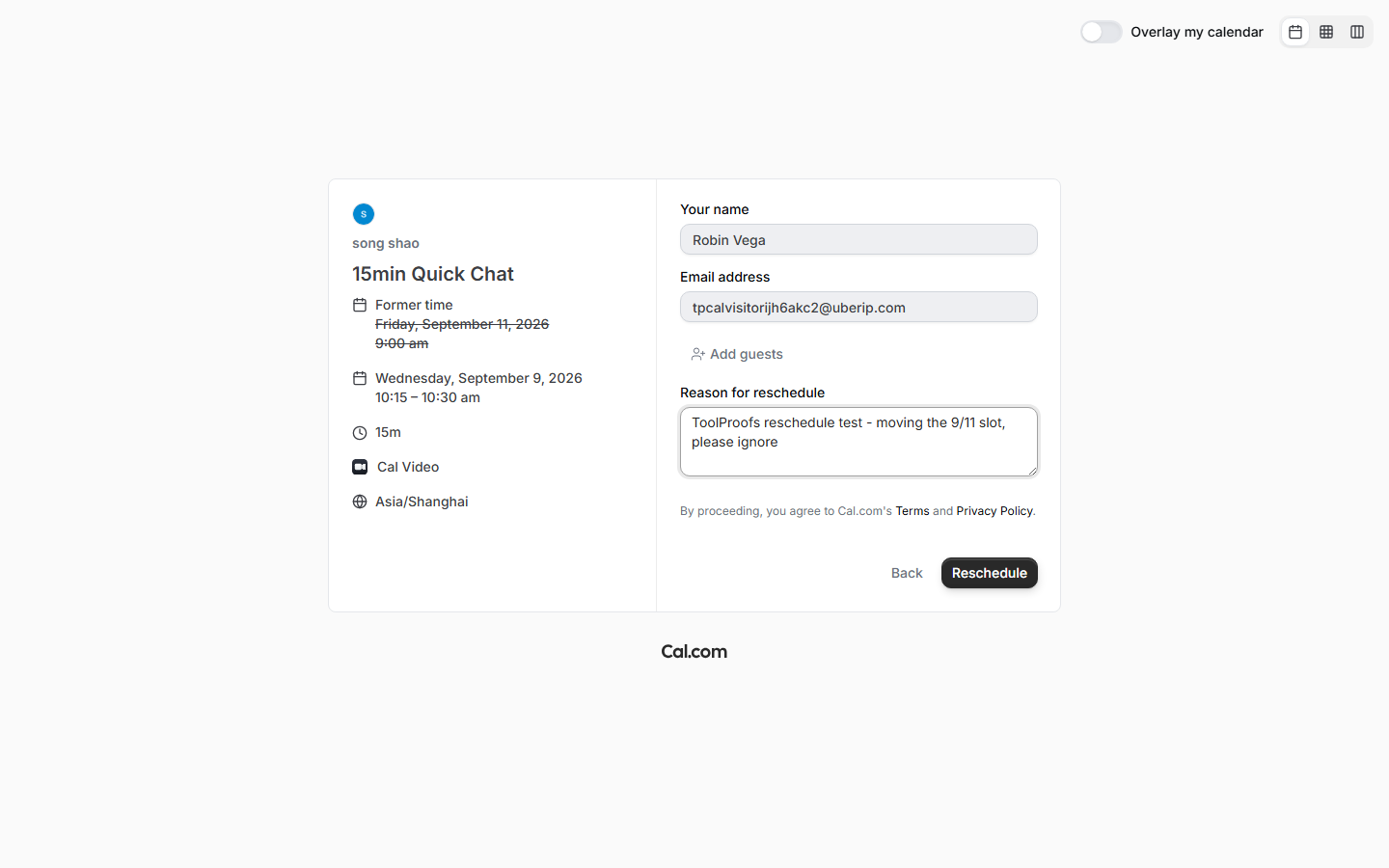
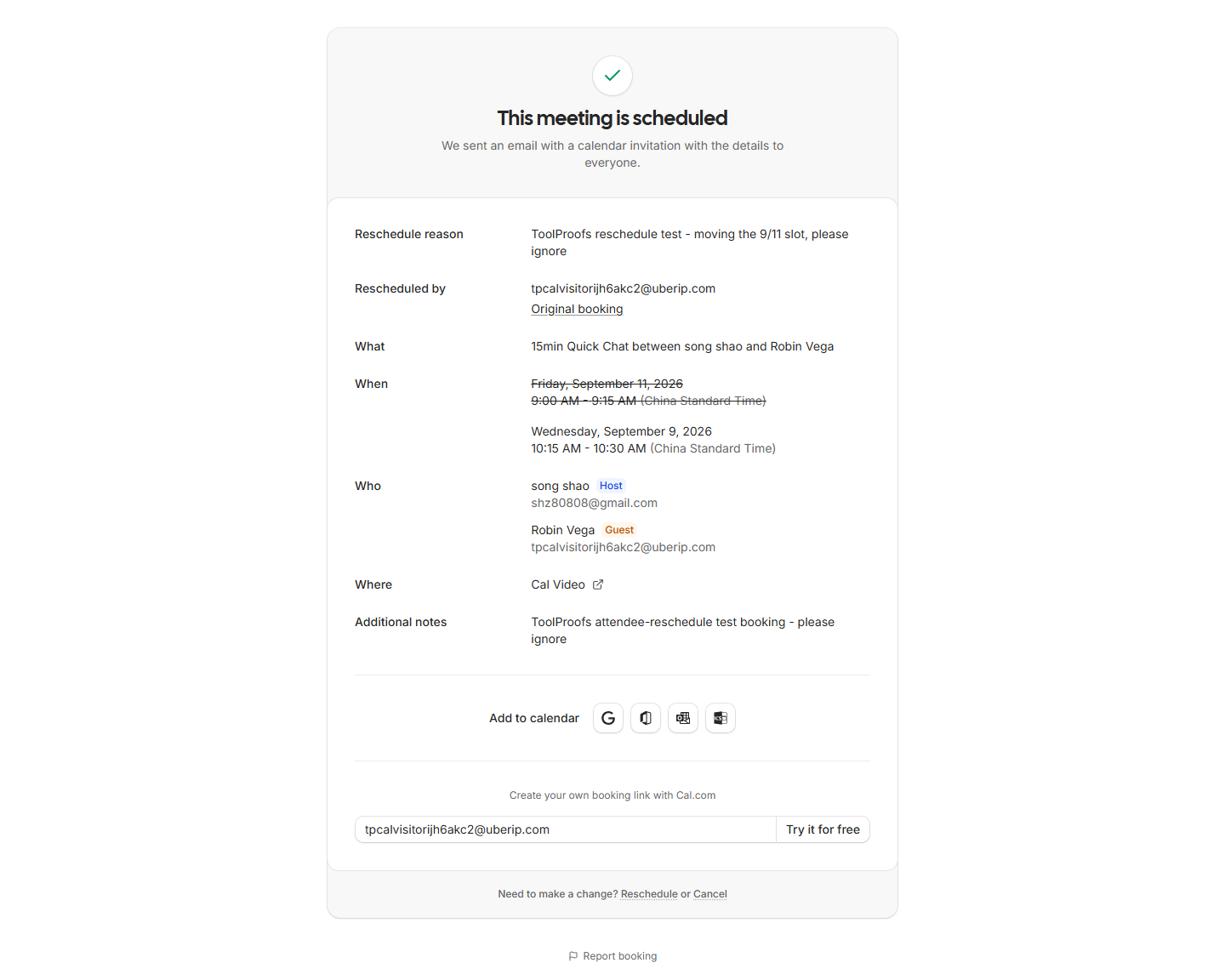
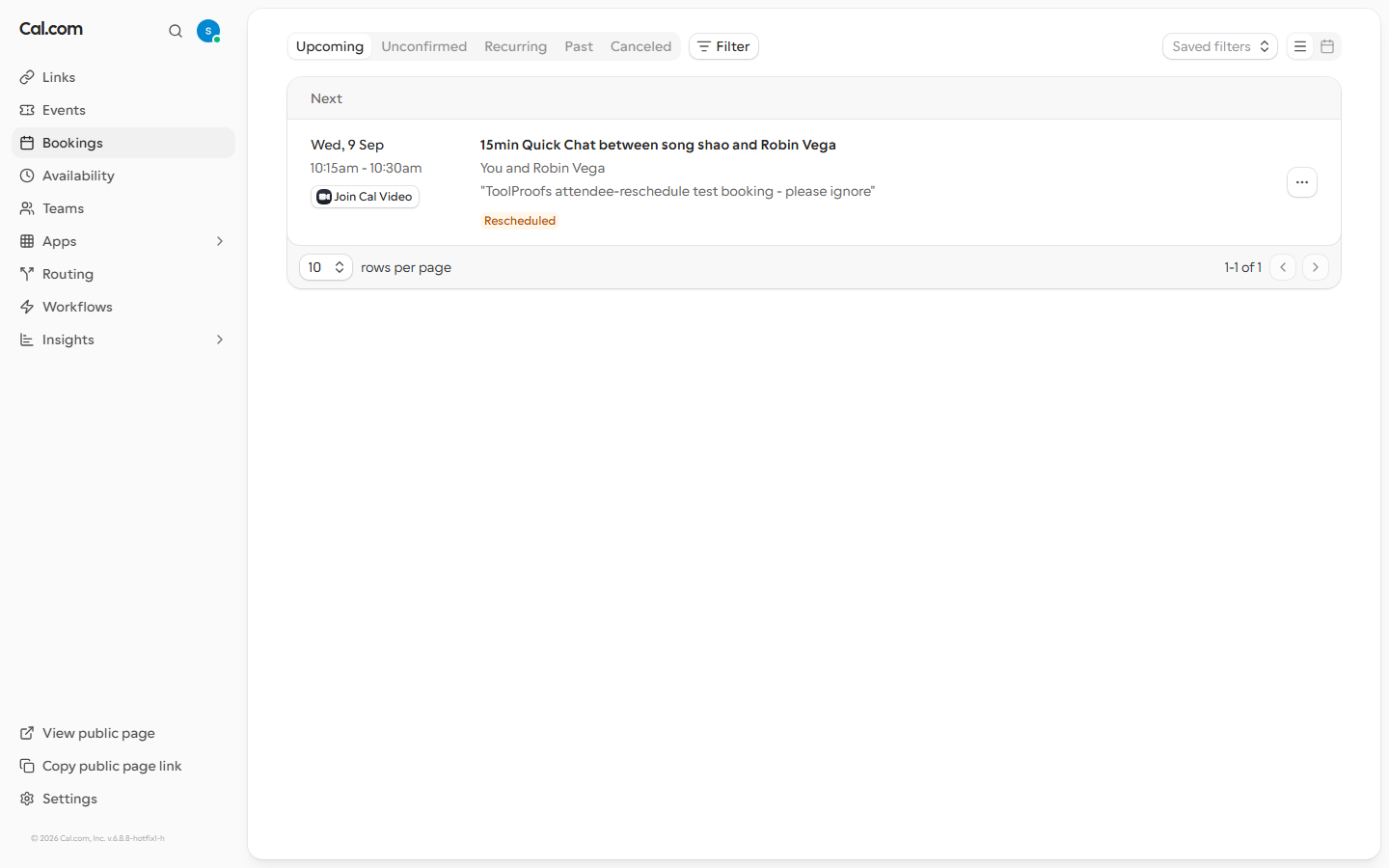
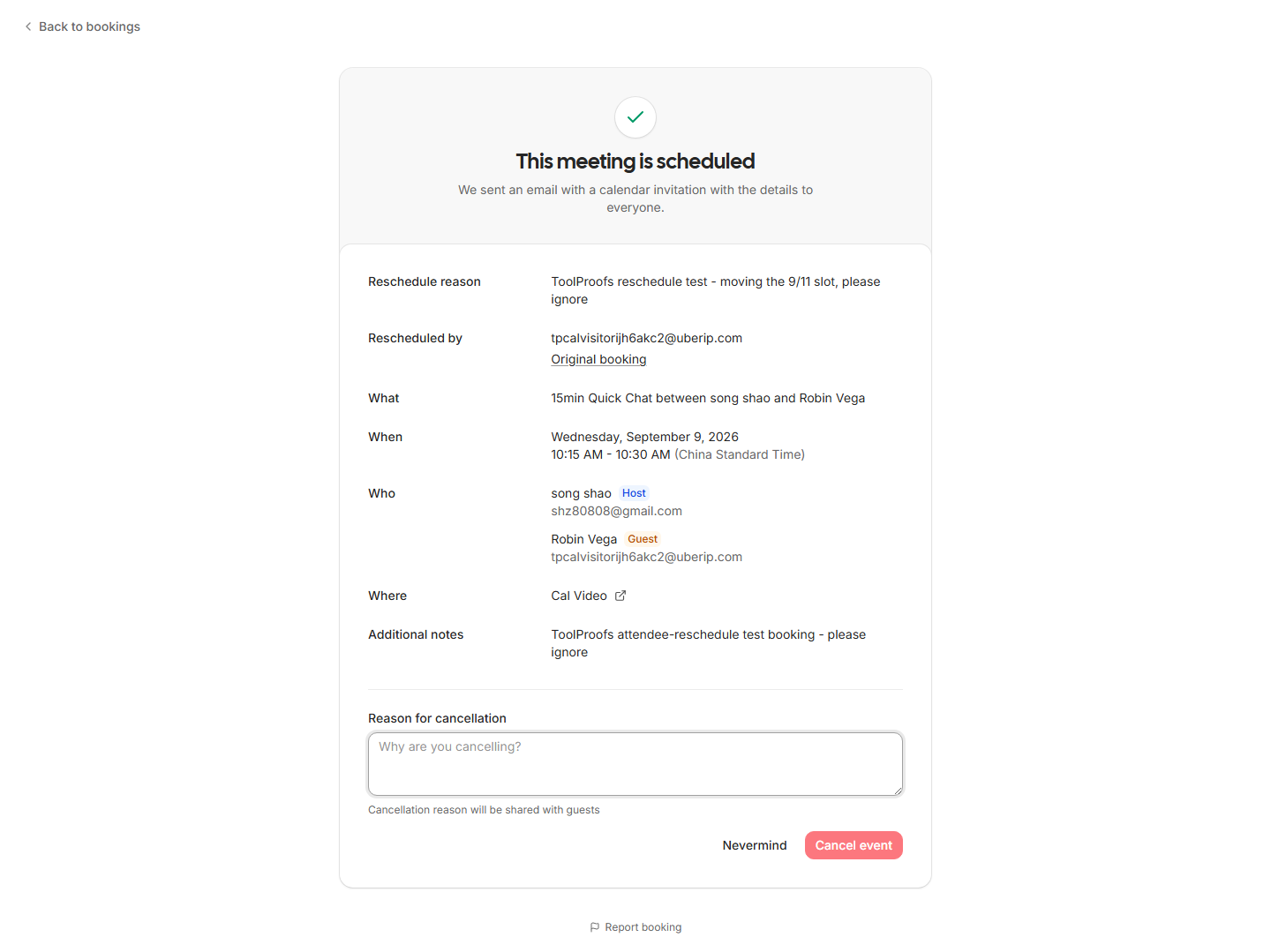
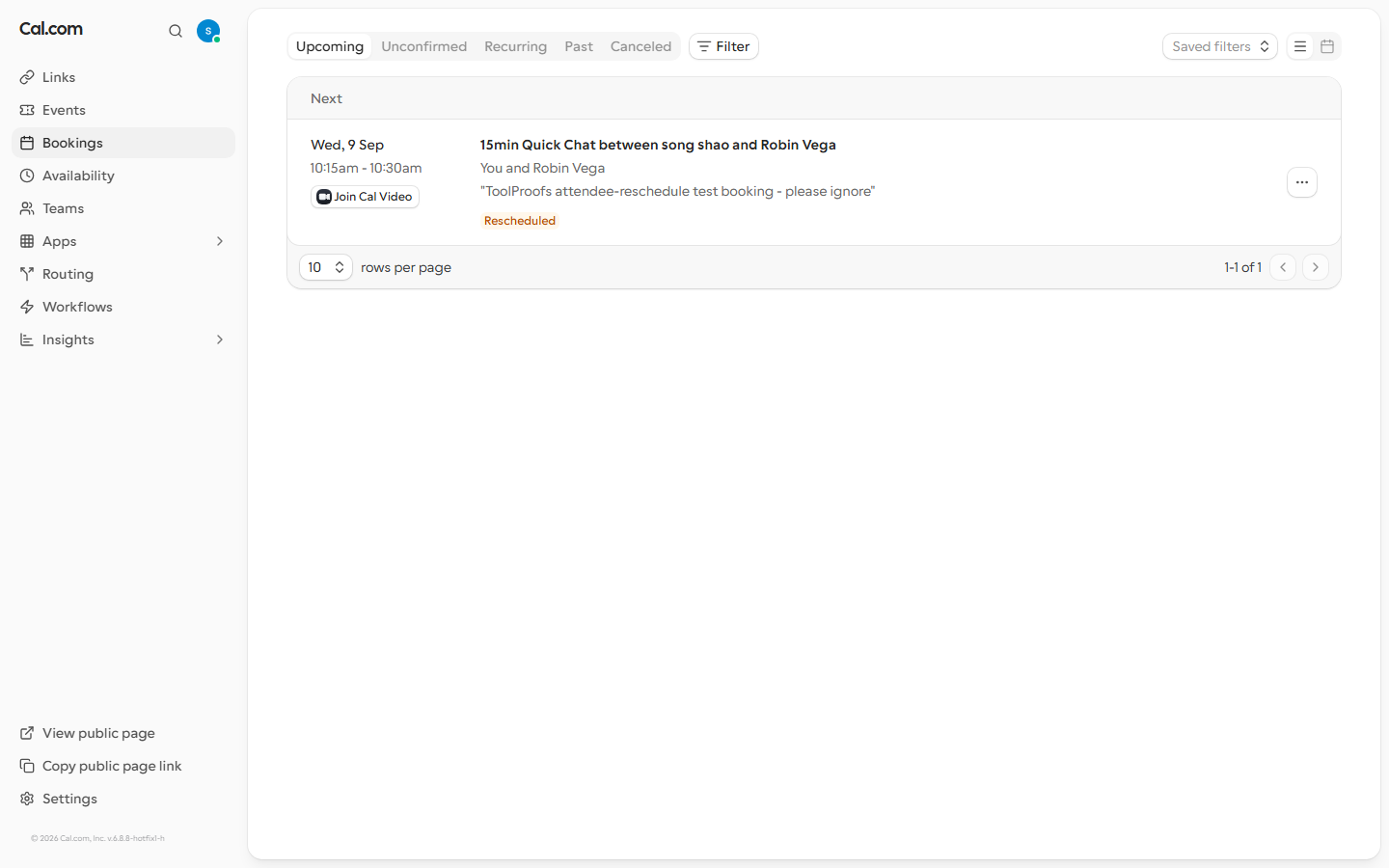
Update, Sep 7 — attendee-side cancel now tested too. Until this run we had only ever cancelled from the host’s logged-in session. We created another throwaway visitor booking (a fresh disposable mailbox, this time with the inbox token saved so the mail would be readable), pulled the confirmation email apart, and followed the two attendee-facing links it carries: a reschedule link (cal.com/reschedule/<booking-id>?rescheduledBy=<visitor-email>) and a cancel link (cal.com/booking/<booking-id>?cancel=true&...&cancelledBy=<visitor-email>). Opening the cancel link in a completely logged-out browser produced "This event is canceled" on the spot — no login, no confirmation step — and the host side agreed: the booking vanished from Upcoming and appeared under Canceled, attributed to the visitor’s email. One practical note for anyone automating mail handlers: the cancel URL arrives HTML-entity-encoded (& in the link); feeding that raw form to a browser silently shows the uncancelled page — decode the entities first (our first attempt caught this). This closes the last cancel-flow gap from our coverage notes. Raw captures: eval-ops/runs/2026-09-07-calcom-f4b/.
F5 — Free plan boundaries (pass)
From the live pricing page, captured 2026-08-31:
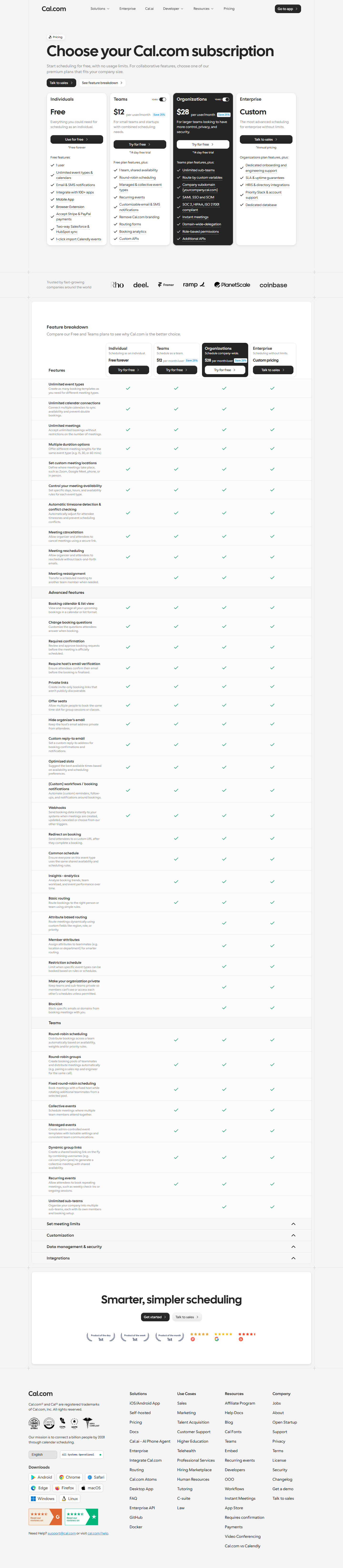
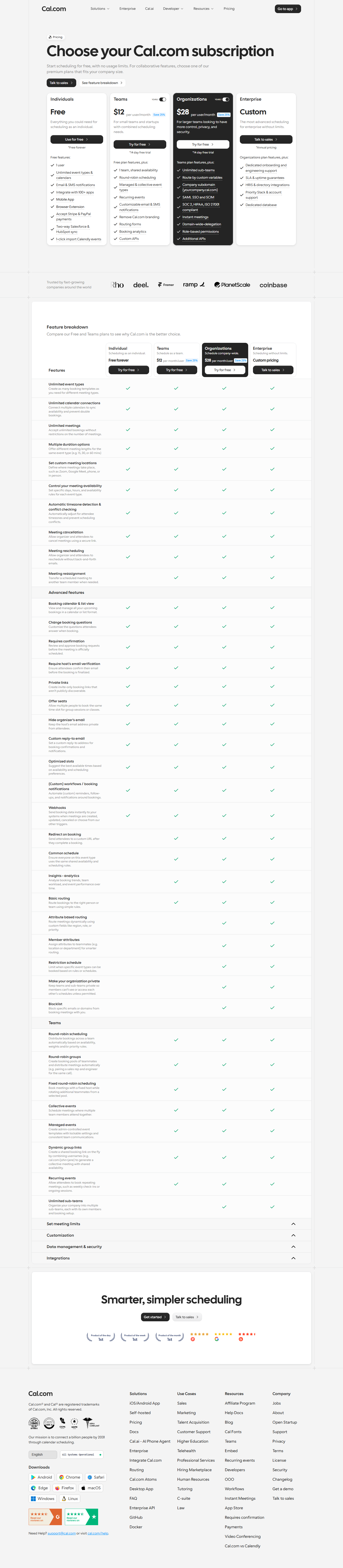
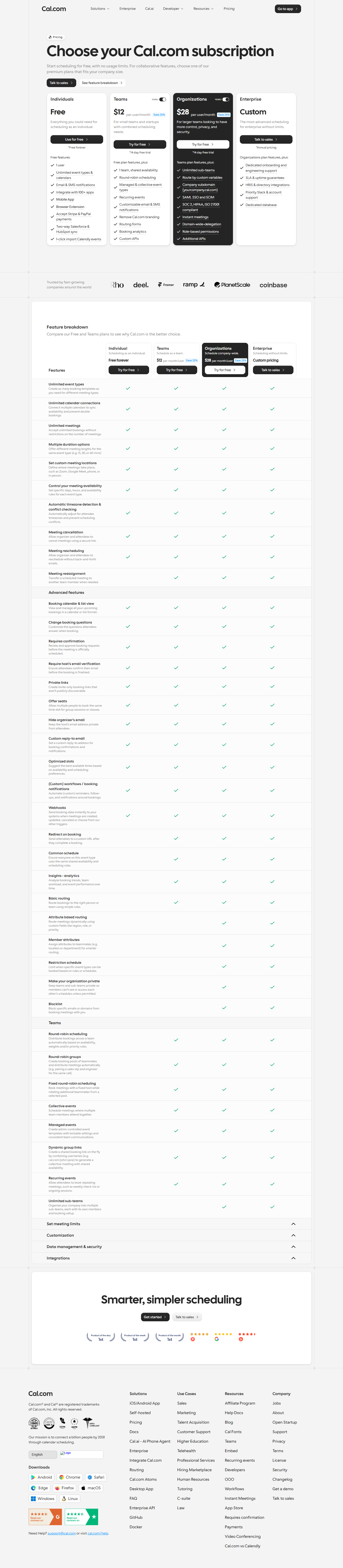
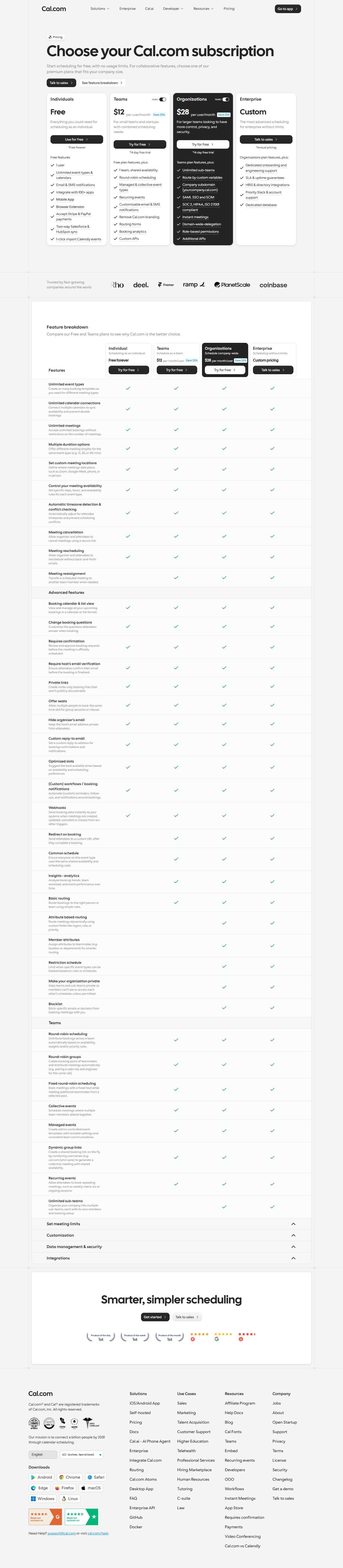
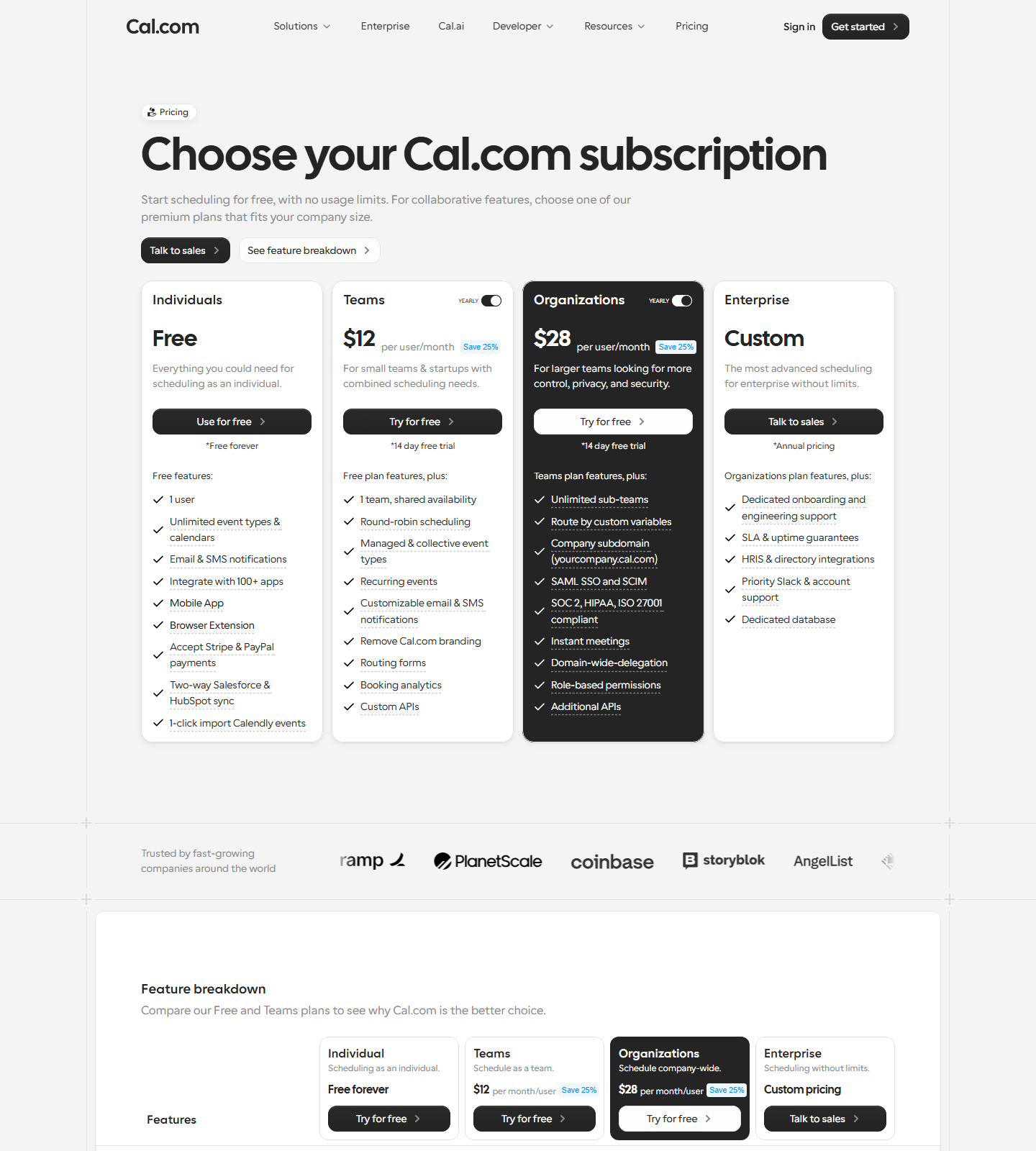
- Free (individuals): “Start scheduling for free, with no usage limits” — 1 user, unlimited event types & calendars, email & SMS notifications, 100+ app integrations, mobile app & browser extension, Stripe & PayPal payments, two-way Salesforce & HubSpot sync, 1-click Calendly import.
- Teams: $12 per user/month billed yearly (Save 25%) — 1 team, shared availability, round-robin, collective events, managed event types, recurring events.
- Unlike Tally, we found no “Powered by Cal.com” badge on the free booking page (checked both rendered text and DOM). Branding removal is listed as a paid feature, but the free page we tested carried no visible badge.
- The pricing page is yearly-only — there is no monthly toggle (the word “monthly” appears nowhere on it), so we could not verify a month-to-month Teams price from the official page.
F6 — Cal Video without any third-party account (pass)
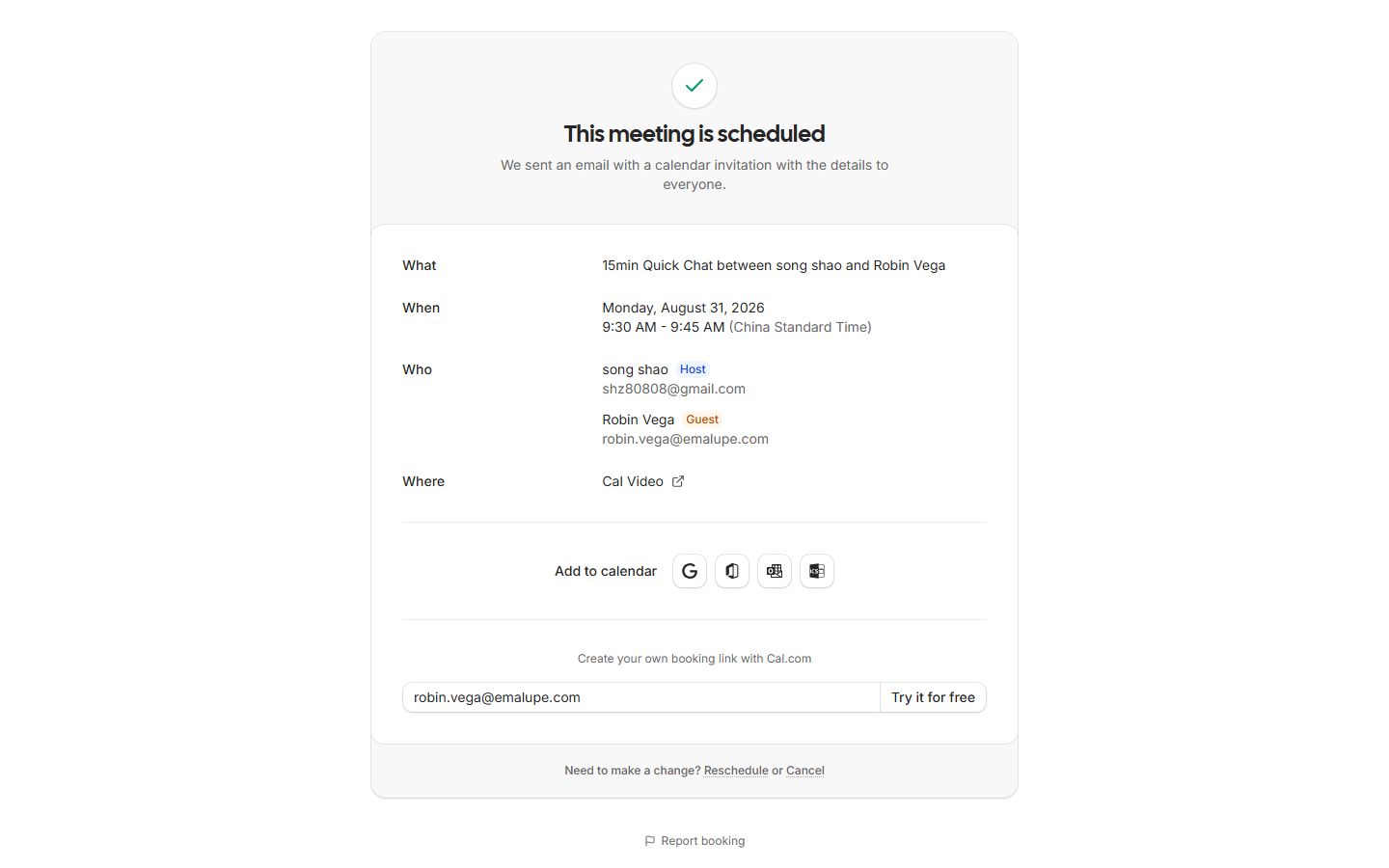
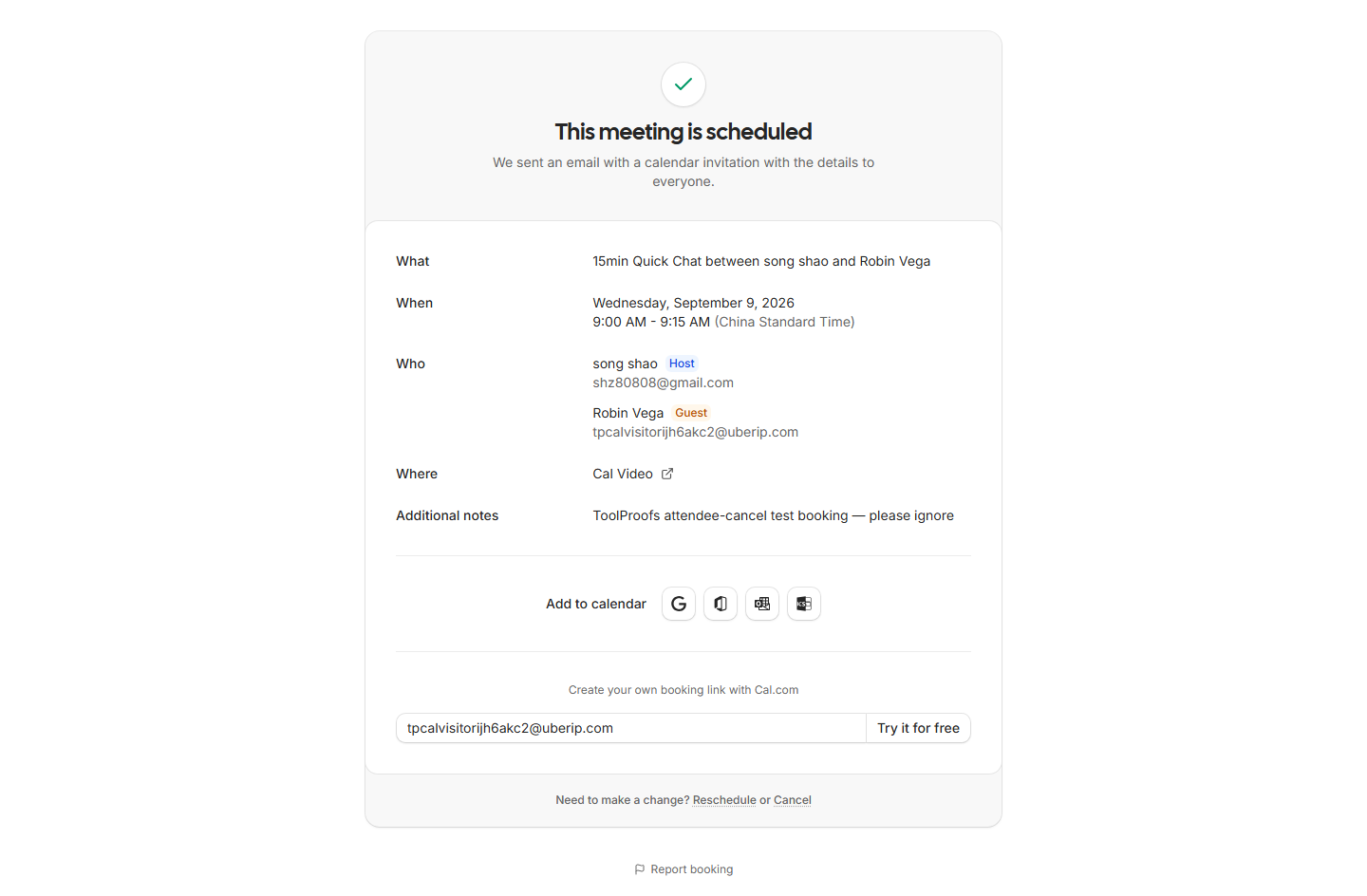
New events default to Cal Video as the meeting location — no Zoom account, no OAuth, no API key. Our second test booking’s confirmation page rendered “Where: Cal Video” plus “We sent an email with a calendar invitation with the details to everyone,” and the join link itself is real: https://app.cal.com/video/8rLW1EFVh9YjpYoeyNux22. The built-in video chain works end to end with zero third-party setup — a concrete advantage over Calendly (paid video on lower tiers) and over Tally’s form-centric world.
F7 — Speed and errors (pass)
Four core pages loaded in 233–1,965 ms (all under our 3s bar). The console recorded 17 failed requests during the sweep; we classified each one: 15 were third-party ad/analytics trackers (Doubleclick, Google Analytics, LinkedIn, OpenAI’s browser SDK) blocked at the network level — our test environment, not a product defect. Only 2 were product-adjacent (a Next.js RSC prefetch that 404’d and a dropped connection), and neither visibly affected function. Cal.com’s own code produced no user-facing errors in our runs.
Issues list
- [medium] Email signup is hostile to automation. Cloudflare Turnstile error 600010 in every automated attempt, including a human click inside the automated window. Google/Microsoft SSO fine. Real users in real browsers won’t notice; scripted onboarding flows will.
- [high] Default duration is 1,440 minutes and the quick dialog’s duration field doesn’t stick. Symptom: a permanently empty booking calendar with no explanation. Fix only exists on the event detail page.
- [medium] Post-booking confirmation page intermittently Cloudflare-blocked (1 of 2 visits). The booking succeeds server-side, but the visitor sees “you have been blocked.”
- [low] Visitor email MX validation returns a correct-but-brief 400 after Confirm.
- [low] No monthly pricing shown anywhere on the pricing page — yearly figures only.
Coverage limits
We tested the free plan only (1 user). Teams ($12/user/mo yearly) and Organizations were not purchased or exercised: team routing, round-robin, workflows, and analytics are unverified. The paid Stripe/payment features are listed free but were not transacted. Both sides of the cancel flow are now covered: owner-side session cancel (Sep 1) and the attendee’s email cancel link, logged out (Sep 7). The attendee reschedule link we verified exists in the confirmation email and is correctly formed, but we did not complete a reschedule end to end.
Cal.com vs the alternatives
- vs Calendly — Calendly’s free plan caps you at limited event types; Cal.com’s free page explicitly says “no usage limits” plus payments tooling (Stripe/PayPal) that Calendly gates behind paid tiers.
- vs Tally — different job (meetings vs forms), same philosophy: genuinely usable free tiers. Our Tally review tested the form side; both use Cloudflare, and interestingly both gave our automation trouble at signup — Tally with a publish gate, Cal.com with Turnstile.
- vs self-hosting (Cal.diy) — as of April 2026 Cal.com’s production code is closed source; the MIT-licensed Cal.diy community edition strips team management, workflows, and analytics. Self-hosters should evaluate Cal.diy on its own, not assume parity.
- vs TidyCal — worth knowing before you pick on “unlimited free tier” alone: TidyCal’s free plan now advertises unlimited bookings and unlimited booking types too (captured 2026-09-30, details on our scheduling alternatives page), so “unlimited at $0” no longer separates the two. Cal.com’s remaining free-plan extras are the built-in video room we actually joined and Stripe/PayPal collection; TidyCal’s free tier instead takes a 1% platform fee on payments it processes.
Verdict anchors (for the score table)
- 5 — core functionality: signup→link→book→confirm→video all on the free plan with evidence
- 4 — ease of use: fastest TTFV we’ve measured, minus the silent 1,440m default trap
- 4 — stability: zero product errors, minus one Cloudflare-blocked confirmation page
- 3 — collaboration: free = solo; team features real but paid, untested
- 3 — i18n: English UI tested; Chinese interface not verified
- 5 — value: unlimited-events free tier with payments included is aggressive
Related guides
More of our Cal.com guides: